As an Amazon Associate, we earn from qualifying purchases. Some links may be affiliate links at no extra cost to you. Although our opinions are based on curated research, we haven't used these products. Articles generated with AI.

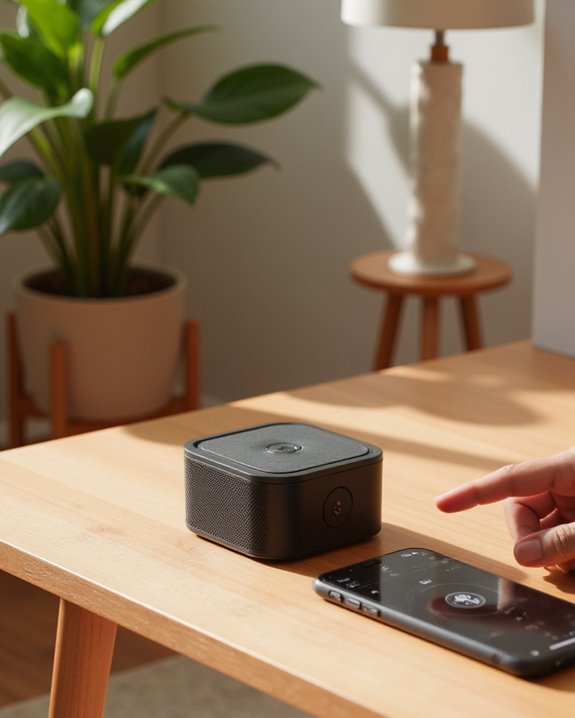
How to Connect a Bluetooth Speaker in 7 Easy Steps

Connecting a Bluetooth speaker requires seven straightforward steps: power on the speaker using its dedicated button, activate pairing mode by pressing the Bluetooth or pairing button, enable Bluetooth on your phone through settings, scan for available devices, select your speaker from the list, verify connection via status indicators or audio prompts, and test the connection by playing audio. These simple steps establish wireless connectivity with excellent sound quality, typically within a 30-foot range. The following detailed instructions cover specific variations across different speaker brands and models.
Key Takeaways
- Power on your speaker by pressing and holding the power button for 2-5 seconds until LED indicators illuminate.
- Activate pairing mode by holding the dedicated Bluetooth button or power button for 5 seconds until lights flash.
- Enable Bluetooth on your device through Settings or quick access menu on iOS/Android.
- Scan for available devices and select your speaker’s name from the list that appears.
- Confirm successful connection when status shows “Connected” and test by playing music to verify sound quality.
Powering On Your Bluetooth Speaker
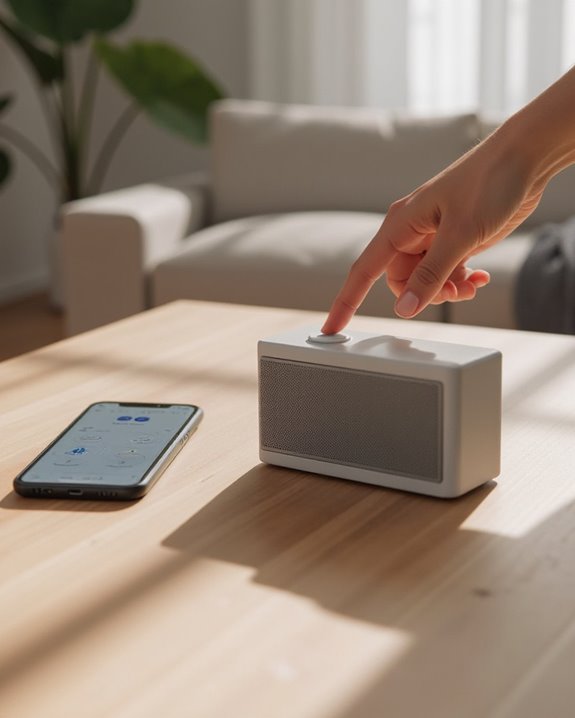
The first step in connecting a Bluetooth speaker involves properly powering on the device. Users should locate the power button, typically positioned on the top or side of the speaker, as specified in the manufacturer’s manual. To activate the speaker, press and hold the power button for approximately 2-5 seconds until confirmation occurs through an illuminated LED indicator or startup sound.
Before attempting to power on the speaker, verify the battery contains sufficient charge, as depleted power levels may prevent proper activation. Once powered on, the speaker will display status indicators, commonly a steady or flashing LED light, signaling operational readiness. Different models utilize various indicator systems, such as blue lights to confirm active status. For specific activation procedures, consult the device documentation, as some speakers require unique button combinations to prevent accidental operation.
To enhance connectivity reliability, many modern speakers incorporate Bluetooth 5.3 for stable pairing after powering on.
Activating Pairing Mode on Your Speaker
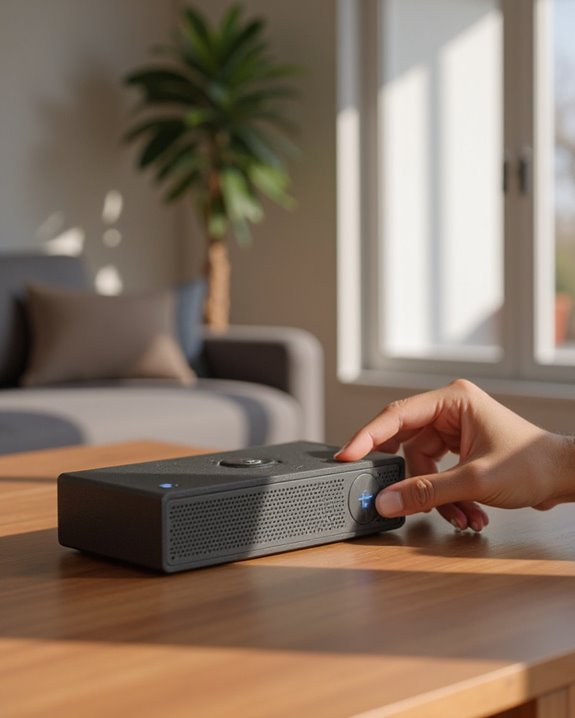
After powering on your Bluetooth speaker successfully, users must next activate pairing mode to establish a connection with their device. Initiating pairing mode varies by model but typically requires pressing and holding the power button for approximately 5 seconds until an LED indicator flashes or an audio signal sounds, confirming the speaker is now discoverable to nearby devices.
Some speakers feature a dedicated Bluetooth button or pairing button instead of using the power button for this function. For example, Aukey SK-30 owners should briefly press the BT button, while Dunk or Helios users need to hold the Play/Pause button for 2 seconds. Once the pairing mode is activated, the speaker broadcasts a signal within close range, allowing smartphones, tablets, or computers to detect and connect to it during this discoverable state.
For professional applications, models like the Jabra Speak 510 UC rely on this step to leverage Bluetooth connectivity for enhanced meeting experiences.
Recommended Products

120W High-Power Indoor and Outdoor Speaker - Provides premium dynamic sound over 4 speakers - 8" woofer, 2" tweeter and two 4" drivers deliver wide-range sound to the front, left and right of the speaker

Extreme Volume & Bass: Pump up the adventure with 105dB of powerful, distortion-free sound — built for the outdoors, whether you're on a boat, at a tailgate, or deep in the backcountry
Enabling Bluetooth on Your Phone or Device
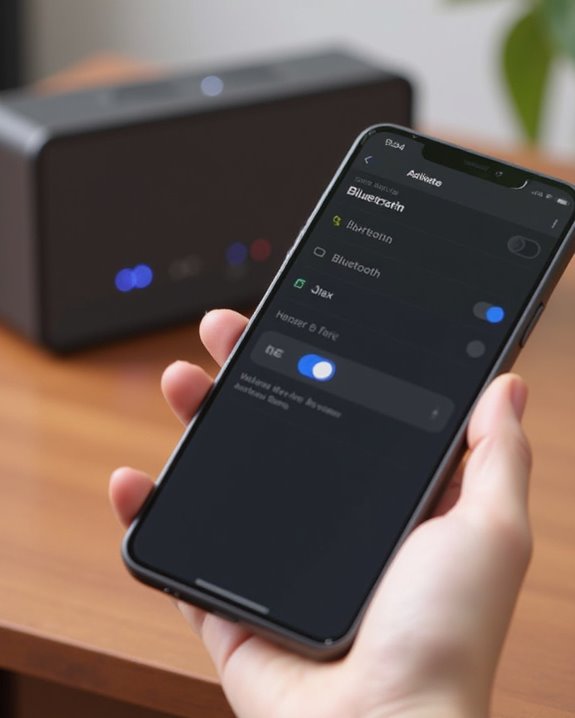
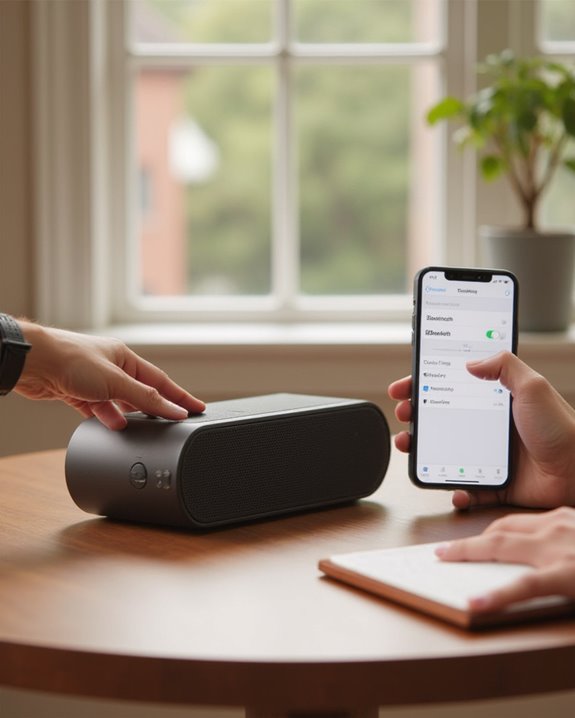
Enabling Bluetooth functionality on your device serves as the critical next step in establishing a successful speaker connection. For iPhone users, this process requires opening the Settings application, selecting the Bluetooth option, and toggling the switch to the on position, which activates the device’s discovery capabilities.
Android device owners follow a similar procedure, accessing Settings and then tapping Connections or Bluetooth before activating the toggle. Both operating systems offer convenient shortcuts for quicker access: iOS users can swipe up to open Control Center and tap the Bluetooth icon, while Android users may swipe down to access Quick Settings for the same function. Once enabled, Bluetooth typically remains active until manually disabled, allowing devices to automatically reconnect to previously paired speakers when within range. If you’re connecting a JBL speaker specifically, our guide on pairing a JBL Bluetooth speaker covers brand-specific steps including PartyBoost and the JBL Portable app.
To optimize connectivity with modern speakers, such as those featuring Bluetooth 5.4, users can enjoy extended range and seamless pairing for an enhanced audio experience.
Recommended Products

Bluetooth 5.4 speakers - The latest Bluetooth 5.4 technology ensures seamless connectivity and instant pairing. These wireless speakers provide faster connection speeds, more stable signal transmission and lower power consumption, making them compatible with smartphones, computers and MP3 players. With wireless range up to 33 feet, you will enjoy fast, stable audio streaming anywhere. The built-in microphone allows for a laptop, while the TF card slot adds versatility. This is an excellent wireless speaker Bluetooth.

Exclusive JIKE Bass Enhancement Algorithm: The BassBloom portable Bluetooth speaker features our proprietary technology that delivers rich, detailed bass even at lower volumes. Powered by a 20W driver and dual passive radiators (top and bottom), it significantly enhances low-end performance—boosting bass impact by 80% and peak power to 30W. Perfect for desktop use at home or outdoor adventures like camping, hiking, beach days, or by the pool, it offers unmatched portability without compromising on premium sound quality.

Premium Design & Portability: Crafted with a durable metal shell and external silicone cover for excellent texture, anti-slip grip, and lightweight feel at just 81.2g, this compact Bluetooth speaker is the ultimate portable companion for on-the-go use. Its pocket-sized handheld design and detachable lanyard make it perfect for travel, hiking, or even your office desktop. It's also the perfect stocking stuffer this holiday season.
Scanning for Available Bluetooth Connections
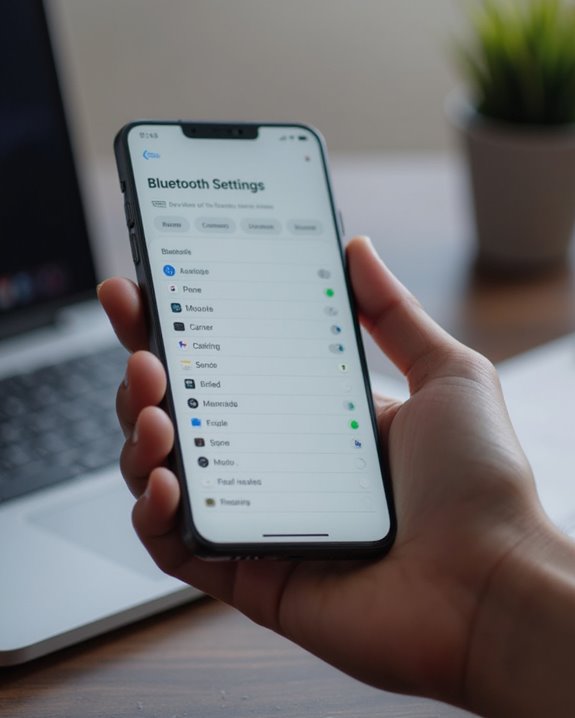
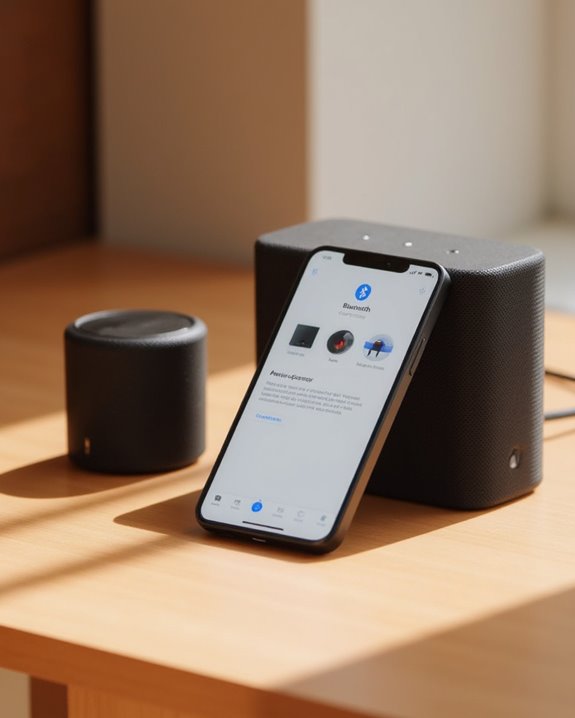
Scanning for available Bluetooth connections represents an essential step in the pairing process, allowing your device to discover nearby speakers ready for connection. On iOS devices, users navigate to Settings, select Bluetooth, and enable it to automatically scan for nearby devices within a 10-meter range. Android users access Settings, tap Bluetooth or Connections, and activate the feature to generate a list of available devices, typically taking 10-30 seconds depending on environmental interference.
During scanning, devices search for Bluetooth signals from speakers in pairing mode, with Bluetooth 4.0 or higher protocols enabling faster detection. The scan results display device names, such as “ION Portable Speaker,” alongside signal strength indicators. Positioning devices within 5-10 meters of speakers and minimizing obstacles between them greatly improves detection speed and reliability of available devices.
Recommended Products

【Splittable Dual Speaker】These two speakers can be connected and paired to produce surround sound, providing a 360-degree audio experience. However, when separated, they deliver superior left and right stereo sound, making them ideal for parties. The speakers are user-friendly and offer the option to split them for optimal sound performance.
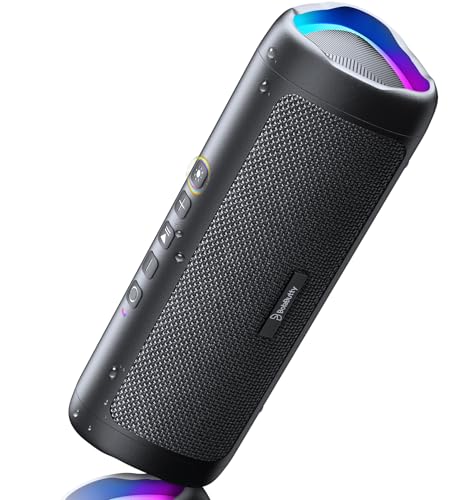
[Immersive Sound Experience & Dual Connectivity] Experience unparalleled sound quality with this wireless Bluetooth speaker's 2 drivers and advanced technology that delivers powerful, well-balanced sound with minimal distortion. Connect two speakers together to create an immersive stereo sound experience and fill any room with powerful sound. Perfect for gaming, music, and movie playback

Outdoor-Proof Speaker: Portable design with IPX7 waterproof protection to safeguard against splashes, waves, and water vapor. Get incredible sounds at home, on camping trips, or for outdoor adventures.
Selecting Your Speaker From the Device List
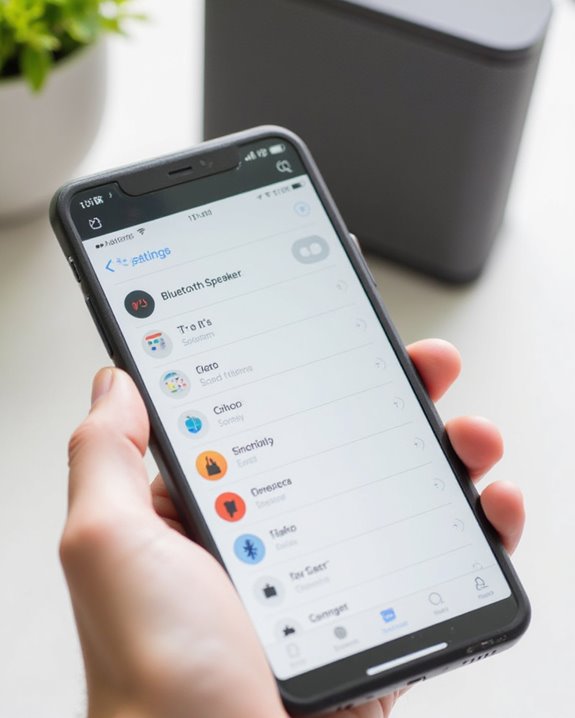
When the scanning process completes, a complete list of available Bluetooth devices will appear on your phone’s screen, containing your speaker among other discoverable devices in the vicinity. The ION Audio Speaker or similar model name should be visible if the speaker is properly in pairing mode, making identification straightforward among various devices.
Users should tap on the speaker’s name in the list of devices to initiate pairing, which may trigger a confirmation prompt as a security measure. If multiple speakers or devices appear, identification can be made using the unique name or Bluetooth MAC address found in the speaker’s documentation. Some systems require entering a PIN code, typically 0000 or 1234, to establish the connection. Selecting only the intended speaker helps avoid connection errors, as many devices prioritize the first selection made.
Recommended Products

【Compact Portable Metal Speaker】This portable speaker is made of Aluminum Alloy with lanyard. Mini,small size and lightweight, You can enjoy music with this pink wireless Bluetooth speaker outdoor,indoor, office, car or bike.

BLUETOOTH WIRELESS - Popular classic bookshelf speakers now can be enjoyed without the hassle of wires. Simply connection to an iPhone, Android, Tablet, PC or Mac.
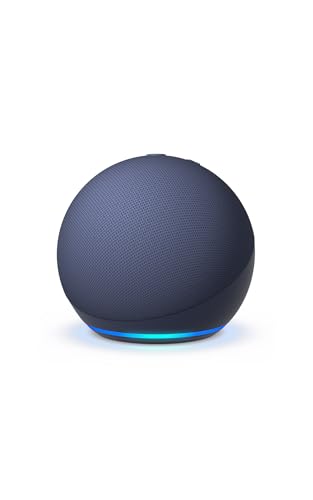
Your favorite music and content – Play music, audiobooks, and podcasts from Amazon Music, Apple Music, Spotify and others or via Bluetooth throughout your home.
Confirming the Wireless Connection
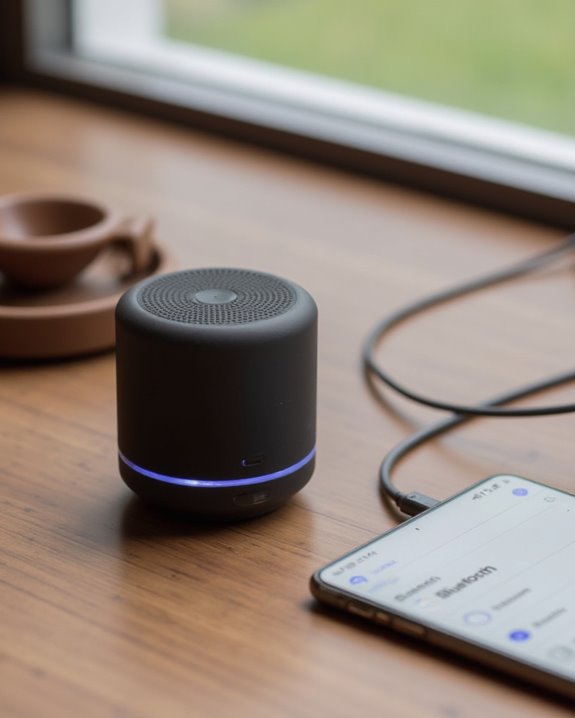
After selecting your Bluetooth speaker from the device list, the next step involves confirming that a proper wireless connection has been established. Users should verify the connection status in their device’s Bluetooth settings, where successfully paired speakers appear with a “Connected” label, enabling automatic reconnection for future use.
Most Bluetooth speakers provide connection confirmation through visual indicators, such as steady LED lights, or audible prompts that signal successful pairing. To further verify the connection, users should play a short audio sample through their device, ensuring clear sound reproduction from the speaker without distortion or interruption.
If connection confirmation is not immediately evident, resetting the speaker by holding down its pairing button until it reenters discovery mode may be necessary, after which the device’s Bluetooth settings should be rechecked for an active connection.
Testing Your Speaker’s Audio Output
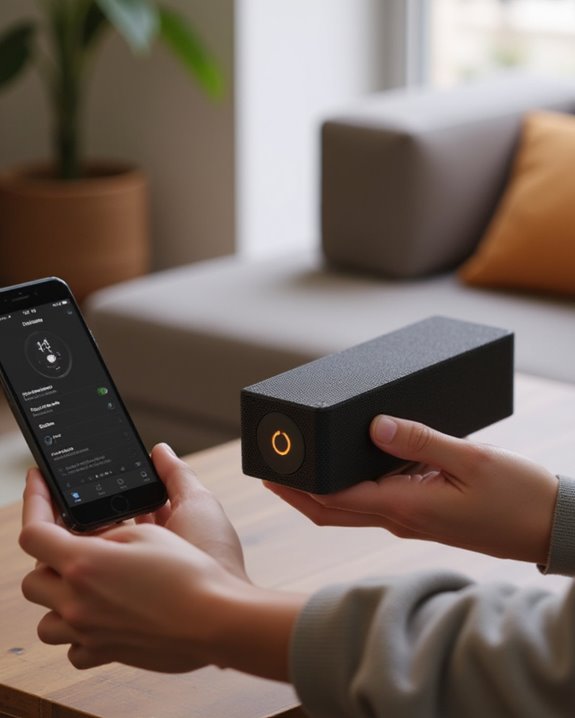
The final confirmation of a successful Bluetooth connection comes through thorough audio testing. Users should play different music genres to verify sound is being output clearly at the expected volume level, listening carefully for any distortion or static that might indicate interference. If audio issues occur, repositioning devices within 30 feet of each other can improve sound quality greatly.
Testing should include tracks with varying bass and treble frequencies to verify the speaker delivers balanced sound according to manufacturer specifications. Volume should be increased gradually to check for clipping or degradation, particularly when approaching maximum rated output levels around 100 dB. For inconsistent audio performance, specialized testing apps can measure signal strength and identify compatibility issues, especially when using different Bluetooth versions like 5.0, which offers superior range and stability. If you want to expand the setup and connect more than one speaker at a time, our guide on how to connect to more than one Bluetooth speaker explains the options available across different platforms.
Recommended Products
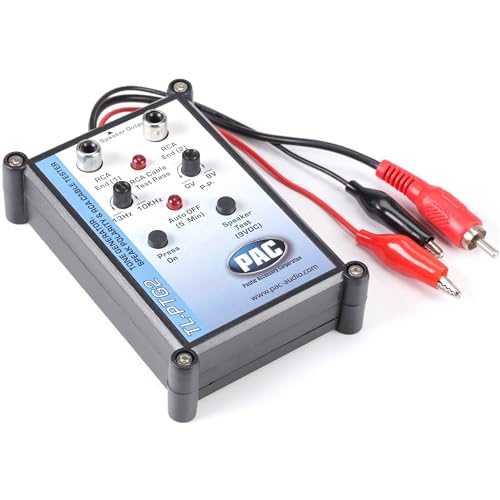
Tone Generator and Speaker Polarity Tester

[Accurate Polarity Detection]This phasemeter tool provides precise polarity testing for automotive speakers, ensuring correct wiring connections and optimal audio performance

Latest Bluetooth 6.0 Technology: With Bluetooth 6.0, connect the device faster and get a more stable signal transmission. Whether watching videos or playing games, the synchronization of audio and video is significantly improved, reducing the trouble caused by delay and improving the entertainment experience. (If pairing fails, please reset the adapter: With the device powered off, press and hold the multifunction button for 10 seconds.)
Frequently Asked Questions
How Do I Put My Bluetooth Speaker in Pairing Mode?
The ULTIMATE pairing method requires holding the Power Button until LED lights flash frantically. Many devices provide Audio Feedback when ready. For stubborn speakers, a Reset Procedure may be necessary – consult the manual for specifics.
How Do I Connect to Bluetooth Step by Step?
To connect to Bluetooth, one must first verify device compatibility, then activate pairing mode on both devices. If experiencing signal interference, position devices closer together. Bluetooth troubleshooting may involve restarting devices or clearing previous connections.
How to Pair BTS07 Speaker?
To pair the BTS07 speaker, users should press the BT button, enable Bluetooth on their device, select the speaker from available devices, and connect. Firmware updates, app integration, and multi-device pairing enhance functionality for best performance.
How to Connect Bluetooth in Windows 7?
Connecting Bluetooth in Windows 7 requires ensuring Device Compatibility and enabling it through Windows Settings. Users should access Control Panel, verify Bluetooth adapter presence, and install Driver Updates if necessary for proper functionality.