As an Amazon Associate, we earn from qualifying purchases. Some links may be affiliate links at no extra cost to you. Although our opinions are based on curated research, we haven't used these products. Articles generated with AI.

How to Use Alexa as a Bluetooth Speaker in 3 Easy Steps

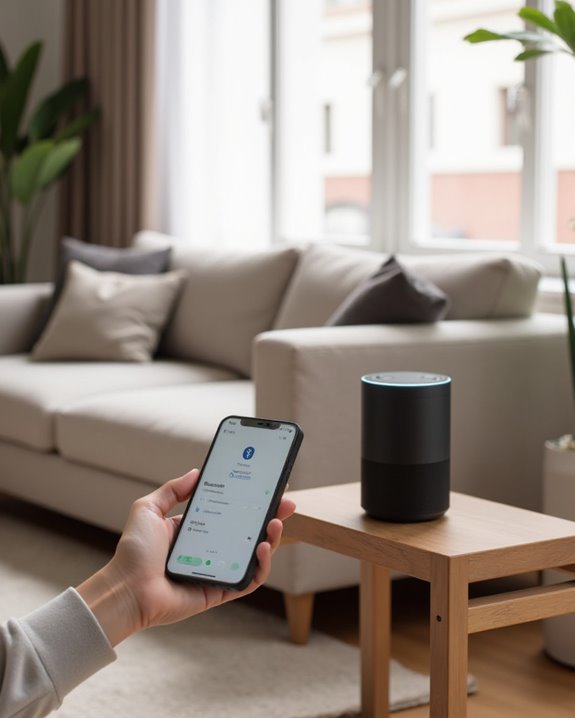
To use Alexa as a Bluetooth speaker, first make sure Bluetooth is enabled on your phone and both devices are within range. Next, activate pairing mode by saying “Alexa, pair” and wait for the verbal confirmation that searching has begun. Finally, open your phone’s Bluetooth settings, select the Echo device from available devices, and tap “Pair” to complete the connection. Once paired, your phone’s audio will stream through the Alexa speaker, offering enhanced sound quality for music, podcasts, and other content.
Key Takeaways
- Enable Bluetooth on your phone by accessing settings and confirming functionality before attempting to pair with Alexa.
- Say “Alexa, pair” to activate pairing mode, which prompts your Echo device to search for available Bluetooth connections.
- Select your Echo device from the Bluetooth device list on your phone and tap “Pair” to complete the connection.
- Alexa will verbally confirm successful pairing, allowing you to immediately stream audio from your phone.
- Use the command “Alexa, connect to my phone” for quick reconnection in future sessions without repeating the full setup.
Preparing Your Device for Bluetooth Connection
Before connecting to an Alexa device, users must properly configure their smartphone’s Bluetooth settings to establish a successful pairing. The process begins by opening the Settings application on either iPhone or Android devices, which serves as the gateway to all connectivity options. On Android devices, users should navigate to the “Connections” or “Connected Devices” section, then select Bluetooth to access pairing controls.
It is essential to verify that Bluetooth functionality is enabled on the phone before attempting to pair with an Alexa speaker. Users should make sure their device remains within the ideal operational range of the Alexa speaker, preferably in the same room, to maintain signal integrity. If necessary, any existing Bluetooth device connections should be disconnected through voice commands to prevent interference when trying to pair a new device with nearby devices. If you already have a dedicated Bluetooth speaker you want to use alongside Alexa, see our guide on how to connect Alexa to a Bluetooth speaker for that reverse pairing scenario.
For optimal performance, follow the setup procedures detailed in the Echo User Guide.
Recommended Products

Listen music wireless: Connect with computer speakers, home stereo systems or other speaker systems via the 3.5 mm or RCA cable, then pair with the Bluetooth audio devices such as smartphones or tablet for streaming music.
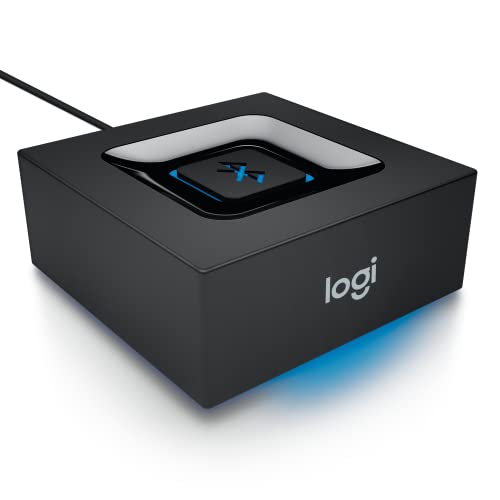
Bluetooth Audio Adapter: Makes your speakers Bluetooth for streaming music from your smartphone or tablet

【For PS5 Users Only】 Specifically designed for PS5 to connect Bluetooth headphones (e.g., AirPods, Bose, & more) for audio playback. For optimal voice chat experience, please use the PS5 controller microphone instead of headphone mics.
Activating Pairing Mode on Your Alexa Device
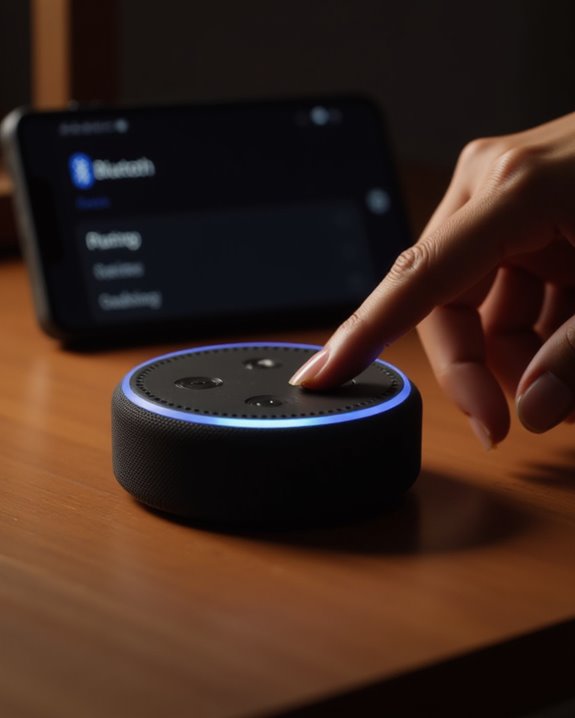
When users are ready to establish a Bluetooth connection with their Alexa device, activating pairing mode requires only a simple voice command that initiates the discovery process. To enter pairing mode on any Amazon Echo speaker, users need only say “Alexa, pair” within hearing range of the device. This straightforward voice instruction works universally across the Echo lineup, including Echo Dot, Echo Spot, and Echo Studio models.
Upon receiving this command, the Alexa device will verbally confirm it is searching for available Bluetooth speakers to connect with. The Amazon Echo device must be powered on and positioned in proximity to the user’s phone for ideal pairing results. This voice-activated approach eliminates the need for manual button configurations or app navigation, allowing users to use Alexa as a Bluetooth speaker with minimal technical interaction. If you also want to know whether the Echo Pop can function as a standalone Bluetooth speaker, our article on can the Echo Pop be used as a Bluetooth speaker covers that model’s capabilities in detail. Pairing with devices like the Echo Show 8 can further enhance audio quality through spatial audio for an immersive experience.
Recommended Products
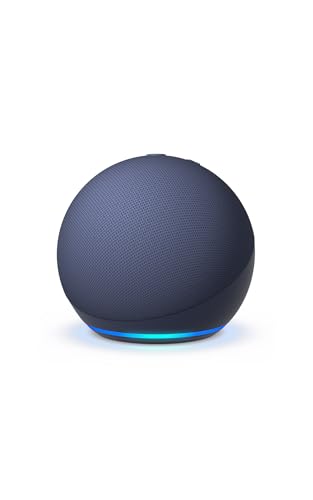
Your favorite music and content – Play music, audiobooks, and podcasts from Amazon Music, Apple Music, Spotify and others or via Bluetooth throughout your home.
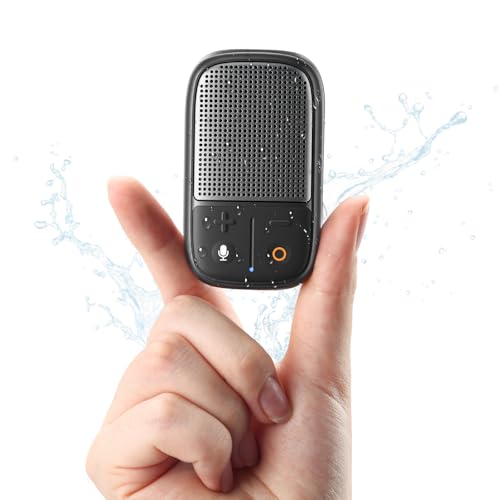
2025 Newest Wearable Speaker with Voice Assistant: With just a press of the voice button on your clip-on Bluetooth speaker, you can summon your favorite voice assistant (Siri/Google) to open your frequently used apps—like Spotify, Apple Music, Audible, Pandora, or Amazon Music—and start playing your favorite music or audiobooks—without picking up your phone!
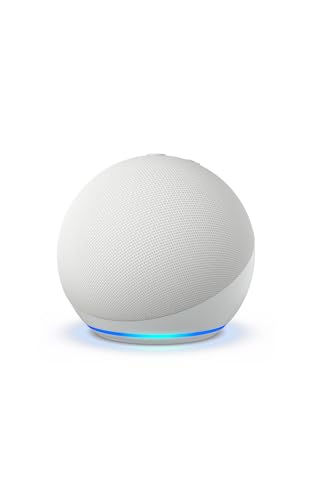
Your favorite music and content – Play music, audiobooks, and podcasts from Amazon Music, Apple Music, Spotify and others or via Bluetooth throughout your home.
Completing the Pairing Process and Streaming Audio
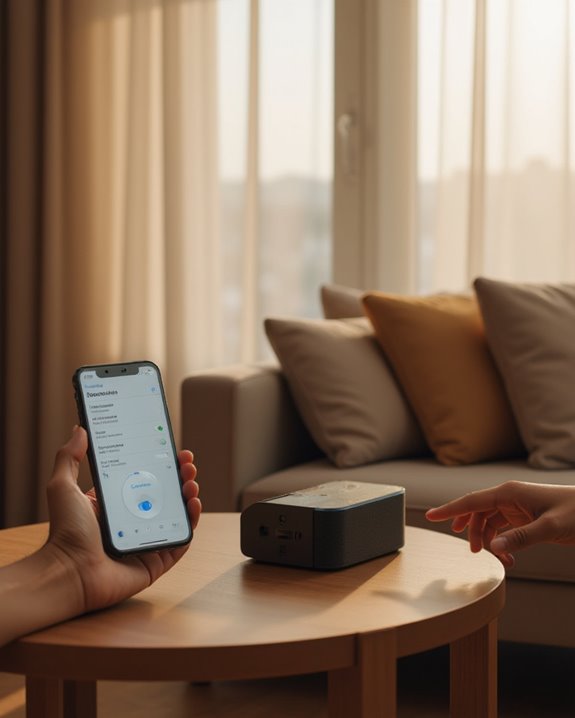
Completing the Bluetooth connection requires several straightforward steps after your Alexa device enters pairing mode. Once “Alexa, pair” is spoken, users should navigate to their iOS or Android device’s Bluetooth settings, where they will see the Echo in the “Scan or Pair new” devices section. Users simply tap Pair to finalize the connection, after which Alexa confirms successful pairing.
After initial setup, users can stream audio directly from their phone or tablet to the Echo speaker to any Bluetooth-enabled Alexa device. This functionality provides better sound when listening to music, particularly on models like the Echo Dot or Echo Studio. To reconnect for future sessions, users can say “Alexa, connect to my phone,” eliminating the need to repeat the full pairing process. For best sound quality, keep the Android device or iPhone within the same room.
Additionally, for a more immersive listening experience, the Echo offers deeper bass that enhances music playback on compatible models.
Recommended Products

Your favorite music and content – Play music, audiobooks, and podcasts from Amazon Music, Apple Music, Spotify and others or via Bluetooth throughout your home.

Meet Echo Dot Max: Experience rich room-filling sound that automatically adapts to your space and fine-tunes playback. Features a built-in smart home hub and Omnisense technology for highly personalized experiences.

Meet Echo Dot Max: Experience rich room-filling sound that automatically adapts to your space and fine-tunes playback. Features a built-in smart home hub and Omnisense technology for highly personalized experiences.
Frequently Asked Questions
How to Use Alexa as a Bluetooth Speaker?
Users can transform Alexa into a Bluetooth speaker through device setup and Bluetooth pairing. After establishing connectivity, audio streaming begins, offering improved sound quality. Echo compatibility guarantees wireless mode functionality with volume control and music integration options.
How Do I Use Alexa as Bluetooth Only?
To use Alexa as Bluetooth only, users need to perform Bluetooth pairing by saying “Alexa, pair.” Signal strength affects offline usage quality. Troubleshooting tips and reset procedures are available in the user manual for compatibility checks and error messages.
Can I Use My Alexa Show as a Bluetooth Speaker?
Like a digital sound portal, Alexa Show serves as a Bluetooth speaker with Display Audio capabilities. Show Compatibility extends across Echo Differences, offering Visual Feedback during playback. Users can initiate Touch Pairing while monitoring Battery Impact through App Integration.
Can Alexa Play Through Itself and a Bluetooth Speaker?
No, Alexa cannot simultaneously perform DualPlayback through both devices. When DevicePairing occurs, AudioDistribution routes exclusively to the Bluetooth speaker. SoundDuplication isn’t supported for standard EchoExtension, though MultiroomSetup offers alternative SpeakerIntegration options for OutputMirroring.