As an Amazon Associate, we earn from qualifying purchases. Some links may be affiliate links at no extra cost to you. Although our opinions are based on curated research, we haven't used these products. Articles generated with AI.

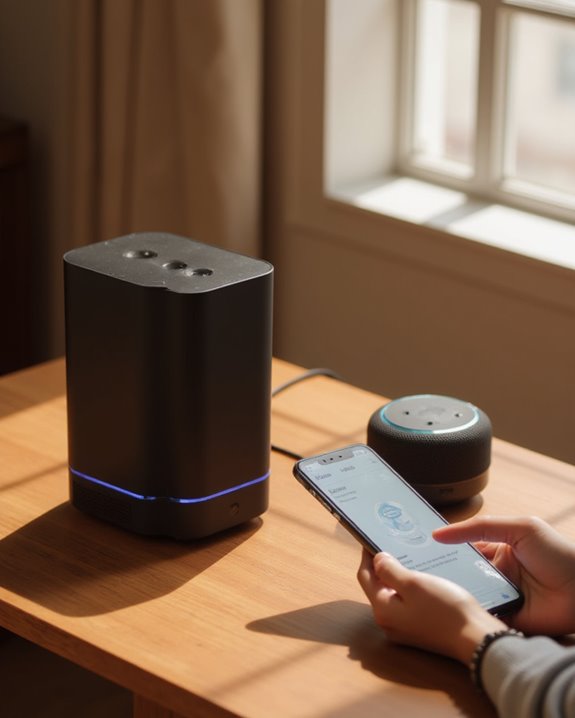
How Do You Connect Alexa to a Bluetooth Speaker in 3 Easy Steps?

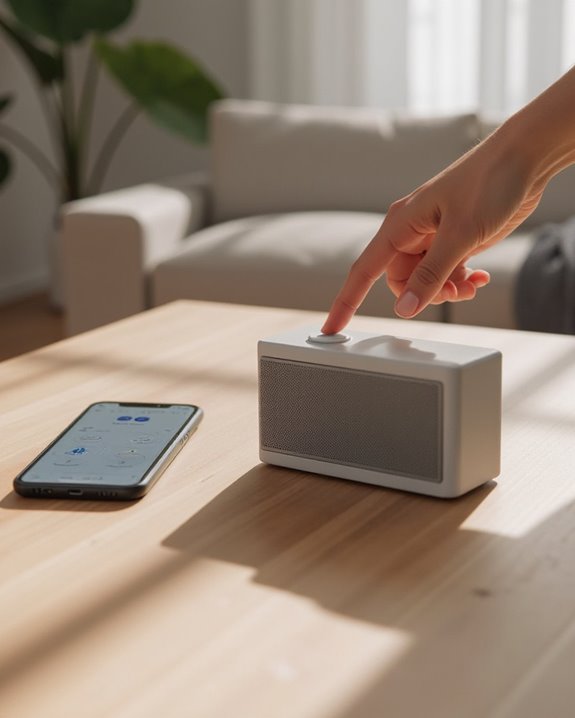
To connect Alexa to a Bluetooth speaker, users need to complete three straightforward steps. First, put the Bluetooth speaker in pairing mode by pressing its designated pairing button. Second, open the Alexa app, navigate to Devices > Echo & Alexa, select the specific Echo device, and choose “Connect a device” to pair with the visible speaker. Finally, test the connection by asking Alexa to play music, confirming audio output through the external speaker. The complete process guarantees best sound quality for all voice-controlled entertainment.
Key Takeaways
- Put your Bluetooth speaker in pairing mode by pressing its designated pairing button.
- Open the Alexa app, go to Devices > Echo & Alexa, and select your Echo device.
- Tap “Bluetooth Devices” then “Pair A New Device” to scan for available speakers.
- Select your Bluetooth speaker from the list to complete the pairing process.
- Ask Alexa to play music to verify the connection is working properly.
Preparing Your Devices for Bluetooth Pairing
Establishing a successful connection begins with properly preparing both your Alexa device and Bluetooth speaker for pairing. First, power on the Bluetooth speaker and activate its pairing mode by pressing the designated button, making it discoverable to other devices. Next, make sure the Amazon Echo is turned on and connected to a stable Wi-Fi network to facilitate the connection process.
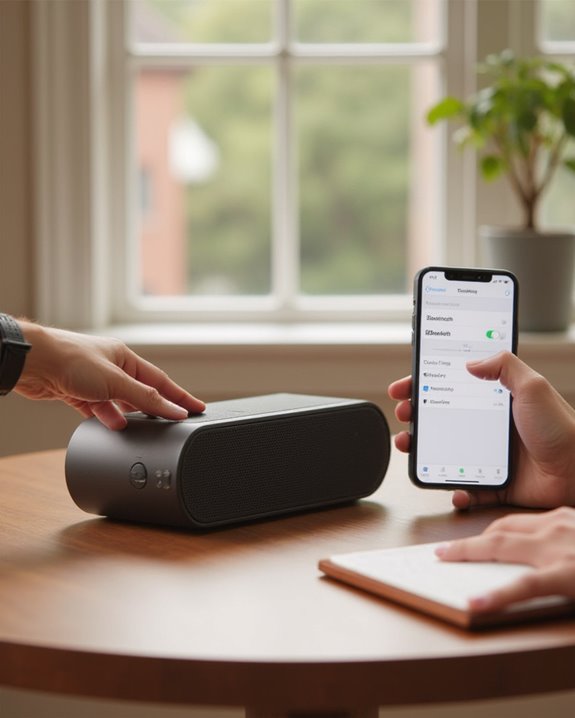
For best results, verify that your smartphone has Bluetooth enabled—Android users should navigate to Settings > Connections, while iPhone users can access this through Settings > Bluetooth. The Bluetooth speaker should display the “Works With Alexa” certification to guarantee compatibility. Finally, install and update the Alexa app on your mobile device, as this interface is essential for initiating and managing the pairing process through the Devices section. If you’re unfamiliar with the general process of putting a speaker in pairing mode, our guide on how to connect a Bluetooth speaker covers the basics for all devices.
Additionally, for optimal audio performance, consider the sound quality optimization techniques outlined in the user guide.
Recommended Products

Your favorite music and content – Play music, audiobooks, and podcasts from Amazon Music, Apple Music, Spotify and others or via Bluetooth throughout your home.

Outdoor-Proof Speaker: Portable design with IPX7 waterproof protection to safeguard against splashes, waves, and water vapor. Get incredible sounds at home, on camping trips, or for outdoor adventures.
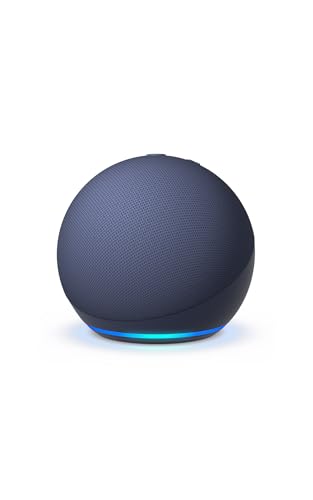
Your favorite music and content – Play music, audiobooks, and podcasts from Amazon Music, Apple Music, Spotify and others or via Bluetooth throughout your home.
Connecting Your Bluetooth Speaker Through the Alexa App
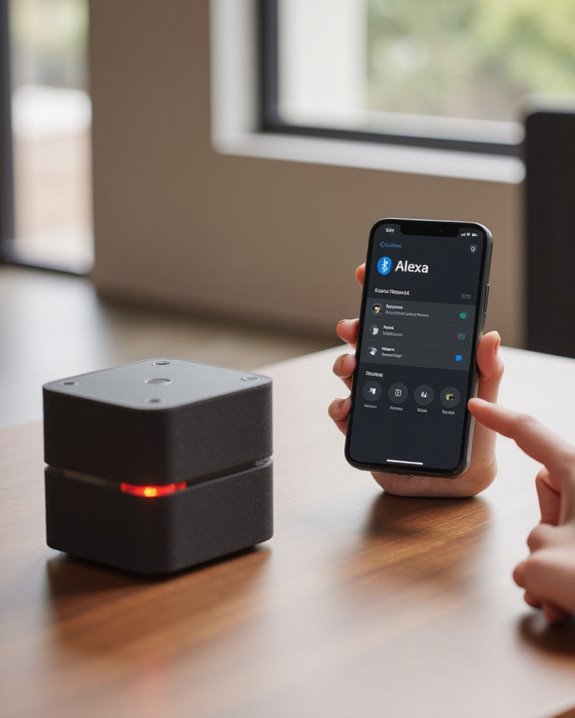
Once all devices are prepared, the actual connection process takes place directly through the Amazon Alexa app on your smartphone or tablet. Users should open the app and navigate to the Devices section, then tap on “Echo & Alexa” to access their device list.
After selecting the specific Alexa device they wish to use, users can tap on “Connect a device” to initiate a scan for nearby Bluetooth devices. The app will display all available Bluetooth speakers within range, allowing users to select their speaker from the list. Tapping on the speaker’s name initiates the pairing process, which typically completes within seconds.
When successfully connected, the Alexa app will display the Bluetooth speaker as an active connection, indicating that audio will now play through the external speaker rather than Alexa’s built-in speakers. For users who want to take this further, learn how to use Alexa itself as a Bluetooth speaker for a different kind of audio setup.
For enhanced streaming capabilities, consider using an Alexa device like the Echo 4th Gen that supports Bluetooth for services such as Spotify.
Recommended Products

【Compact Portable Metal Speaker】This portable speaker is made of Aluminum Alloy with lanyard. Mini,small size and lightweight, You can enjoy music with this pink wireless Bluetooth speaker outdoor,indoor, office, car or bike.
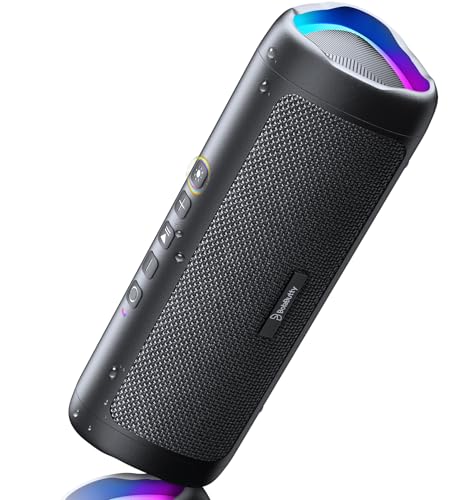
[Immersive Sound Experience & Dual Connectivity] Experience unparalleled sound quality with this wireless Bluetooth speaker's 2 drivers and advanced technology that delivers powerful, well-balanced sound with minimal distortion. Connect two speakers together to create an immersive stereo sound experience and fill any room with powerful sound. Perfect for gaming, music, and movie playback

Meet Echo Dot Max: Experience rich room-filling sound that automatically adapts to your space and fine-tunes playback. Features a built-in smart home hub and Omnisense technology for highly personalized experiences.
Testing and Troubleshooting Your Connection
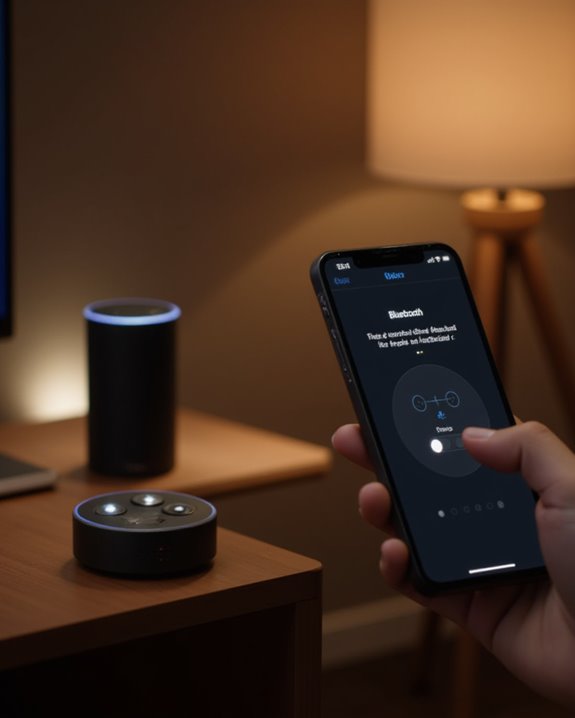
After successfully pairing your Alexa device with a Bluetooth speaker, testing the connection confirms everything works as expected. Users should ask Alexa to play music or other audio to verify sound comes through the external speaker rather than the Echo device itself.
If problems arise, several common issues have straightforward solutions. When Alexa cannot find the speaker during the initial attempt to pair a new device, make sure the speaker is in pairing mode and within close proximity. For audio output problems where sound plays through the Echo instead of the Bluetooth speaker, verify the speaker remains powered on and is set as the default in the Alexa app. Persistent disconnections often result from interference or exceeding the 30-foot range limit when you use Bluetooth connections. For unresolved issues, resetting the Bluetooth speaker according to manufacturer instructions typically resolves persistent pairing conflicts. If the speaker stays connected to a previous device and won’t appear in the scan, our guide on connecting to an already connected Bluetooth speaker explains how to force-disconnect and start fresh.
Additionally, for a more immersive audio experience, consider integrating with Alexa devices that feature spatial sound, as seen in models like the Echo Show 8, to enhance your overall setup.
Recommended Products
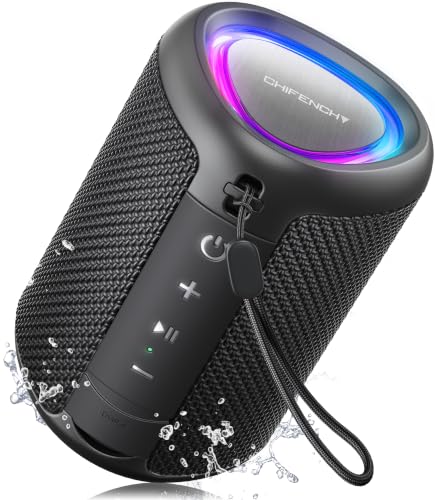
Engineered with premium craftsmanship, this portable speaker features a space-saving form measuring a mere 2.99 inches (7.6 cm) in width and length, and 4.25 inches (10.8 cm) in height. Ultra-lightweight at just 0.582 lbs (264g), it slips effortlessly into any bag. Driven by a robust 20W peak power, it delivers immersive audio with punchy bass and crisp highs, while its 15W continuous output ensures crystal-clear sound for indoor relaxation or outdoor adventures

Your favorite music and content – Play music, audiobooks, and podcasts from Amazon Music, Apple Music, Spotify and others or via Bluetooth throughout your home.

Meet Echo Studio: Redesigned in a compact size that is 40% smaller than the original to deliver immersive spatial sound. Dolby Atmos adds space, clarity, and depth to make your entertainment even better. Enjoy powerful bass and crystal-clear vocals. Features a built-in smart home hub and Omnisense technology for highly personalized experiences.
Frequently Asked Questions
How to Connect Alexa With Bluetooth Speaker?
Like bridges between digital shores, connecting Alexa with Bluetooth speakers requires enabling pairing mode, accessing Speaker Selection in the Alexa app, connecting the device, and adjusting Audio Settings for best sound. Multiroom Setup enhances the experience.
What Button Do You Press on Alexa to Connect Bluetooth?
Alexa devices don’t have a specific physical button for Bluetooth connections. Instead, users initiate pairing through the Alexa app’s “Connect a device” option or by using voice commands like “Alexa, pair.” Indicator lights will pulse blue during pairing.
Why Won’t Alexa Recognize My Bluetooth Speaker?
“Where there’s smoke, there’s fire.” Alexa may not recognize Bluetooth speakers due to device compatibility issues, signal interference from other electronics, or outdated firmware. Ensuring both devices are updated can resolve connectivity problems.
How Do I Connect My Bluetooth Speaker to Alexa Without the App?
For app-free tips to connect a Bluetooth speaker, use voice setup methods like “Alexa, pair.” Make sure the speaker is in pairing mode first. For previously paired devices, say “Alexa, connect to [speaker name]” as wireless linking alternatives.