As an Amazon Associate, we earn from qualifying purchases. Some links may be affiliate links at no extra cost to you. Although our opinions are based on curated research, we haven't used these products. Articles generated with AI.

How to Connect a Bluetooth Speaker to Hitachi TV in 7 Easy Steps

To connect a Bluetooth speaker to a Hitachi TV, first determine if your TV has built-in Bluetooth; if not, purchase a compatible transmitter based on your TV’s available audio outputs (3.5mm, RCA, optical). Connect the transmitter to your TV’s audio port, power it on, and activate its pairing mode. Set your Bluetooth speaker to discoverable mode, wait for devices to pair, and test with various content. The following steps will guide users through optimizing audio settings for the best wireless sound experience.
Key Takeaways
- Check if your Hitachi TV has built-in Bluetooth or requires an external transmitter by locating the model number.
- Select a compatible Bluetooth transmitter based on your TV’s available audio outputs (3.5mm, RCA, or optical).
- Connect the transmitter to your TV’s audio output port, with RCA connections allowing TV speakers to remain active.
- Put both the transmitter and Bluetooth speaker in pairing mode by pressing their respective pairing buttons.
- Test the audio connection with different content and adjust TV settings for optimal sound quality and synchronization.
Verify Your Hitachi TV’s Audio Connection Options
Before attempting to connect a Bluetooth speaker to a Hitachi TV, users must first verify the available audio connection options on their specific TV model, as most Hitachi TVs, particularly older models like the 55R7 from 2016, do not include built-in Bluetooth capabilities. Consumers should locate their model number, typically found on the rear panel or in the Smart TV settings menu, then check the corresponding specifications for compatible audio outputs.
Most Hitachi TVs offer several alternative connection methods, including 3.5mm headphone jacks, optical audio outputs, and RCA ports, which can support external Bluetooth transmitters for pairing with wireless speakers. Users should thoroughly examine both the side and rear panels of their TV to identify these ports, consulting the user manual for verification if necessary, as connection options vary greatly between different Hitachi models, especially those manufactured before 2017. For a general overview of the pairing process that applies to any wireless speaker, see our guide on how to connect a Bluetooth speaker in 7 easy steps.
For enhanced connectivity, users may also explore HDMI ARC options if supported by their TV model to facilitate seamless audio integration with compatible speakers.
Recommended Products

【Enter Wireless Age w/ Minimal Cost】Upgrade non-smart/non-Bluetooth TV to pair headphones for enhancing your hearing or get an undisturbed personal space. Connected TV to Bluetooth Home Stereo, no need to replace your old TV, our Bluetooth audio transmitter for TV-RANGER help you upgrade the old one and CUT OFF the budget for a new. NOTE: This is a Bluetooth transmitter only, not a receiver

【Dual Connection & Automatic Reconnection】This Bluetooth transmitter adapter has a "dual connection" function, which can connect two Bluetooth headsets/speakers at the same time. Enjoy a movie with your partner without disturbing others. After the first Bluetooth pairing is successful, 2 earphones/speakers can be reconnected to this wireless Bluetooth transmitter for TV automatically. Note: When using a fiber optic connection, please set the TV audio output format to PCM.

The Latest Bluetooth 5.3: The latest Bluetooth 5.3 technology enables your aux Bluetooth adapter backward compatible with Bluetooth 5.2/5.1/5.0/4.2/4.0/3.0/2.0 and it can deliver more stable wireless to your devices.
Choose the Right Bluetooth Transmitter for Your TV
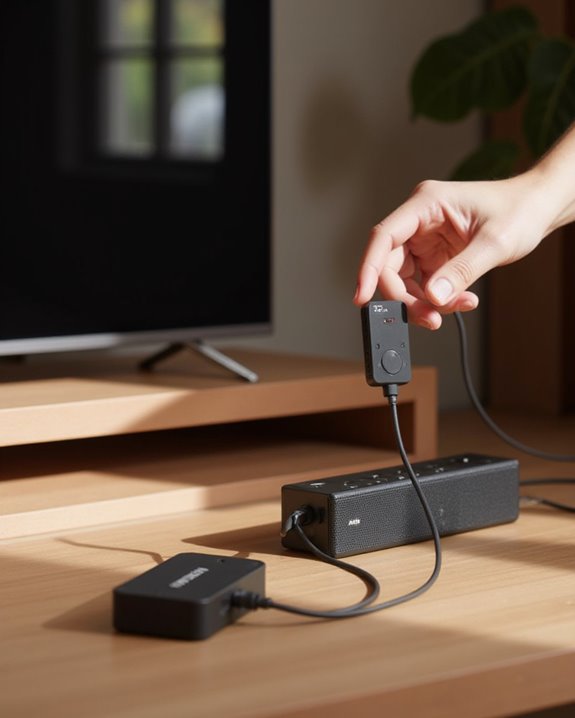
After determining that your Hitachi TV lacks built-in Bluetooth capabilities, selecting an appropriate Bluetooth transmitter becomes the logical next step in connecting wireless speakers. Electronics Technicians recommend examining your TV’s available ports—3.5mm audio-out jacks, RCA connections, USB ports, or optical outputs—before purchasing a transmitter.
For Hitachi models like the 55R7, RCA connections often provide ideal results when you want to connect Bluetooth speakers, as they allow the TV using its built-in speakers simultaneously. The TV menu work must be compatible with your chosen transmitter to guarantee stable connections. Home Cinema System enthusiasts should prioritize transmitters with reliable pairing capabilities, as some users can’t connect due to pairing failures. Additionally, any TV expert would know that including adapter cables with your transmitter purchase simplifies the setup process for android TV systems.
To enhance your audio experience, consider transmitters that support Bluetooth 5.3 for a more stable connection up to 66 feet.
Recommended Products
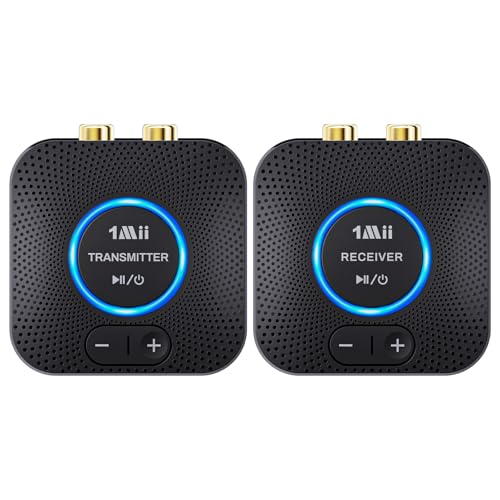
【Quick connection】The 1Mii wireless audio adapter connection is quicker and more stable than older versions. After connected to power, the transmitter and receiver will automatically power on and enter paring mode and there is a blue ring light to indicate its working state, hands free for audio entertainment. No more disturbing disconnection and manual re-connection.

Advanced Bluetooth 6.0 Dual-Mode Audio Freedom:In TX mode, use this bluetooth transmitter to connect to any AUX/RCA audio source—from TV as a bluetooth transmitter for TV, to airplane seatback as a bluetooth transmitter for airplane—pairing with headphones for clear, lag-free audio. In RX mode, receives wireless audio from a smartphone, tablet, or computer and plays it through audio systems that lack Bluetooth functionality.Hands-free calling via an integrated microphone.
Connect the Transmitter to Your TV’s Audio Output
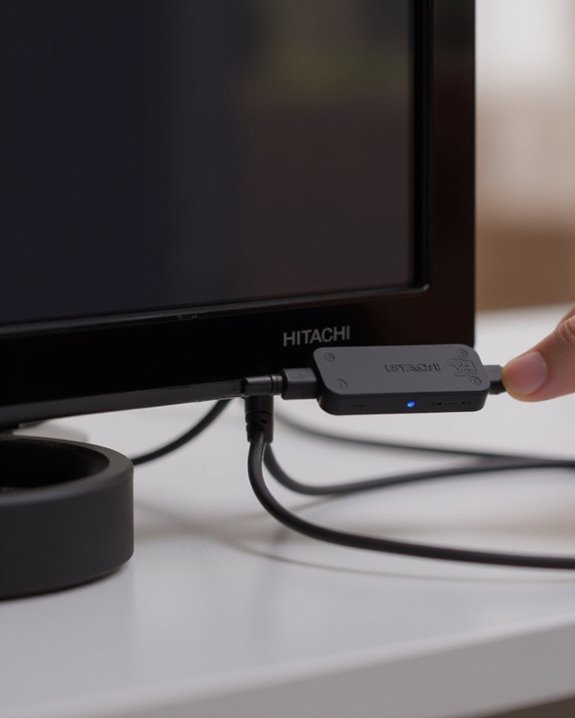
Connecting the Bluetooth transmitter to a Hitachi TV requires identifying the appropriate audio output port for best sound transmission. Electronics Technicians recommend first locating the available outputs on the Hitachi model, which typically include a 3.5mm headphone jack, optical port, or RCA inputs, common on models such as the 55R7. When setting up a home entertainment system, tech support experts suggest using the RCA outputs when available, as this connection method prevents the TV speakers from muting while simultaneously sending audio to external Game Systems or Bluetooth speakers. For TVs with optical outputs, users should connect the transmitter with an optical cable, though this may require an adapter for full compatibility. Before finalizing any Phone Systems or Recorders and Players connections, verify that the transmitter is properly powered and securely seated in the chosen port. Furthermore, for improved audio performance, consider using transmitters that support Bluetooth 5.0 to ensure stable connectivity with external speakers.
Recommended Products

【Bluetooth receiver transmitter FM 3-in-1】: Bluetooth 5.0 upgrade NFC touch second connection, rich interface, compatible with AUX / RCA, digital optical/coaxial/USB/TF interface, powerful function, convert wired devices into Bluetooth function in seconds, 5 up to 10 metres remote control.

Listen music wireless: Connect with computer speakers, home stereo systems or other speaker systems via the 3.5 mm or RCA cable, then pair with the Bluetooth audio devices such as smartphones or tablet for streaming music.

Wireless solution for your wired Speakers or Home stereo system: thanks to the Bluetooth 5.0 technology, Besign BE-RCA could turn your older stereo into a nifty Bluetooth capable one, then connect wirelessly to any Bluetooth-enabled device and deliver CD-like quality sound , so you can stream music and control playlists directly from smartphones, iPhones, iPads, and more.
Power Up and Activate Pairing Mode on Your Transmitter
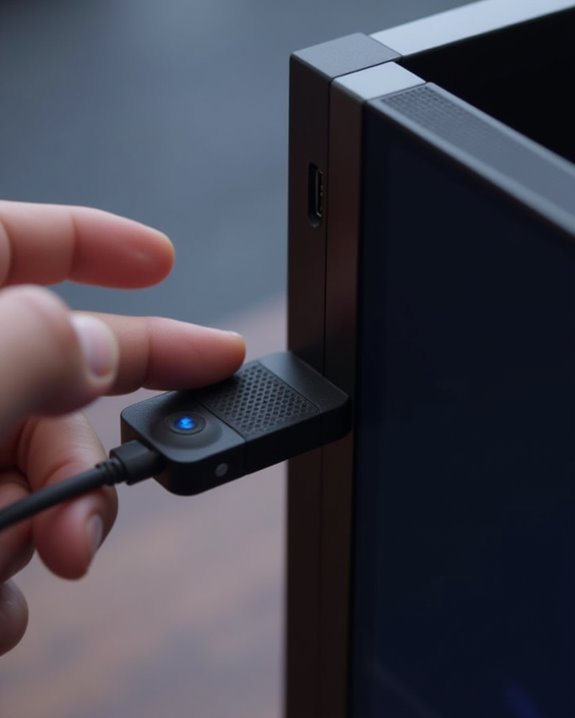
The proper activation of your Bluetooth transmitter represents an essential step in establishing a wireless connection between your Hitachi TV and Bluetooth speaker. First, connect the transmitter to a reliable power source, such as a USB port on your Hitachi TV or an external power adapter, guaranteeing it receives adequate power for stable operation.
Once the transmitter is properly powered, press the power button and wait for the indicator lights to activate, confirming the device is operational. Next, locate the pairing button on your Bluetooth transmitter, typically identified in the user manual with specific instructions. Press and hold this button for several seconds until the LED light begins flashing, indicating the transmitter has successfully entered pairing mode. Different transmitter models may require specific timing or button sequences, so consulting the user manual guarantees proper activation.
Set Your Bluetooth Speaker to Discoverable Mode
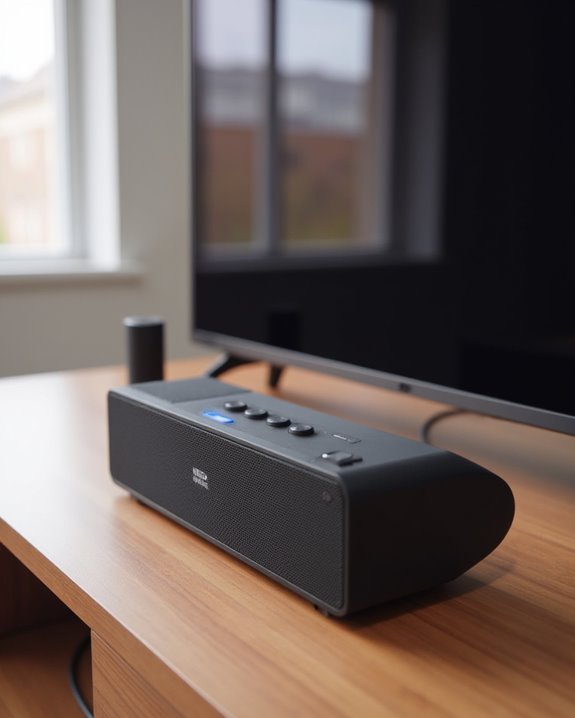
Preparing your Bluetooth speaker for connection requires activating its discoverable mode, which makes it visible to your Hitachi TV during the pairing process. This critical step guarantees that your devices can communicate with each other wirelessly.
First, power on the Bluetooth speaker completely and locate the pairing button, which is typically identified by a Bluetooth symbol on the device. Consult your speaker’s user manual for specific instructions, as the method to enable discoverable mode varies between manufacturers and models. When activated properly, the speaker will broadcast its signal, allowing the Hitachi TV to detect it during scanning. Many speakers indicate discoverable status through a flashing LED light or audio tone. Position the speaker within 30 feet of your TV for ideal connection reliability during this process. If you’re using a JBL speaker with your Hitachi TV, our step-by-step tutorial on pairing a JBL Bluetooth speaker covers the discoverable mode process in detail.
Complete the Pairing Process Between Devices
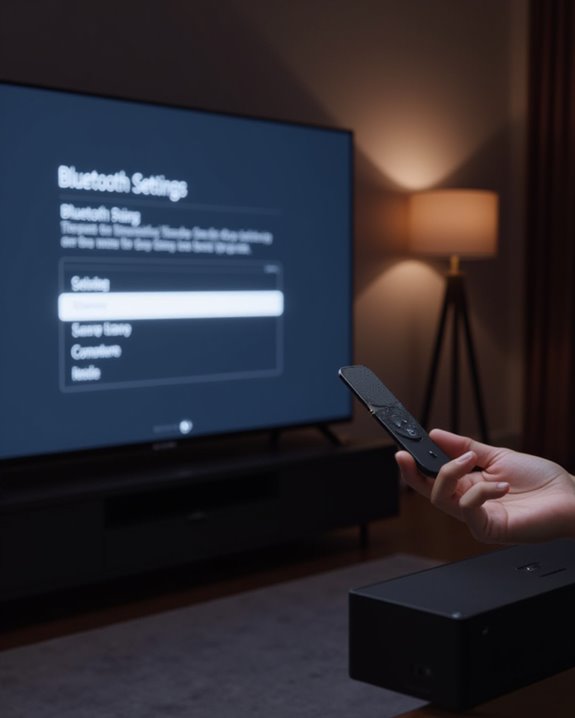
Once both devices are powered on and ready, users can begin the essential pairing sequence that establishes a wireless connection between the Hitachi TV and Bluetooth speaker. Within the Network Settings menu, selecting “Add Device” initiates a scan for available Bluetooth devices in the vicinity, displaying all discoverable speakers within range.
When the Hitachi TV completes its scan, users should select their specific speaker from the displayed list of available devices. The system may require confirmation of a passcode or PIN to authenticate the connection, which is typically provided in the speaker’s documentation. After the pairing is accepted, the TV will establish communication with the speaker automatically. Users should verify connection success by playing audio through the newly connected speaker, confirming that sound now comes from the Bluetooth device rather than the TV’s internal speakers.
Test and Adjust Your Audio Setup for Optimal Sound
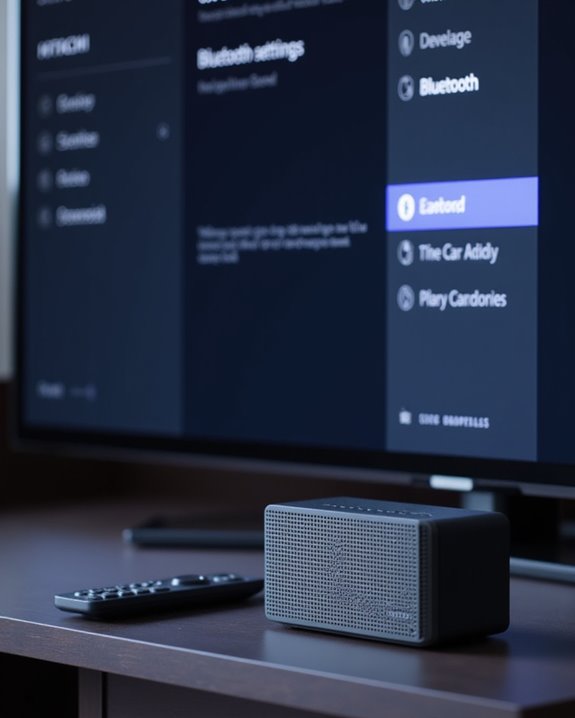
After establishing a successful connection between the Hitachi TV and Bluetooth speaker, users should verify and optimize audio performance to guarantee the best possible listening experience. Testing the audio setup with various content types helps identify any distortion or interference issues that might compromise sound quality. Users should adjust the TV’s audio output settings to prioritize the Bluetooth speaker and fine-tune volume levels for balanced audio distribution.
For compatible devices like the soundcore 3, utilizing custom EQ settings and BassUp technology enhances low-frequency response and overall sound balance. Testing at different distances from the TV confirms stable Bluetooth connectivity, preventing potential signal loss. Additionally, verifying the speaker’s battery life during testing, such as the soundcore 3’s 24-hour capacity, guarantees uninterrupted audio performance during extended viewing sessions. For the best speakers designed specifically for TV use, explore our roundup of the best Bluetooth speakers for TV that deliver excellent wireless audio performance.
Recommended Products
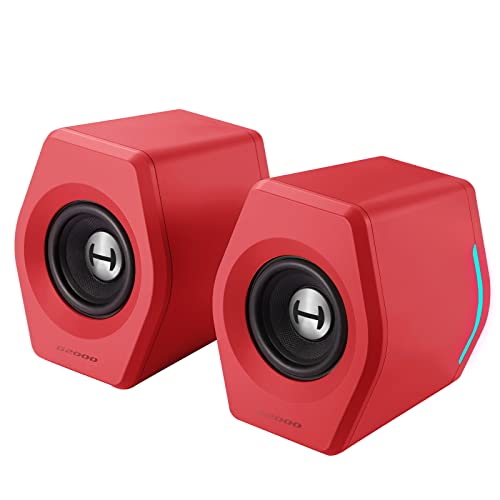
♪【Superior Sound】HIFI 2.75 inches full range speakers unit with backward mega bass port 16W RMS power, 32W total peak power to deliver unexceptionable sound quality and strong bass, and a subwoofer output interface included.

MUSIC CALLS: The Bose SoundLink Flex Portable Bluetooth Speaker (2nd Gen) packs big, bold sound in a portable size that’s perfect for sharing tunes and good times anywhere on your travels

Long-lasting 20-Hour Wireless Battery Life.Specific uses for product : Gaming
Frequently Asked Questions
Recommended Products

🎶UPGRADE YOUR LEGACY AUDIO SETUP: Bluetooth receiver for home stereo transforms vintage home stereos, car speakers, or old-school receivers into Bluetooth-ready powerhouses! This plug-and-play Bluetooth adapter lets you stream music from your phone, tablet, or laptop to any wired audio system. The Bluetooth audio receiver is perfect for upgrading classic setups without sacrificing nostalgia.
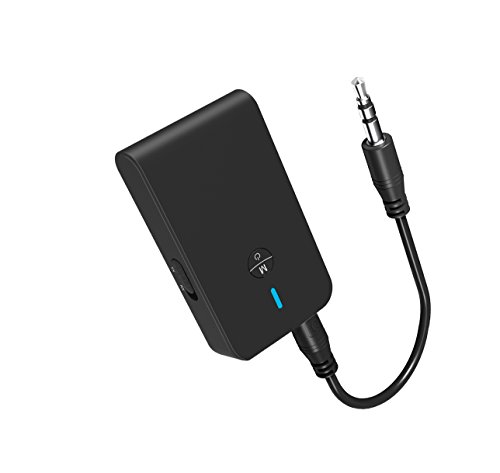
【2-IN-1 Bluetooth Transmitter & Teceiver】OiDiPi Bluetooth audio transmitter supports transmitter and receiver mode. In TX mode, plug the Bluetooth transmitter into non-Bluetooth devices such as TV/PC/MP3/Airplane to transmit the audio to the Bluetooth headphone/speaker/sound bar; In RX mode, plug the Bluetooth receiver into wired speaker/headphone/car stereo and receive audio from cell phone/tablet/computer via Bluetooth.
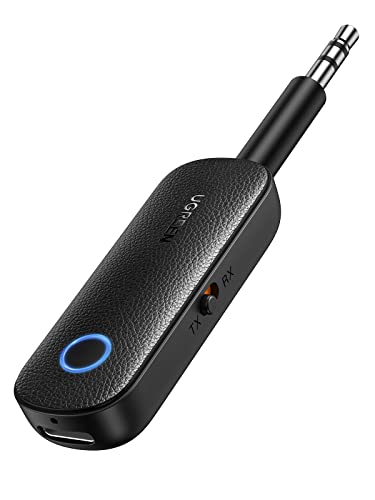
2 in 1 Bluetooth Transmitter Receiver: This UGREEN 3.5mm wireless adapter supports both TX and RX modes. Whether at home, in the car, or on a plane, it can easily meet your wireless Bluetooth needs. Simply connect it to a non-Bluetooth device, such as a plane or car stereo, and enjoy Bluetooth wireless sound. Not only is it a great gadget for enabling wireless Bluetooth, but it's also an airplane travel essential, eliminating the hassle of wired connections!
How Do I Connect My TV to My Bluetooth Speaker?
To connect a TV to a Bluetooth speaker, users should check TV compatibility first. Device syncing requires enabling Bluetooth in setup options, initiating audio pairing, and following configuration steps. This connection improves sound quality during streaming.
How to Connect a Bluetooth Speaker to a Non-Smart TV?
The process awaits: connect a Bluetooth transmitter to the TV’s audio output. TV Compatibility varies, so check ports first. Pair devices, position them close to minimize Signal Interference, and enjoy wireless sound with proper Volume Control.
How Do I Manually Connect to a Bluetooth Speaker?
Manual pairing requires initiating a discovery scan on both devices. Users complete speaker setup through device linking, enter any Bluetooth code or PIN if prompted, confirm connection, and handle audio sync issues through error fixing or reconnection tips.
How to Connect to Hitachi TV Wirelessly?
Streaming through the digital ether, one can connect to Hitachi TVs wirelessly via WiFi Setup, Chromecast Integration, or using AirPlay Connection. Smart Linking or Screen Casting options require proper Internet Sync and Adapter Installation.