As an Amazon Associate, we earn from qualifying purchases. Some links may be affiliate links at no extra cost to you. Although our opinions are based on curated research, we haven't used these products. Articles generated with AI.

How to Connect a JBL Bluetooth Speaker in 5 Easy Steps

Connecting a JBL Bluetooth speaker requires five simple steps. First, power on the speaker and activate pairing mode by pressing the Bluetooth button until the LED flashes white. Second, enable Bluetooth on your device through settings. Third, locate your JBL speaker in the available devices list and select it. Fourth, confirm successful connection when the LED turns solid white or an audio confirmation sounds. Fifth, test the connection by playing audio while making sure devices remain within 33 feet of each other. The following detailed instructions will guarantee seamless audio enjoyment.
Key Takeaways
- Turn on your JBL speaker by pressing the power button; it automatically enters pairing mode on first use.
- Enable Bluetooth on your device by opening Settings and toggling Bluetooth on.
- Find your JBL speaker in your device’s Bluetooth list under “Other Devices” or “Available Devices.”
- Select your JBL speaker from the list to initiate pairing.
- Confirm successful connection when the speaker’s LED changes from flashing to solid white.
Powering On and Activating Pairing Mode
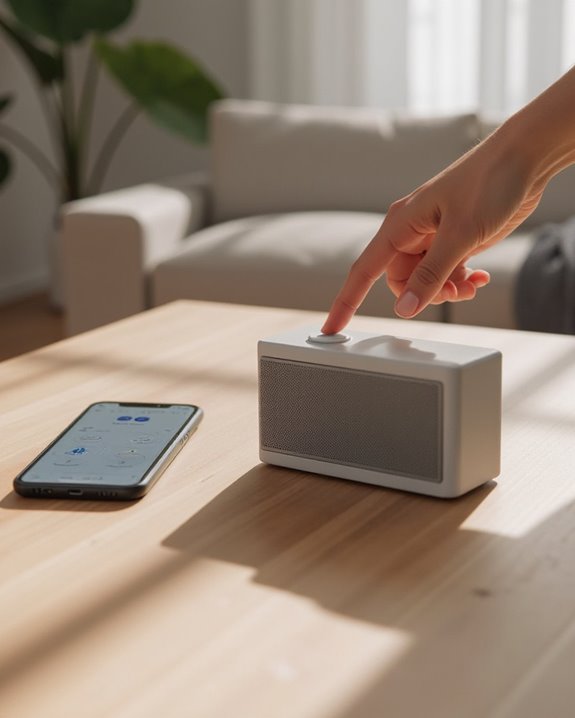
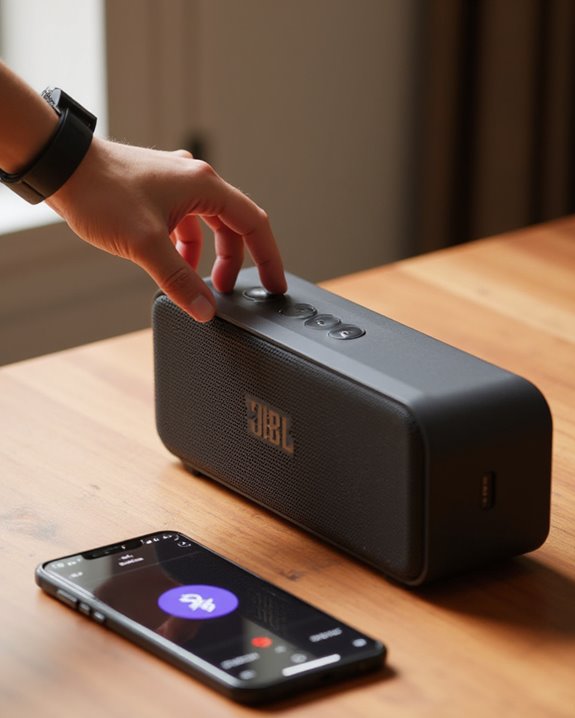
Activating a JBL Bluetooth speaker begins with pressing the power button, which may automatically trigger pairing mode during the first use. For subsequent connections, users must press the Bluetooth button located on the speaker’s control panel, causing the indicator LED to flash white as it searches for compatible devices.
On specific JBL models, holding down the Bluetooth symbol until the LED begins flashing confirms the speaker has entered pairing mode and is ready for connection. Before attempting to pair, make sure the speaker is adequately charged or connected to power, as models like the JBL Flip 6 automatically initiate pairing mode when powered on initially. The flashing LED, typically white in color, indicates the speaker will remain discoverable for approximately 30 seconds on popular models such as the Charge 5. Once paired, the speaker supports a stable connection within a 33-foot range, enhancing usability in various outdoor settings.
Recommended Products

Massive JBL Original Pro Sound

JBL PRO SOUND + AI BOOST: How does the already great JBL Charge sound profile get even better? AI Sound Boost analyzes music in real time—delivering bigger bass, crisper highs, and maximum acoustic performance with less distortion. Same portable speaker, bigger punch.
Enabling Bluetooth on Your Device
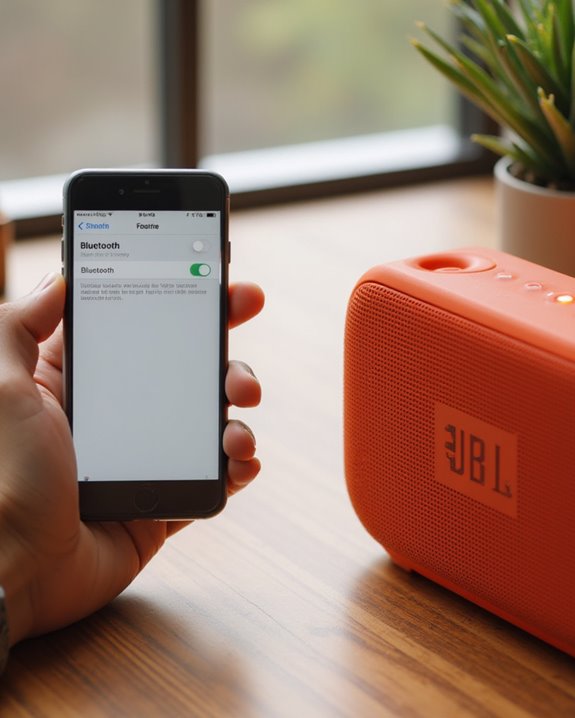
To connect a JBL speaker successfully, users must first enable Bluetooth functionality on their source device, which allows the two devices to establish wireless communication. The steps for connecting vary slightly depending on the operating system being used.
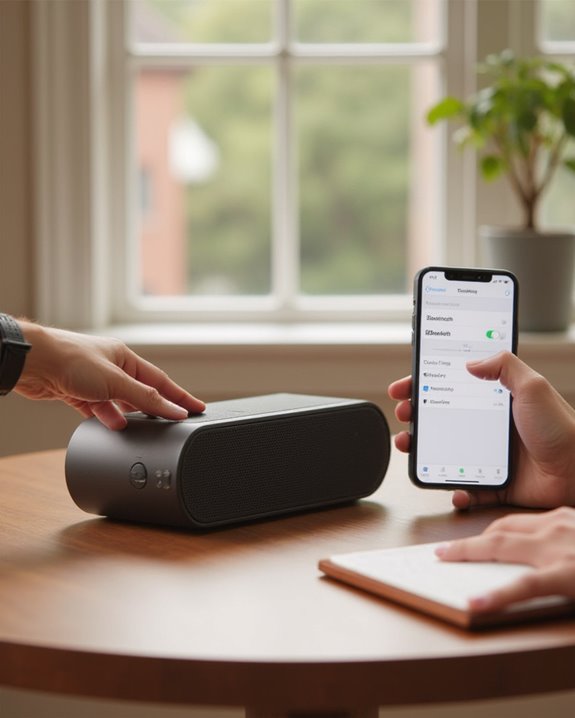
iPhone owners should open Settings, tap the Bluetooth option, and toggle the switch to the “On” position. Android users need to go to Settings, select “Connected devices,” and make sure Bluetooth is turned on. For Mac computers, users can access System Preferences, click on Bluetooth, and activate the feature. Windows PC users must press the Start button, navigate to Settings, select Devices, then “Bluetooth & other devices,” and toggle Bluetooth on. Once Bluetooth settings are properly configured, the device becomes discoverable and ready to pair with the JBL speaker. If you need a general overview of the pairing process, see our complete guide on how to connect a Bluetooth speaker across different devices. Additionally, for models like the JBL Charge 3, ensuring the speaker is within the 10-meter range will help maintain a stable Bluetooth connection.
Recommended Products

Listen music wireless: Connect with computer speakers, home stereo systems or other speaker systems via the 3.5 mm or RCA cable, then pair with the Bluetooth audio devices such as smartphones or tablet for streaming music.
![[Upgraded] 1Mii B06Pro Long Range Bluetooth Receiver, HiFi Wireless Audio Adapter, Bluetooth 5.3 Receiver with 3D Surround aptX HD Low Latency Optical RCA AUX 3.5mm Coaxial for Home Stereo System](https://m.media-amazon.com/images/I/41HZyARyGdL._SL500_.jpg)
【DUAL ANTENNAS&LONG RANGE】With dual antennas and class 1 Bluetooth technology, the 1Mii B06Pro Long Range Bluetooth receiver can achieve a range of up to 197ft (60m) line-of-sight in the open air and up to 60-100ft (20-30m) indoors(without obstacles). NOTE: operation range can be affected by Wi-Fi routers or antennas on the stereo receiver, etc.

High sound quality LDAC decoding: The Bluetooth audio adapter features the LDAC audio codec, audio sampling rates up to 24bit/96KHz, delivering uncompromised high-definition sound quality; the audio receiver also obtained Hi-Res Audio Gold Label professional sound quality certification. Whether listening to classical or pop, experience audio at its best. (LDAC requires devices to support, some older devices may not be compatible.)
Finding and Selecting Your JBL Speaker
Once Bluetooth is enabled on the source device, users must locate and select their JBL speaker from the available Bluetooth devices list. The speaker, when in pairing mode, will appear among nearby devices during a Bluetooth scan.
iPhone users should navigate to Settings > Bluetooth, where the JBL speaker will appear under “Other Devices.” Android device owners need to access Settings > Connected devices > Pair new device to view the list of available Bluetooth devices. Users should select the JBL speaker from this list to initiate Bluetooth pairing.
For best connection, the speaker should be positioned within 10 meters of the device. Before finalizing the connection, users should verify that the speaker name displayed matches their specific JBL model to confirm proper pairing with the intended device.
Additionally, certain JBL models support features like PartyBoost for linking multiple speakers to enhance the audio experience. Users who want to pair two JBL speakers together should follow our dedicated guide on pairing a JBL Bluetooth speaker for step-by-step instructions.
Recommended Products

Ultra-portable JBL Pro Sound with punchier bass: Don't let its little size fool you. The JBL Go 4 packs a serious musical punch. Your friends won't believe how much great JBL Pro Sound comes out of such a small speaker.
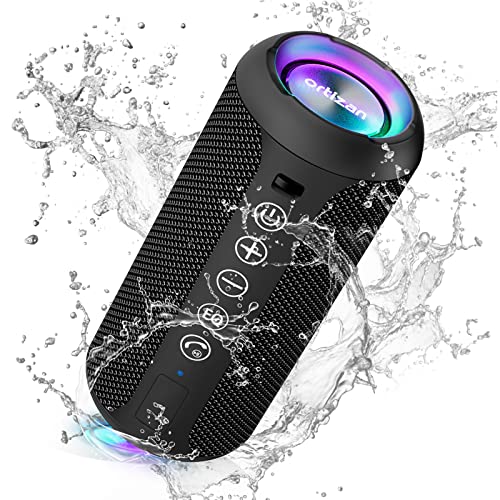
Hi-Fi Stereo Sound and Dual Pairing: Ortizan Bluetooth speaker equips with a 24W(2 x 12W) of stereo audio drivers speaker, an advanced digital signal processor, and two passive radiators for outdoor bass boost, which pumps out crisp treble, detailed mids, and specially enhanced bass at any volume. You can purchase two speakers at the same time to truly enjoy the surround sound of a movie theater by using the Dual Pairing function, which is an auditory experience that's truly unparalleled.

Wireless Bluetooth streaming
Confirming Successful Connection
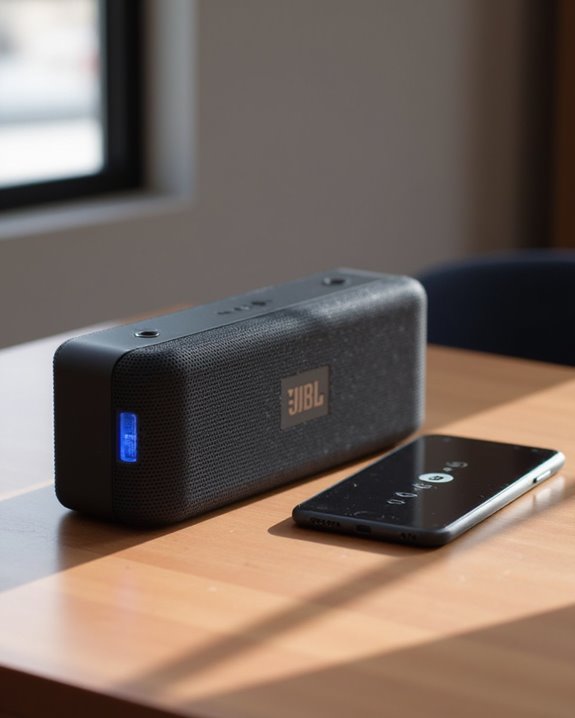
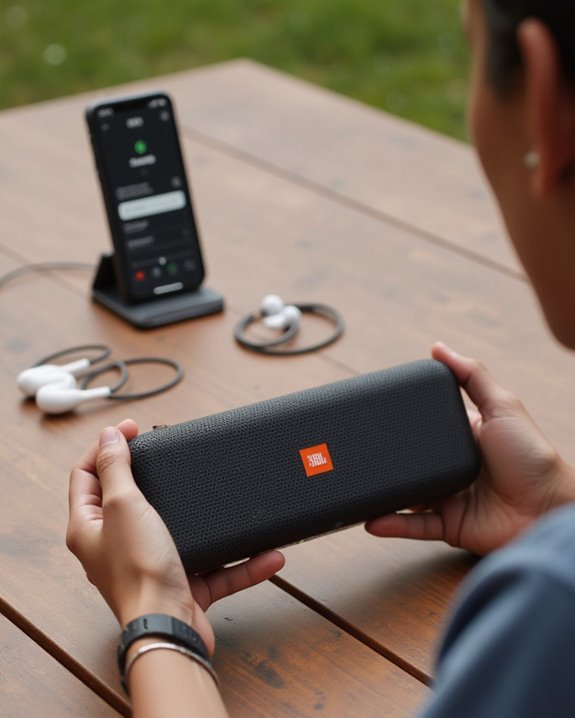
How can users verify their JBL speaker has successfully connected to their device? Several indicators confirm a successful Bluetooth connection between devices. Most JBL speakers display a solid white LED instead of a blinking LED when the speaker is connected properly. Users should listen for an audio confirmation sound, which models like the Charge 5 and Flip 6 emit when connection is established.
The most reliable verification comes when music will play clearly through the speaker after pairing. For additional confirmation, compatible models can be detected in the JBL Portable app, which automatically recognizes when a speaker is connected. Users with multiple speakers can verify PartyBoost mode functionality when linked speakers begin playing audio within 30 seconds of setup. Previously, the speaker would appear under Available devices; after connection, it should move to Connected devices. If you are new to the brand, it is worth reading about whether JBL is a good brand to understand the quality and reliability you can expect from your speaker.
Testing and Troubleshooting Your Connection
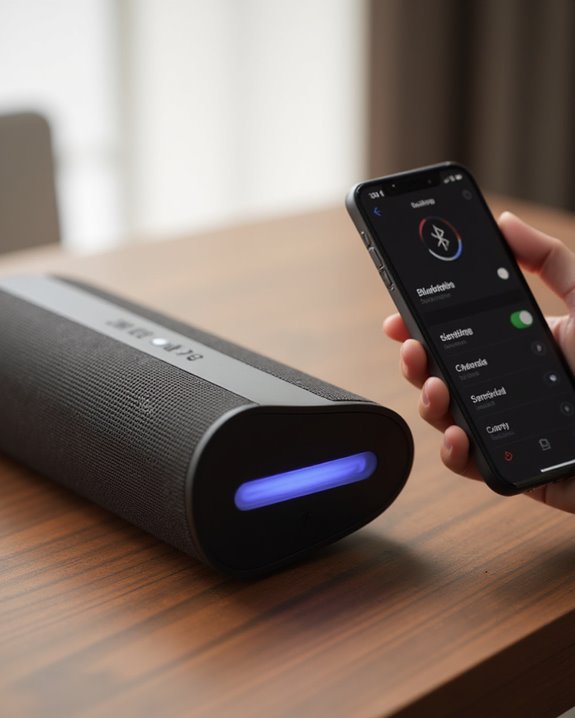
After establishing a connection with your JBL speaker, properly testing and diagnosing potential issues guarantees ideal performance for everyday use. Users should verify the connection status by playing audio through their device; clear sound confirms successful pairing, while silence or distortion indicates problems. The speaker’s LED indicator provides visual confirmation—a solid light typically signals proper connection, whereas flashing or unlit indicators suggest issues requiring attention.
When troubleshooting connection failures, first make sure devices remain within Bluetooth range, maintaining proximity under 10 meters (30 feet). If problems persist, restarting Bluetooth on the source device often resolves temporary glitches; simply toggle it off, wait 10 seconds, then reactivate. Additionally, users should check the speaker’s battery level, as low power (indicated by a red LED) frequently causes connectivity issues. Charging the speaker fully often resolves these connection problems. Many JBL speakers are also designed for outdoor use—if you plan to use yours near water, check our guide on whether JBL speakers are waterproof to know which models are safe for poolside or beach use. For scenarios where a speaker is already connected to another device, our guide on connecting to an already connected Bluetooth speaker covers effective workarounds.
Recommended Products

【Replacement for JBL Boombox Charger Specification】Input: 100-240V 50/6Hz Output:19V 3.42A 65W 8.8ft power cord. (65W High Power Keep fast charging in line with original JBL Xtreme speaker power cord, 8.8ft longer power cord enopugh for indoor using everywhere.)

[Product Type] Charger compatible with JBL Xtreme Speaker: Input AC 100-240V,DC Output 19V 65W,50-60Hz; Connector Size: 5.5mm*2.5mm. Measuring 9 feet in total length to your speaker, the charging cord provides ample reach, ideal for indoor use.

【Product Type】 Input: AC 100V-240V , DC Output: 19V 3.42A 65W; Connector Size:5.5*2.5mm
Frequently Asked Questions
How to Connect a JBL Bluetooth Speaker?
For proper JBL speaker compatibility, users should activate Bluetooth, pair devices following connection steps in the user guide, and optimize signal stability. Battery management and sound optimization features are accessible through wireless app integration after range testing.
How to Put JBL 5 in Pairing Mode?
Like a lighthouse guiding ships, the JBL 5’s pairing mode activation steps are simple. Press and hold the Bluetooth button until the LED indication flashes white, signaling the speaker is ready for device setup.
How to Connect JBL 5 Speakers Together?
To connect JBL 5 speakers together, users can create a Multi Speaker network by pressing the Connect button on each PartyBoost-compatible device. This Wireless Link creates a synchronized Audio Sync across the entire Device Group Sound Chain.
Why Is JBL Bluetooth Not Pairing?
JBL Bluetooth pairing failures often stem from signal issues or device conflicts. Bluetooth glitches, connection errors, interference sources, hardware defects, software bugs, battery drain, and update problems can all prevent successful pairing between devices.