As an Amazon Associate, we earn from qualifying purchases. Some links may be affiliate links at no extra cost to you. Although our opinions are based on curated research, we haven't used these products. Articles generated with AI.

Can The Echo Pop Be Used As A Bluetooth Speaker

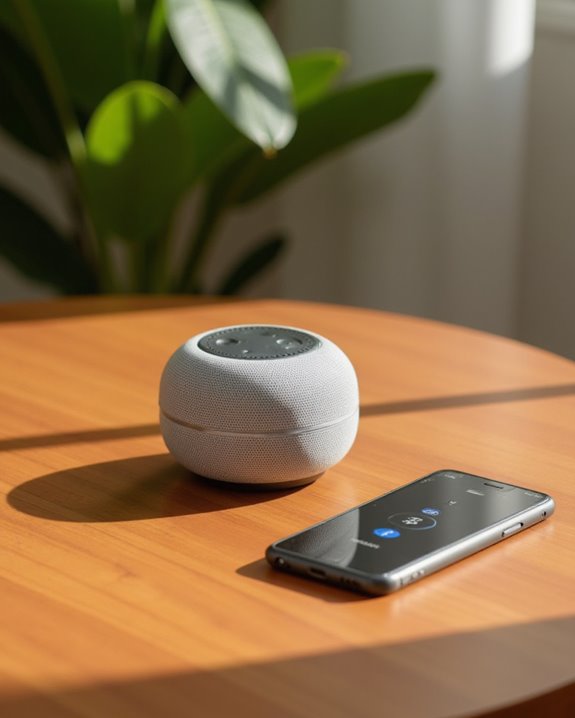
Yes, the Echo Pop can function as a Bluetooth speaker with enhanced capabilities. Users must first set up the device through the Alexa app, then connect their mobile devices, tablets, or laptops via Bluetooth pairing. The Echo Pop streams audio through its 1.95-inch front-firing speaker while maintaining full voice command functionality, allowing users to control playback, adjust volume, and manage smart home features simultaneously. Further exploration reveals optimization techniques for sound quality and troubleshooting connection issues.
Key Takeaways
- Echo Pop functions as a Bluetooth speaker after pairing devices through the Alexa app.
- You can stream music from services like Spotify and Amazon Music once connected via Bluetooth.
- Voice commands control Bluetooth playback with commands like “Alexa, next” or “Alexa, pause.”
- Unlike traditional Bluetooth speakers, Echo Pop requires Wi-Fi and the Alexa app for setup.
- Use “Alexa, pair with [device name]” to reconnect previously paired Bluetooth devices.
Understanding Echo Pop’s Bluetooth Capabilities
When consumers consider purchasing the Echo Pop, they often wonder about its functionality as a Bluetooth speaker, but understanding its actual capabilities requires clarification. The Echo Pop does support Bluetooth connectivity; however, it doesn’t function as a standalone Bluetooth speaker in the traditional sense. Users must utilize the Alexa app as an intermediary for all Bluetooth operations, including initial device pairing and audio streaming. The process involves opening the app, selecting the Echo Pop from Devices, and tapping “Connect a device” to establish connections with Bluetooth-enabled devices. Moreover, its smallest form factor makes it suitable for various settings while maintaining Bluetooth integration.
After initial setup via the Alexa app, users can streamline reconnections to paired devices using voice commands like “Alexa, pair with [device name].” This integration demonstrates that while the Echo Pop works with Bluetooth, it operates as part of the Alexa ecosystem rather than as an independent speaker. If you want to pair a Bluetooth speaker to Echo for richer audio output, a separate external speaker can be connected through the Alexa app as well.
Setting Up Echo Pop as a Bluetooth Speaker
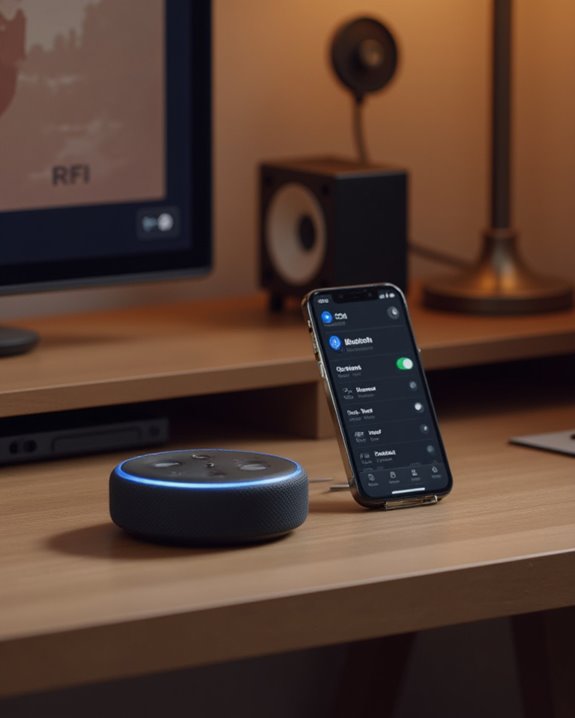
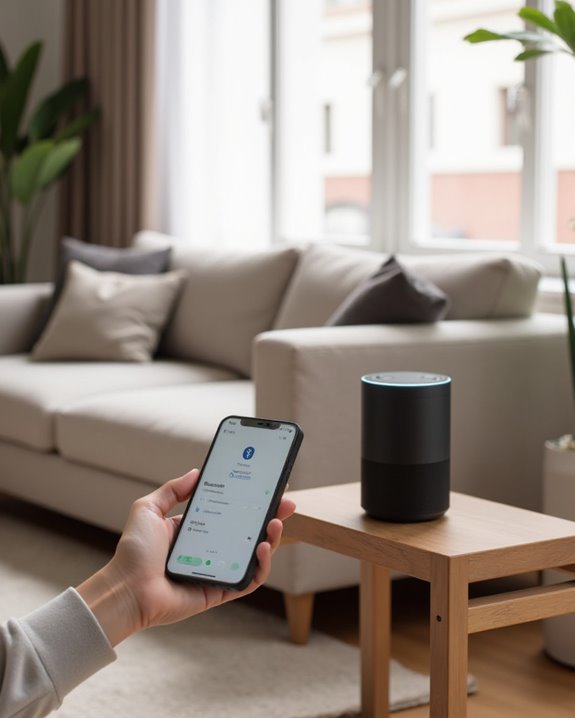
How exactly does one configure the Echo Pop to function as a Bluetooth speaker? The process begins within the Alexa app on your phone, where users navigate to Devices, then Echo & Alexa, and select their specific Echo Pop from the list of compatible Echo devices. After accessing the device settings, tap “Connect a device” to initiate a scan for available Bluetooth-enabled devices nearby. This configuration enables the Echo Pop to utilize its full-range speaker for enhanced audio output.
When the desired device appears in the scan results, simply tap to complete the pairing process, establishing the Echo Pop as a Bluetooth speaker ready to stream audio. For subsequent connections, voice control simplifies the process—just say “Alexa, pair with [device name]” to reconnect without using the app. Make sure the Bluetooth device remains discoverable throughout setup, as the Echo Pop relies on the Alexa app for managing these connections.
Recommended Products

MAKE YOUR ECHO POP PORTABLE: Get the most out of your Echo Pop by moving it from room to room without interruptions and without power chords.

【SMART TABLE STAND】 The table stand is compatible with Echo Pop(Device and plug are not included). Not compatible with other generations of Amazon Echo Dot or the larger Amazon Echo.

【Special Design】Designed specifically for Echo Pop hemispherical speakers Silicone Cover, with real machine molds, precise hole positions, and perfect fit, providing comprehensive protection for Echo Pop speakers
Connecting Your Mobile Device to Echo Pop
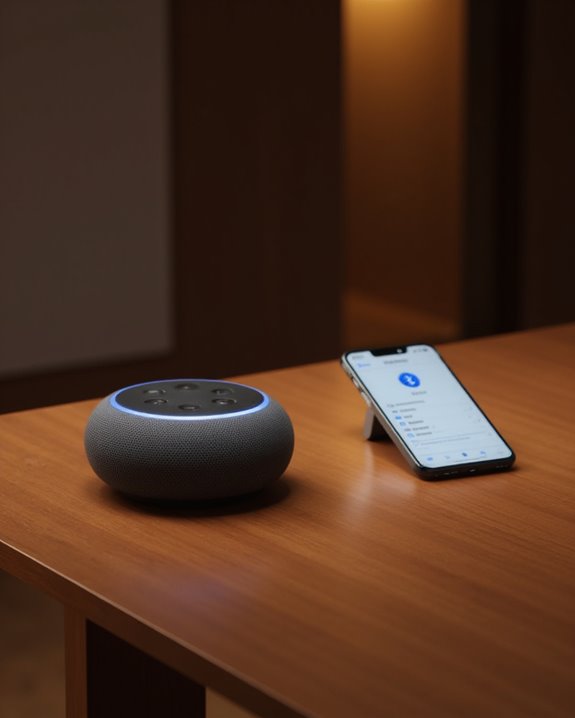
Connecting a mobile device to the Echo Pop requires just a few straightforward steps through the Amazon Alexa app, which serves as the control center for all Echo device interactions. Users must first open the Amazon Alexa app, tap the Devices tab, and select Echo & Alexa from the top-left menu to locate their specific Echo Pop. Within the device settings, selecting “Connect a device” initiates a Bluetooth scan, allowing the Alexa device to detect available smartphones or tablets.
Once the mobile device appears in the scan results, users can tap on it to complete pairing, enabling audio to play through the Echo Pop’s speakers. After this initial setup, devices will remain connected whenever in range, allowing sound to stream seamlessly. The Echo Pop effectively transforms into a personal Bluetooth speaker that responds to both touch controls and voice commands. Additionally, the Echo Pop’s full sound quality ensures an enhanced listening experience for music and other audio content streamed from your mobile device.
Recommended Products

Listen music wireless: Connect with computer speakers, home stereo systems or other speaker systems via the 3.5 mm or RCA cable, then pair with the Bluetooth audio devices such as smartphones or tablet for streaming music.

★UPGRADE BLUETOOTH FOR YOUR BOSE Sounddock:Add bluetooth for your Bose SoundDock I, SoundDock II, Portable SoundDock, SoundDock 10 and other 30 pin Music Docking Stations. Plug, Pair, and Play, no more actions, rescue your old docks, enjoy music wirelessly. Support any version of iOS and Andriod devices.
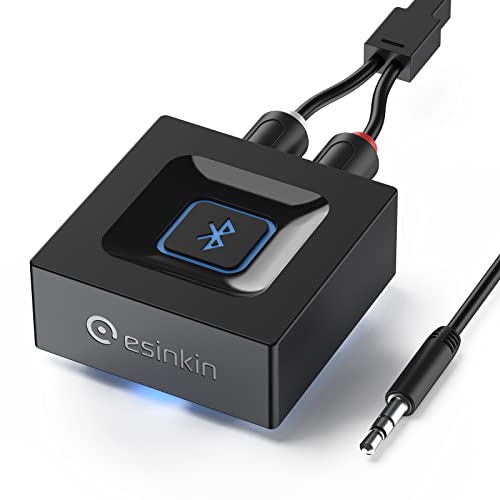
Listen music wireless:Stream your audio entertainment from your smart phone or tablet.Listen music through your perfect sound system from your smart phone or tablet with perfect sound quality.
Streaming Music Through Echo Pop via Bluetooth
The Echo Pop transforms into a versatile Bluetooth streaming device once proper pairing is established, allowing users to enjoy their favorite music wirelessly from smartphones and tablets. After opening the Alexa app, going to Devices, and selecting the Echo Pop, users can easily tap “Connect a device” to pair with their Bluetooth-enabled source.
This smart speaker with Alexa supports streaming from popular services like Spotify, Amazon Music, and Apple Music directly through the paired connection. For subsequent listening sessions, simply saying “Alexa, pair with [device name]” eliminates the need to repeat the initial setup process. While the Echo Pop requires being plugged in during use, it delivers reliable music playback via Bluetooth, making it convenient for everyday use when streaming music from personal devices.
Recommended Products
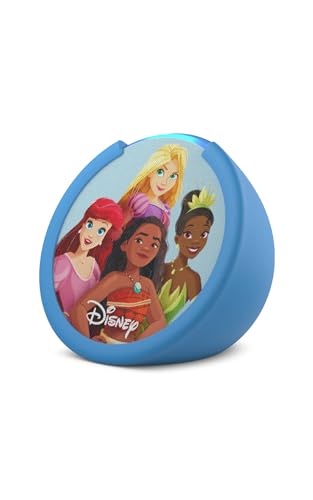
Echo Pop Kids – Smart speaker with Alexa featuring fun designs – including Disney -- that kids love to display in their room.

Your favorite music and content – Play music, audiobooks, and podcasts from Amazon Music, Apple Music, Spotify and others or via Bluetooth throughout your home.
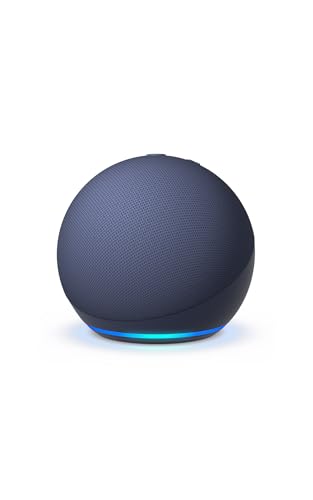
Your favorite music and content – Play music, audiobooks, and podcasts from Amazon Music, Apple Music, Spotify and others or via Bluetooth throughout your home.
Voice Commands for Bluetooth Playback Control
Once paired with a Bluetooth device, Echo Pop users gain access to an impressive array of voice commands that transform how they control music playback. The Echo Pop’s front-firing speaker delivers audio content that users can manage entirely hands-free through simple Alexa features. When connected to services like Spotify or Apple Music, users can ask Alexa to play specific songs, pause tracks, or stop playback altogether without touching their phone.
Navigation between tracks becomes effortless as users direct their Alexa devices with phrases like “Alexa, next” or “Alexa, previous” to skip through playlists. Volume adjustments occur instantly when instructed to “set volume to” a specific level, allowing for customized listening experiences. These intuitive controls make the Echo Pop especially valuable for music playing in situations where handling devices is impractical.
Echo Pop vs. Traditional Bluetooth Speakers: Key Differences
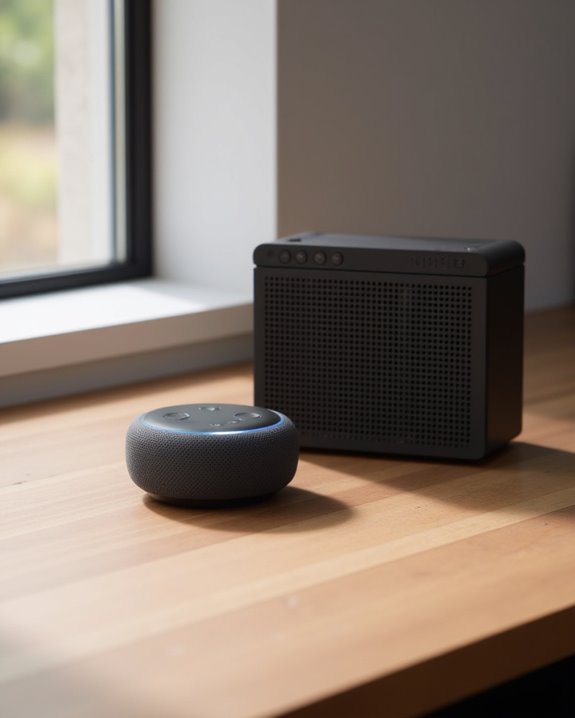
While both serve to play audio wirelessly, Echo Pop and traditional Bluetooth speakers represent fundamentally different approaches to wireless sound technology, with distinct operational architectures and use cases. The Amazon Echo Pop requires continuous connection to a White Power Adapter and relies on Wi-Fi streaming through the Alexa app, unlike traditional Bluetooth speakers that offer direct device pairing without additional software. Traditional speakers typically include built-in batteries and auxiliary inputs for versatility, while the Echo Pop’s smart capabilities compensate by enabling voice commands to make calls and control playback. Despite its ability to deliver full sound in a small space, the Echo Pop cannot function as a standalone Bluetooth speaker – a key distinction for consumers seeking portable audio solutions. Those looking for a dedicated portable option should explore how to connect a Bluetooth speaker to their devices for a more traditional wireless audio experience.
Recommended Products

【The Latest WIFI 6 Technology And Bluetooth 5.3】This projector with Wi-Fi and Bluetooth is equipped with the latest Wi-Fi 6 technology, compatible with Wi-Fi 6, 5G and 2.4G, offering faster connection speed and stronger stability, eliminating buffering and disconnection issues, and ensuring smoother online content playback. Additionally, it is fitted with the latest Bluetooth 5.3 chip, allowing for easy connection to Bluetooth speakers, headphones or other Bluetooth audio devices, providing a more efficient and stable transmission channel, and enabling users to enjoy higher audio quality with ease

【Compact Portable Metal Speaker】This portable speaker is made of Aluminum Alloy with lanyard. Mini,small size and lightweight, You can enjoy music with this pink wireless Bluetooth speaker outdoor,indoor, office, car or bike.

A Roku account and internet connection are required for activation (Creating an account is free). Note: Power Supply: 100-240V AC, 50/60Hz.
Troubleshooting Common Bluetooth Connection Issues
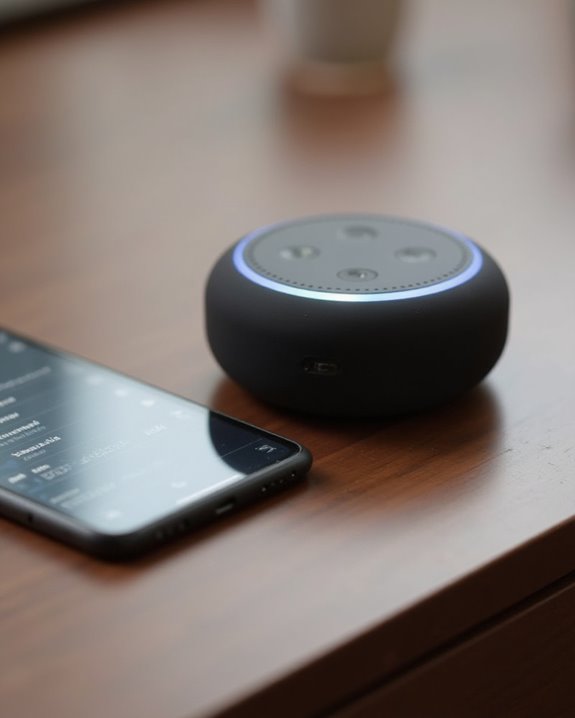
When unexpected connection problems arise with Echo Pop’s Bluetooth functionality, users can follow several systematic troubleshooting steps to restore proper operation. First, verify Bluetooth is enabled on compatible smart home devices by checking the settings menu and toggling it on for Android, iPhone, or Windows devices.
If the Echo Pop fails to detect devices during pairing, verify proper navigation through the Alexa app: tap Devices, select Echo & Alexa, choose your Echo Pop, and tap Connect a device. For simplified pairing, Alexa can help by responding to voice commands like “Alexa, pair with [device name].” This approach often resolves issues when testing your music connections.
Persistent problems may indicate devices are beyond effective range or that your music app requires updating. Reviewing voice recordings of previous connection attempts can also identify specific error patterns.
Maximizing Sound Quality When Using Echo Pop for Music
After resolving connection issues, users often turn their attention to achieving the best possible audio experience from their Echo Pop. The device’s 1.95-inch front-firing speaker delivers neutral, Lossless High Definition sound comparable to the Amazon Echo Dot, making it ideal for playing relaxing sounds in smaller spaces like bedrooms or kitchens. Its sleek design, built with multiple layers of acoustic engineering, projects sound effectively when positioned on a flat surface facing the listening area.
For enhanced audio performance, users can link their Echo Pop to external Bluetooth speakers through the Alexa app, creating a more robust sound system. Voice commands enable seamless control while streaming from services like Apple Music, allowing users to adjust volume, set timers, or manage playback without interruption. This functionality, along with being compatible with eero networks, guarantees the best sound quality in any compact environment.
Recommended Products
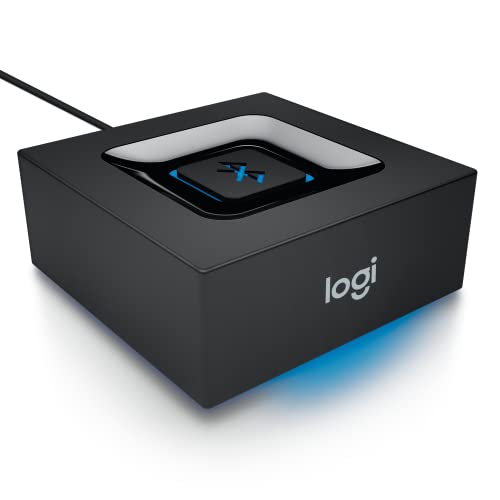
Bluetooth Audio Adapter: Makes your speakers Bluetooth for streaming music from your smartphone or tablet

【ADVANCED LED DISPLAY PANEL】This portable Bluetooth aux receiver is equiped with a clear LED screen that displays battery and volume levels. (Press the MFB button to show the battery level and press the volume +/- button to display the current volume.) It allows you to charge in time and adjust the volume easily.

【Activate Your Bose SoundDock】Smof 30 pin to Bluetooth adapter can turn your classic wired music docking station into a wireless player,giving your favourite old Bose Dock a new lease of life, allowing you to enjoy high-quality wireless music anytime, anywhere.(NOT FOR CAR OR MOTORCYCLE)
Smart Home Integration While Using Bluetooth Mode
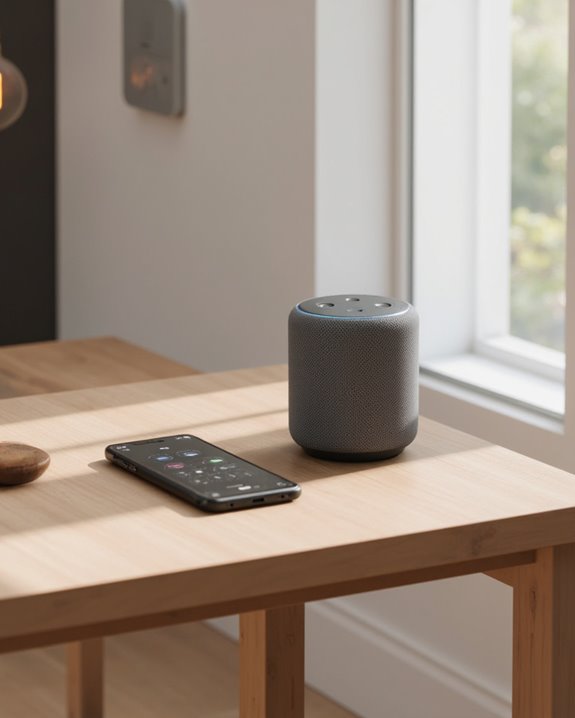
Seamlessly balancing Bluetooth connectivity with smart home control, the Echo Pop maintains its full suite of Alexa-powered capabilities even when paired with external speakers. Users can continue managing smart lights and other compatible devices through voice commands, regardless of Bluetooth status. The Echo Pops’ integration with the Matter standard guarantees the best smart home experience, allowing access to tens of thousands of Alexa skills while streaming audio.
Setting up custom routines through the Alexa app enables sophisticated integration between Bluetooth audio and smart home functions, such as automatically dimming lights when music starts playing. Echo Pop’s eero Built-in feature works alongside Bluetooth mode, maintaining reliable connections for weather and news updates, timer settings, and thousands of skills and counting—all accessible during music playback through external speakers.
Frequently Asked Questions
Can Echo Pop Be a Bluetooth Speaker?
No, Echo Pop cannot function as a standalone Bluetooth speaker. Despite its compact Speaker Design, it lacks direct Device Compatibility and Bluetooth Range capabilities, requiring Wi-Fi and the Alexa app for Integration Aspects and Sound Quality delivery.
How to Use Alexa Echo Pop as a Bluetooth Speaker?
To use Echo Pop as a Bluetooth speaker, the pairing process requires the Alexa app. Users must connect devices through the app’s setup guide, enabling audio optimization and streaming integration while maintaining sound quality through simple volume control commands.
Can I Use My Echo Like a Bluetooth Speaker?
While desires may burn for device pairing and audio fidelity, the Echo Pop cannot function as a traditional Bluetooth speaker. It lacks connection range capabilities and requires Wi-Fi, with music sources managed through the Alexa app instead.
What Can I Do With an Echo Pop?
Echo Pop offers home automation, voice commands for alarm setting, weather updates, news briefs, timer functions, and shopping lists creation. Users can adjust privacy settings while enjoying convenient hands-free control of their smart home environment.