As an Amazon Associate, we earn from qualifying purchases. Some links may be affiliate links at no extra cost to you. Although our opinions are based on curated research, we haven't used these products. Articles generated with AI.

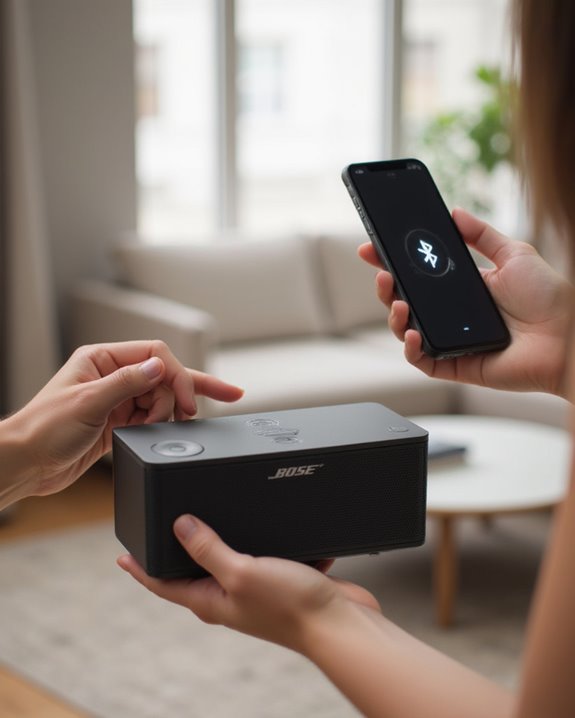
How to Connect a Bose Bluetooth Speaker in 5 Easy Steps

To connect a Bose Bluetooth speaker, power it on by pressing the power button until the indicator light blinks white. Activate pairing mode by holding the Bluetooth button until the light flashes blue. On your device, open Bluetooth settings and select the Bose speaker from available devices. Once connected, the speaker emits a confirmation tone and the indicator light becomes solid white. For persistent issues, reset the speaker by holding the power button for 10 seconds. Further connection methods offer additional functionality for diverse audio setups.
Key Takeaways
- Turn on your Bose speaker by pressing the power button until the indicator light blinks white.
- Activate Bluetooth on your mobile device and open Bluetooth settings to scan for available devices.
- Select your Bose speaker from the device list (typically named “Bose SoundLink” or similar).
- Wait for connection confirmation—speaker will emit a tone and Bluetooth light will turn solid white.
- Play audio through your connected device, staying within 30 feet for optimal performance.
Powering On and Activating Pairing Mode
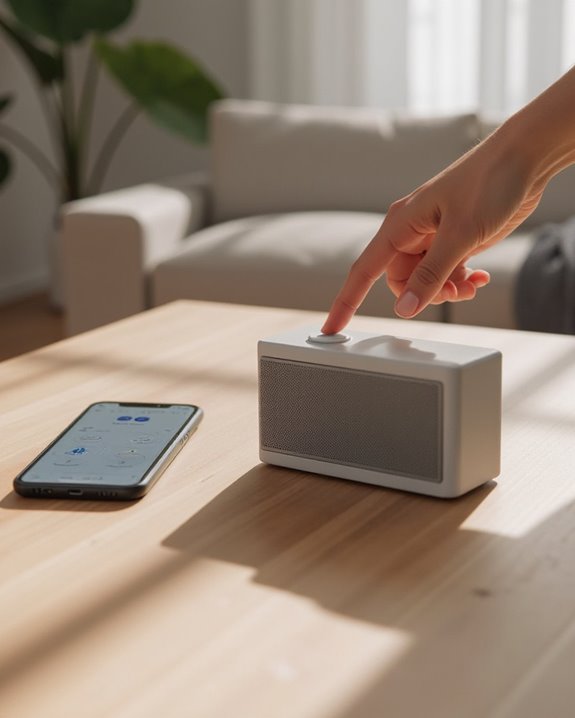
Connecting a Bose Bluetooth speaker begins with powering on the device and placing it in pairing mode. Users should press the Power button on their Bose speaker, which will cause the indicator light to blink white while a voice prompt confirms the device is ready for operation. The speaker may automatically enter pairing mode if not previously connected to any devices, making it discoverable to nearby Bluetooth-enabled equipment.
For specific models like the SoundLink, users can initiate pairing by ensuring the speaker displays solid white power indication before searching for it in their device’s Bluetooth settings. If the speaker doesn’t automatically enter pairing mode, pressing and holding the Power button for approximately 10 seconds will trigger the connection sequence, indicated when the Bluetooth light blinks blue, signaling readiness for device discovery. Before attempting brand-specific steps, it helps to understand the general process covered in our guide on how to connect a Bluetooth speaker in 7 easy steps.
To optimize the pairing process, users can also utilize the Bose Connect app for seamless device synchronization and additional features.
Recommended Products

MUSIC CALLS: The Bose SoundLink Flex Portable Bluetooth Speaker (2nd Gen) packs big, bold sound in a portable size that’s perfect for sharing tunes and good times anywhere on your travels
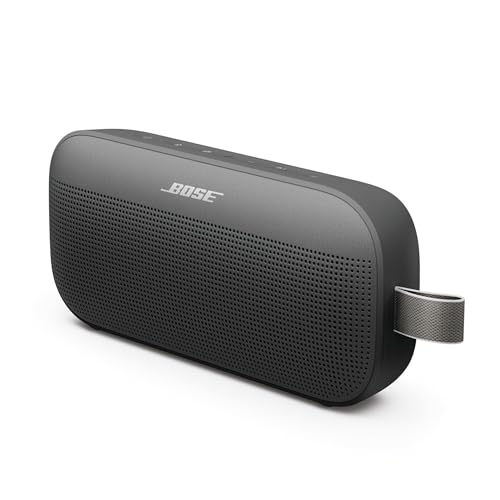
MUSIC CALLS: The Bose SoundLink Flex Portable Bluetooth Speaker (2nd Gen) packs big, bold sound in a portable size that’s perfect for sharing tunes and good times anywhere on your travels

ROOM-FILLING PERFORMANCE: The most flexible home speaker ever from Bose, for incredibly immersive, deep, and clear sound in any and every room.
Finding Your Bose Speaker in Device Settings
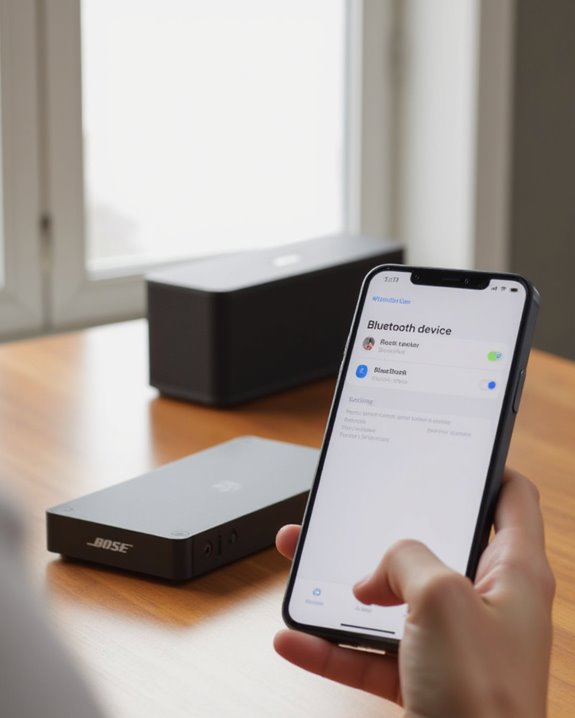
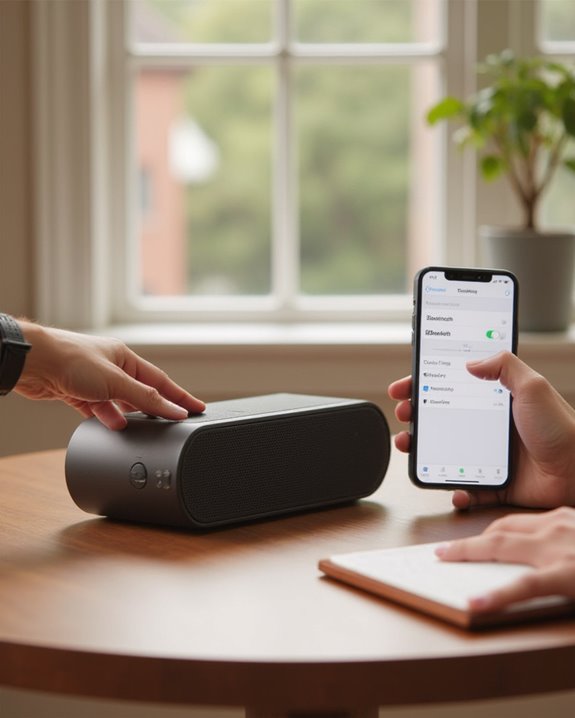
Once your Bose speaker is in pairing mode, the next critical step involves locating it within your device’s Bluetooth settings. Make sure Bluetooth is activated on your mobile device, as this enables the system to search for available devices in proximity.
Navigate to the Bluetooth menu on your device and initiate a scan for available devices. Your Bose SoundLink speaker should appear in the list of available Bluetooth devices once the scan completes. Look specifically for names like “Bose SoundLink” or “Bose Revolve II” to identify your speaker correctly.
If the speaker doesn’t appear in the available devices list, verify that it remains powered on with its Bluetooth indicator light blinking. Additionally, confirm your mobile device is within 30 feet of the speaker, with no interfering electronic equipment nearby. If you’re also considering a JBL speaker, our guide on how to connect a JBL Bluetooth speaker walks through a similarly straightforward pairing process.
For enhanced connectivity options, you can also use the Bose Connect app to assist with pairing and managing your speaker.
Recommended Products

SURPRISINGLY POWERFUL SOUND: SoundLink Micro’s crisp sound and impressive bass allows you to use this mini wireless speaker to break through any silence and form an in-the-moment connection.

MUSIC CALLS: The Bose SoundLink Flex Portable Bluetooth Speaker (2nd Gen) packs big, bold sound in a portable size that’s perfect for sharing tunes and good times anywhere on your travels

DEEP BASS, BIG SOUND: Whether you're the crew's go-to DJ or a music lover with the best playlists, the Bose SoundLink Max Bluetooth Speaker delivers deep, rich bass for a sound that will truly wow the party
Completing the Bluetooth Connection Process
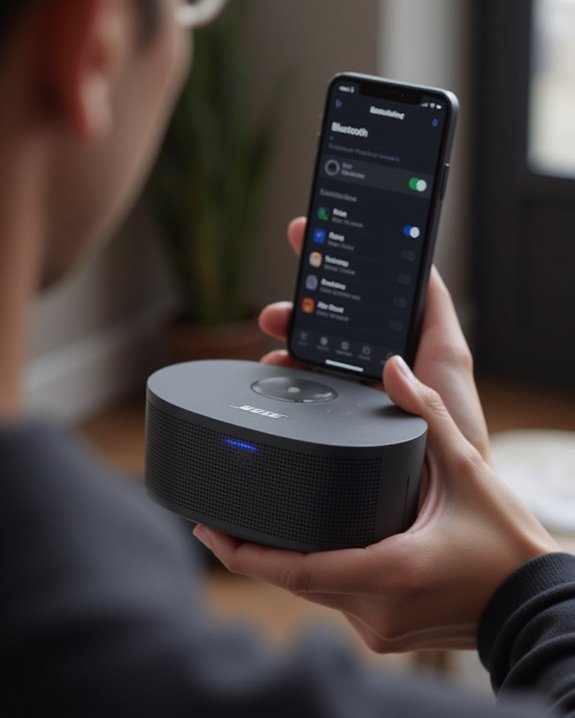
After locating your Bose speaker in the Bluetooth device list, the final pairing steps must be completed to establish a working connection. When prompted, users should enter the passkey 0000, a standard code for many Bluetooth devices including the Bose SoundLink series. The speaker will emit a confirmation tone once successfully paired, while the Bluetooth indicator light changes to a solid white color, signaling the connection is active.
To verify the connection quality, users should play audio through the newly connected device, ensuring sound transmits clearly through the Bluetooth speaker. For ideal performance, maintaining a distance within 30 feet between the speaker and the device is recommended. If connection issues occur, the Bose app offers troubleshooting support, or users can attempt connecting to another device to isolate the problem.
Additionally, for enhanced portability and protection while using your connected Bose SoundLink Flex speaker outdoors, consider a silicone cover designed for compatibility with both 1st and 2nd generation models.
Recommended Products

co2CREA soft silicone speaker travel case replacement for new Bose SoundLink Flex portable bluetooth speaker. The Bose Flex speaker soft case is made of soft silicone material, which is sturdy and durable, protect your Bose speaker SoundLink Flex 2nd Bluetooth portable speaker from drops and bumps. Made from premium-grade silicone, this Bose Flex bluetooth speaker 2nd gen case combines rugged protection with a sleek aesthetic, making it a perfect choice for both indoor and outdoor use.

The external of case: The external of the Bose Soundlink Flex 2nd Speaker case is made of EVA and Nylon which have the characteristics of wear-resistance, moistureproof, anti-drop and dust proof, The case for Bose Soundlink Flex 2nd Speaker can prevent your Bose Soundlink Flex 2nd Speaker damage

co2CREA soft silicone speaker travel case replacement for Bose soundlink flex Bluetooth portable speaker. The Bose flex speaker soft case is made of soft silicone material, which is sturdy and durable, protect your Bose speaker soundlink flex Bluetooth portable speaker from drops and bumps.
Troubleshooting Common Connection Issues
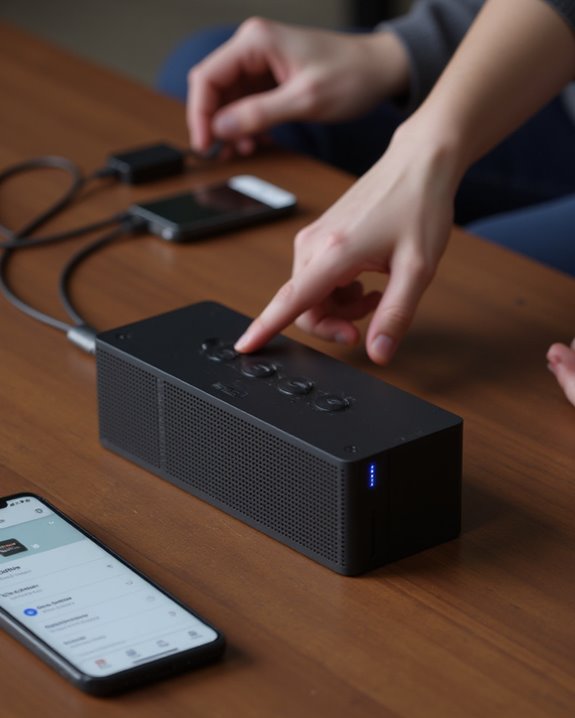
Despite the intuitive design of Bose Bluetooth speakers, users may occasionally encounter connection difficulties that prevent ideal audio enjoyment. When a SoundLink Revolve fails to pair, first verify the device remains within the ideal 30-foot range, as exceeding this distance commonly disrupts connections. Users should check for signal interference from nearby wireless networks, which can prevent the speaker with Bluetooth from maintaining stable connections.
The Bose Connect app often resolves persistent issues by facilitating proper device and search functions. If a speaker is already connected to another device, users will need to disconnect it before attempting to establish a new connection. For those who switch between two devices frequently, performing a system reset by holding the power button for 10 seconds often clears temporary software or firmware glitches affecting connectivity. You can also connect your Bose speaker to a smart home ecosystem — our guide on how to connect Bose speaker to Google Home Mini explains how to integrate both devices.
Recommended Products

𝐁𝐥𝐮𝐞𝐭𝐨𝐨𝐭𝐡 𝟓.𝟑 𝐒𝐮𝐩𝐩𝐨r𝐭 – Applies the latest Bluetooth 5.3 plus EDR technology and is backward compatible with Bluetooth V4.2/4.0/3.0/2.1/2.0/1.1. UB500 Plus turns non-Bluetooth PC, desktop or laptop into Bluetooth-capable

Long Range Bluetooth Adapter: Techkey USB Bluetooth 6.0 dongle utilizes Class 1 radio technology and features an extended antenna, providing a transmission range of up to 600ft/200m in open areas, ensuring that Bluetooth connections are no longer limited by distance. (Please note that physical obstructions and wireless interference may affect the actual transmission range.)

Bluetooth 5.3 dongle: Applies the latest Bluetooth 5.3+EDR technology, compatible with Bluetooth 5.2/4.2/4.2 LE/4.0/2.1+EDR, and supports Dual mode (BR/EDR+ Bluetooth Low Energy) to achieve low energy consumption and high speed. Quick response and better anti-interference.
Using Alternative Connection Methods
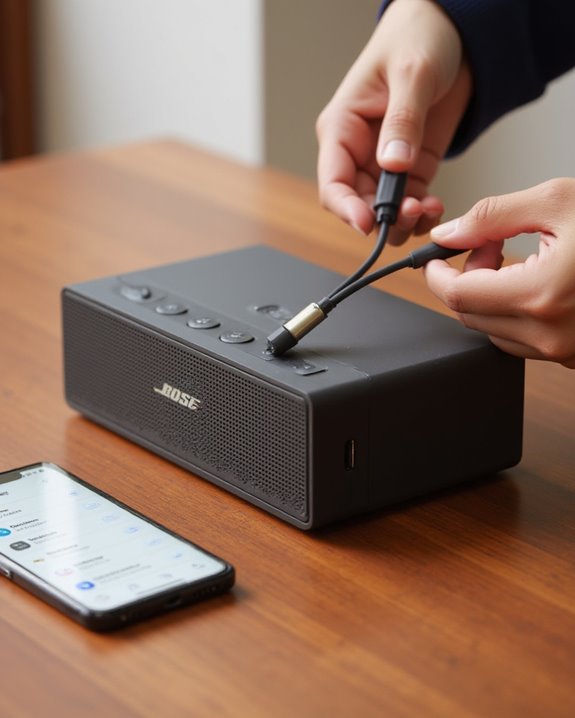
Beyond the standard Bluetooth connection, Bose speakers offer several alternative methods that provide flexibility for various devices and listening environments. For a reliable wired setup, connect using an AUX cable by inserting one end into your device’s headphone jack and the other into the speaker’s AUX input, ensuring uninterrupted audio quality. NFC-enabled devices can simplify pairing by tapping against the speaker’s NFC logo for instant connection, eliminating navigation through software and firmware settings.
For advanced product features, consider using the Bose app, available on both Android and iOS platforms. The app facilitates Wi-Fi connections and enables party or stereo modes on compatible models like the SoundLink Revolve. Multi-connect capability allows linking two devices simultaneously, making it convenient to switch between audio sources without disconnecting and reconnecting. Shoppers weighing their options between Bose and other brands may also find it useful to read our analysis of whether JBL is a good brand, covering sound quality, durability, and price-to-performance comparisons.
Recommended Products

Bose Bass Module Connection Cable for use with the Bose TV Speaker

Replacement Audio Cable Cord Wire: Compatible with Bose QuietComfort QC45 QC35II QC35 QC25 NC700 OE2 OE2i Soundlink Soundtrue JBL E45BT E55BT E50 E35 E30 Headsets

【Universal Compatibility】Bose QC35, QC25,700, QC45, QC35II,Over-ear headphones, JBL E45BT, E55BT, E65BTNC, 750NC, Duet BT, Duet NC, AKG Y45, Y40,Y55BT, Y55, Y50, Y45, Y40 headphones, Live 400BT, Live 500BT, Live 650BTNC and more other headphone with 2.5mm jack port
Frequently Asked Questions
How to Connect a Bose Bluetooth Speaker?
Like a gentle breeze connecting souls, users power on the speaker, activate Bluetooth, and locate it in device settings. Signal Strength, Connection Range, Audio Quality, Battery Impact, Firmware Update, and Multi Device connectivity affect performance.
Can I Connect to a Bose Speaker Without an App?
Users can connect to Bose speakers without an app through multiple non-app options. Manual connection via standard Bluetooth pairing, AUX cables, or NFC offers app-free alternatives with broad device compatibility for basic wireless setup and usage.
How Do I Put My Bluetooth Speaker in Pairing Mode?
Like a town crier announcing connections, the pairing mode activation method varies by device. Simply hold the Bluetooth button until indicator lights blink. This sequence enables the Bluetooth speaker’s discoverable mode for connecting to other devices.
Why Won’t My Bluetooth Connect to Bose?
Bluetooth connection failures with Bose speakers typically stem from interference issues, compatibility problems, firmware glitches, battery failures, signal obstacles, or device conflicts. Resolving these technical impediments often requires troubleshooting each potential cause systematically.