As an Amazon Associate, we earn from qualifying purchases. Some links may be affiliate links at no extra cost to you. Although our opinions are based on curated research, we haven't used these products. Articles generated with AI.

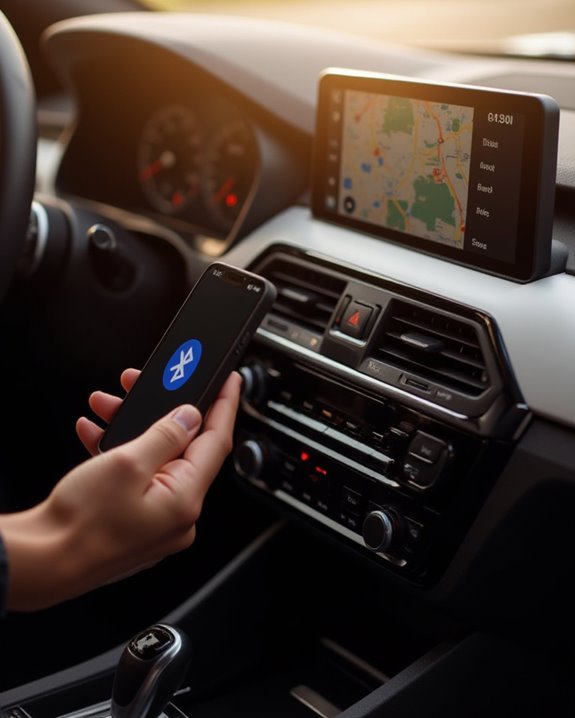
How To Connect Mobile To Car Speaker

Connecting a mobile phone to car speakers offers several methods based on vehicle capabilities. For modern cars, enable Bluetooth on both devices, pair them through settings, and confirm the connection code. Alternatively, use a USB cable in file transfer mode, or connect via a 3.5mm auxiliary cable from the phone’s headphone jack to the car’s aux port. For older vehicles, consider FM transmitters or cassette adapters. The following guide explores each connection option with specific troubleshooting techniques.
Key Takeaways
- Enable Bluetooth on your car stereo and smartphone, then pair the devices for wireless audio streaming within a 30-foot range.
- Connect your phone using a compatible USB cable, switch to file transfer mode, and select USB audio on your car stereo.
- Use a 3.5mm auxiliary cable between your phone’s headphone jack and car’s AUX port for direct audio transmission.
- For older vehicles, install an FM transmitter to broadcast phone audio wirelessly to your car radio’s FM frequency.
- If connection issues persist, restart devices, toggle Bluetooth, or update your phone and car stereo firmware.
Wireless Bluetooth Connection Setup
Setting up a Bluetooth connection between a mobile phone and car speakers represents the most convenient method for wireless audio streaming in vehicles today. To begin, drivers must activate the Bluetooth functionality on their car stereo system, ensuring it remains in discoverable mode for the pairing process.
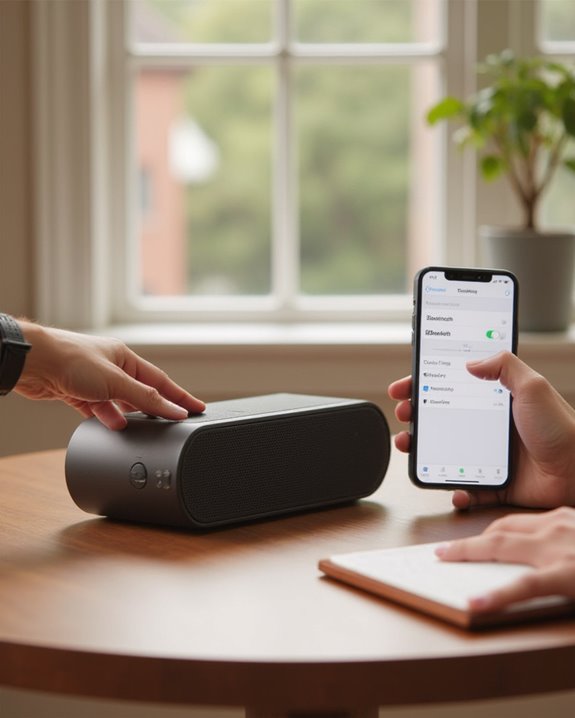
On an Android device, users should go to Settings, locate the Bluetooth section, and enable the feature. The phone will scan for available devices, displaying the car’s audio system in the list of nearby Bluetooth devices. Selecting the car stereo initiates the pairing sequence, often requiring confirmation of a security code on both devices. Once successfully paired, the connection establishes automatically during future drives, maintaining connectivity within a 30-foot range for ideal audio transmission via Bluetooth without interference from obstacles or electronic devices. If you prefer to use a portable Bluetooth speaker in your car instead of the built-in stereo, this guide on how to connect a Bluetooth speaker walks through the full pairing process step by step.
For enhanced reliability, opting for speakers with Bluetooth 5.0+ technology can provide stable connections and reduced power consumption during your drives.
Recommended Products

【Enjoy Wireless Streaming Music】This car Bluetooth adapter can be connected to non-Bluetooth car audio systems, home stereos, speakers, wired headphones via the 3.5mm AUX adapter; And equipped with a Bluetooth 5.0 chip for stable connection / fast transmission / wide signal range. Just pair it with your phone and start listening to your favorite music!

54W High Power Fast Charging, 4-Port Synchronous Charging: Nulaxy Bluetooth car adapter integrates PD36W and QC18W, offering a high-speed and efficient charging solution. Its innovative four-port design supports parallel charging of multiple devices, effortlessly overcoming battery anxiety and enhancing charging efficiency.
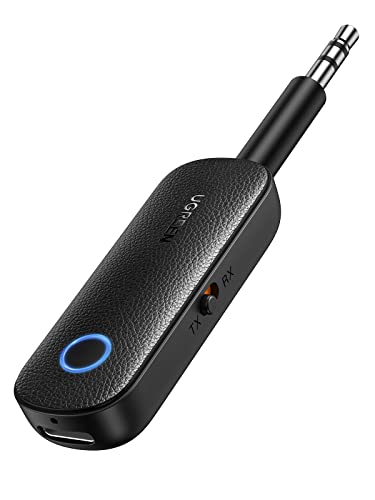
2 in 1 Bluetooth Transmitter Receiver: This UGREEN 3.5mm wireless adapter supports both TX and RX modes. Whether at home, in the car, or on a plane, it can easily meet your wireless Bluetooth needs. Simply connect it to a non-Bluetooth device, such as a plane or car stereo, and enjoy Bluetooth wireless sound. Not only is it a great gadget for enabling wireless Bluetooth, but it's also an airplane travel essential, eliminating the hassle of wired connections!
USB Cable Connection Methods
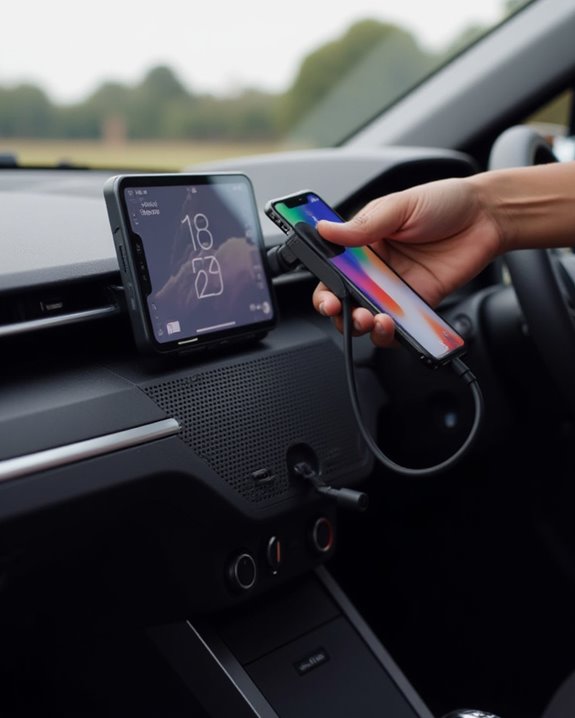
While Bluetooth offers wireless convenience, a USB cable connection provides a reliable alternative for connecting mobile devices to car audio systems. To connect using this method, users should insert one end of a compatible USB cable into their Android phone’s port and the other into the car’s stereo USB port. The phone must then be switched to file transfer mode, such as MTP, enabling the car system to access stored music files.
For best results, make sure the USB cable matches the phone’s port type (like USB Type-C), and keep the device accessible during the initial connection process. Users experiencing difficulties should navigate to their phone’s USB configuration settings to select the appropriate data transfer option. If problems persist, trying a different cable or USB port often resolves common connectivity issues. Additionally, for vehicles equipped with modern adapters, this USB connection can be paired with USB-C charging capabilities to ensure your device stays powered during use.
Recommended Products
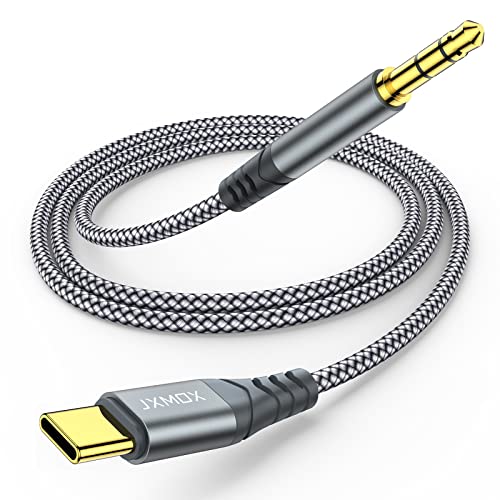
【Multi-function Dongle】This USB C to 3.5mm aux cable cord can easily connect your Type C devices to car stereo, home stereo, speaker, headphones or any device with standard 3.5mm audio jack or Aux-in port and offers you the freedom of listening to music.

Seamless CarPlay Connection: Supports full CarPlay functionality so you can charge your phone, navigate, take calls, and stream music without lag.

【Latest upgrade】: QianLink design this USB C to 3.5mm aux cable cord. Type C to 3.5mm Aux cable can easily connect your Type C devices to car stereo, home stereo, speaker, headphones or any device with standard 3.5mm audio jack or Aux-in port and offers you the freedom of listening to music.
AUX and Wired Audio Options
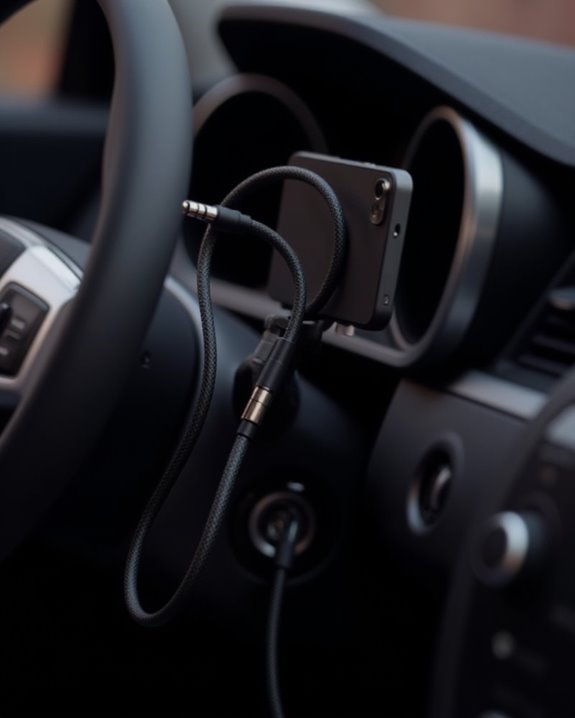
Traditional wired connections provide reliable, high-quality audio alternatives for drivers who prefer non-wireless methods or have vehicles without Bluetooth capabilities. The most common approach involves a 3.5mm aux cable, which connects a mobile device’s headphone jack to the car’s aux port, creating a direct audio pathway that plays music with minimal setup requirements.
For vehicles equipped with cassette players, a specialized cassette adapter offers backward compatibility by inserting into the tape deck while connecting to the phone’s audio output. USB connections present another versatile option, allowing Android users to transmit audio through their charging port while simultaneously powering their device. When connected via USB, many phones require switching to file transfer mode for proper audio recognition by the car’s system, ensuring seamless playback through the vehicle’s speakers with consistently clear sound quality.
Additionally, for enhanced connectivity in car setups, speakers like the SOULION C10 offer 3.5mm auxiliary inputs to improve audio integration.
Recommended Products

Universal Compatibility: Perfectly compatible with any devices with a 3. 5mm aux port. Such as Apple iPhone, iPod, iPad, Headphones, Hi-Fi, Car Stereos, Tablet, Laptop, Smartphones, MP3 Player, Speaker and any other audio-playing devices. (ATTENTION: Incompatible with Life proof Cases And Otter Box cases)
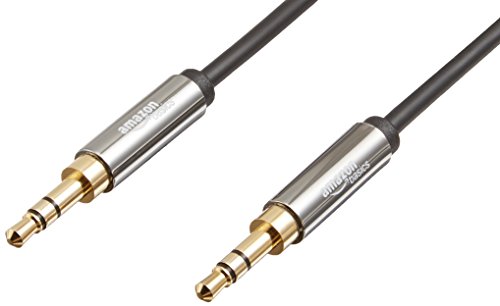
IN THE BOX: 4-foot 3.5mm male-to-male stereo audio cable transmits audio in stereo format

ELIMINATE CABLE BENDING IN TIGHT SPACES: Our 90-degree right-angle design prevents stress and damage. Perfect for cramped car AUX connections or resting a gaming controller comfortably against your body without bulky, annoying interference.
Troubleshooting Common Connection Problems
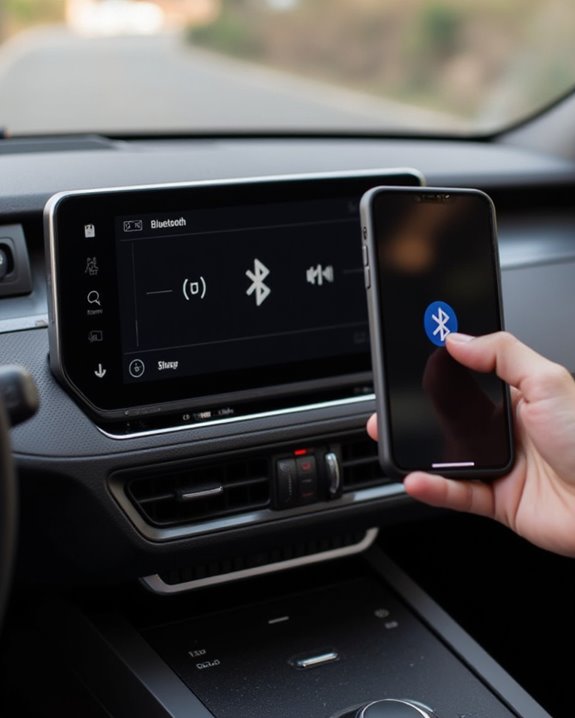
When connection issues arise between mobile devices and car audio systems, drivers often face frustrating situations that interrupt their listening experience. To resolve these problems, make sure the AUX adapter is properly connected and check mobile device settings to confirm audio output is correctly routed. For Bluetooth difficulties, try restarting the device and toggling Bluetooth off and on before attempting to pair again.
If CarPlay isn’t working well, take a look at your iPhone’s iOS version and try a different USB cable or port. When calls only ring on your phone instead of car speakers, verify Bluetooth is enabled with Auto-Join for Wi-Fi. For persistent connection issues connecting your car via USB or Bluetooth, update both your device’s software and the car’s stereo firmware. Drivers who want a portable audio option that connects to more than one device at a time can explore the methods described in this guide on how to connect to more than one Bluetooth speaker for multi-speaker setups.
Recommended Products

Add Bluetooth to Your Car: UGREEN Bluetooth receiver is designed to turn home or audio systems, or speakers into hands-free, Bluetooth-enabled devices. If you want to stream music or listen to phone conversations through car’s speakers, but your vehicle didn’t come with Bluetooth, UGREEN Bluetooth Car adapter is an effective solution.

Add Bluetooth to Your Car: UGREEN aux bluetooth adapter is designed to turn home or audio systems, or speakers into hands-free, Bluetooth-enabled devices. If you want to stream music or listen to phone conversations through car’s speakers, but your vehicle didn’t come with Bluetooth, UGREEN Bluetooth 6.0 Car adapter is an effective solution.

[Drive & Listen Wirelessly, Universal Compatibility] Seamlessly connect to non-Bluetooth car audio systems, home stereos, speakers and wired headphones via the 3.5mm AUX adapter. Equipped with advanced Bluetooth 5.3 chip, it ensures stable connection, fast transmission and wide signal range—no more intermittent audio during driving or listening. Pair with your phone in 3 seconds and enjoy your favorite music, podcasts or audiobooks anytime, anywhere.
Advanced Solutions for Older Vehicles
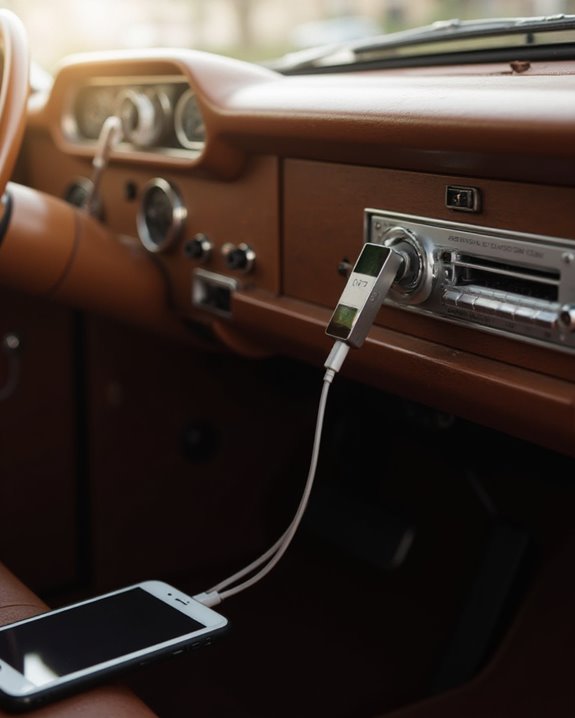
Owners of vintage cars needn’t miss out on modern audio conveniences despite their vehicles’ dated technology. Several retrofit options exist to stream music from smartphones through older Car audio systems, ensuring everyone can enjoy their digital libraries while driving.
Vehicles equipped with cassette decks can utilize cassette adapters that connect to a phone’s 3.5mm headphone jack, while cars from the 1990s with auxiliary ports allow direct connection via a standard aux cable. For vehicles lacking these features, FM transmitters broadcast audio to the car’s radio, creating a wireless solution for playing music through existing speakers. Models from the mid-2000s with USB ports can play music directly from Android devices when set to file transfer mode. Adapter cables, such as USB-C to 3.5mm converters, bridge technology gaps for newer phones with older vehicles.
Recommended Products

【Why do you need me?】: When you have a vintage car with a tape player, the cassette adapter will let you continue to enjoy the music on your phone! You don't need to replace or refit your car to avoid destroying his original classic!
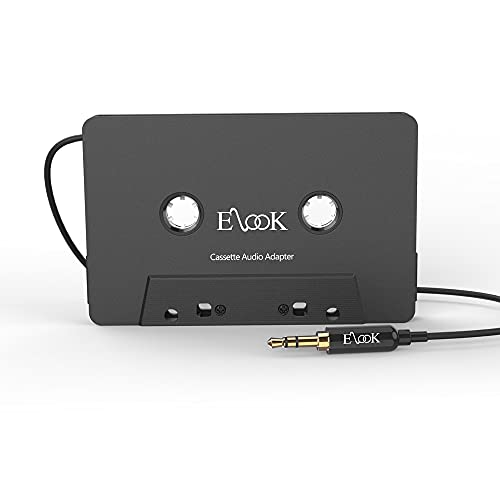
【Wake up your vintage car】Elook cassette aux adapter connects your music library to your car tape deck. Making it easy to enjoy plentiful musics with premium sound in your vintage car!

【Why do you need me?】 When you have a vintage car with a tape player, the cassette Bluetooth receiver will let you continue to enjoy the music on your phone! You don't need to replace or refit your car to avoid destroying his original classic!
Frequently Asked Questions
How Do I Connect My Phone to My Car Speakers?
Individuals can establish connections between their phones and car speakers through various intimate methods: using an Aux Cable, plugging in a USB Adapter, employing an FM Transmitter, or creating a Wired Link via Bluetooth pairing.
Why Won’t My Phone Play Through My Car Speakers?
Phone audio may not play through car speakers due to Volume Issues on either device, App Glitches affecting audio routing, Signal Interference disrupting the Bluetooth connection, or Battery Problems limiting the phone’s performance during playback.
How Do I Pair My Phone to a Speaker?
Like a key finding its perfect lock, speaker pairing begins with enabling Bluetooth on both devices. For wireless setup, users should activate device syncing mode on the speaker before selecting it during audio linking from their phone.
How to Connect Phone to Car Bluetooth for Music?
To connect a phone for music, one should activate Bluetooth settings on both devices. Streaming options vary by audio formats supported. Device battery consumption increases during playback. Regular firmware updates guarantee ideal connectivity between intimate audio companions.