As an Amazon Associate, we earn from qualifying purchases. Some links may be affiliate links at no extra cost to you. Although our opinions are based on curated research, we haven't used these products. Articles generated with AI.

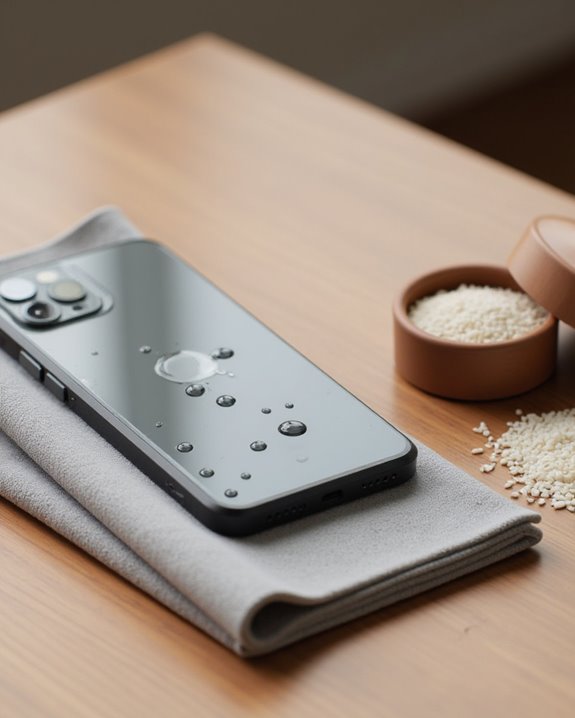
Get Water Out of Your Phone in 3 Simple Steps

To salvage a water-damaged phone, follow these three critical steps: First, immediately power off the device, remove any cases, and extract the SIM and memory cards to prevent short circuits. Second, gently dab exterior surfaces with a soft cloth, avoiding rubbing motions that could push moisture deeper. Third, place the phone with ports facing downward on silica gel packets (not rice) for 24-48 hours in a well-ventilated area. These proven techniques maximize the chances of successful recovery.
Key Takeaways
- Power off your phone immediately and remove cases, SIM cards, and battery if possible.
- Gently dab exterior moisture with a soft cloth using light motions rather than rubbing.
- Position your phone flat with ports facing downward on absorbent materials in a well-ventilated area.
- Use silica gel packets instead of rice to absorb internal moisture for 24-48 hours.
- Rinse with fresh water first if your phone was exposed to salt water before beginning the drying process.
Step 1: Power Off Immediately and Remove External Components
When water infiltrates a smartphone, acting swiftly becomes essential to prevent permanent damage. The first critical action is to power off the phone immediately, which helps prevent short circuits and minimizes potential internal damage from water exposure. After shutting down the device, users should promptly remove the protective case to improve airflow and expose areas where water might be trapped.
Next, carefully remove the SIM card and memory card if applicable, as this creates additional ventilation pathways while protecting valuable data from corruption. For devices with removable batteries, extracting the battery is essential to eliminate power sources that could cause short circuits. These preliminary steps create ideal conditions for the subsequent drying process by reducing the likelihood of water reaching sensitive internal components and circuitry. iPhone users should also learn how to eject water from their iPhone using the built-in Siri shortcut for faster initial water removal from speakers.
Step 2: Eliminate Surface Moisture With Proper Technique
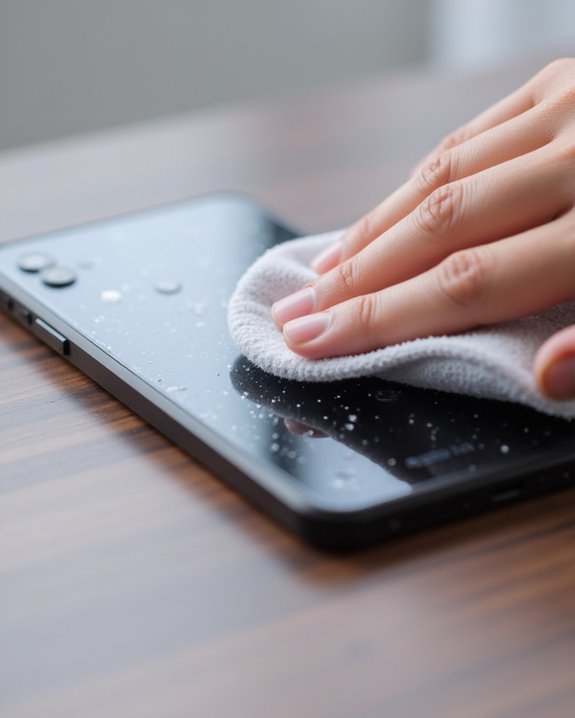
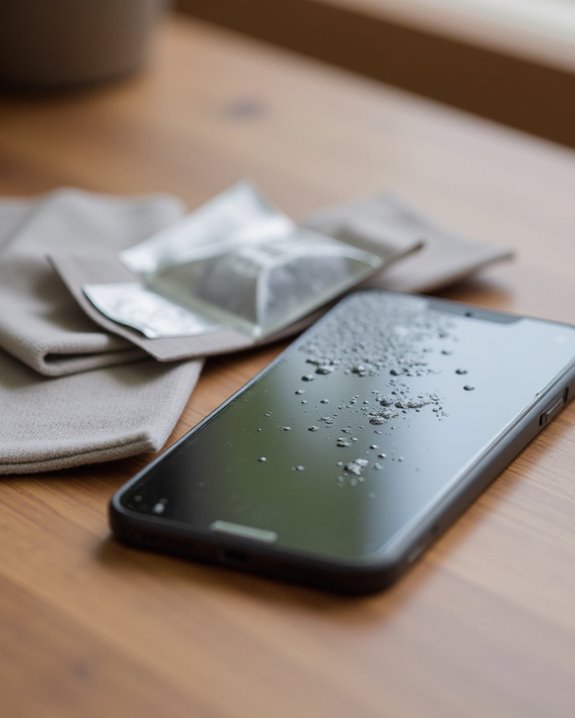
Once the phone has been powered off and external components removed, the critical next phase involves eliminating surface moisture with proper technique and gentle handling. Users should carefully dab—not rub—the phone’s exterior with a soft cloth, preferably microfiber, to absorb moisture without forcing water deeper into sensitive areas like the charging port or speaker. The proper approach requires light, deliberate dabbing motions rather than vigorous scrubbing, which can push external moisture into the device’s interior compartments.
After thoroughly addressing visible water droplets, individuals should position the phone flat on an absorbent surface in a well-ventilated area. This positioning allows any remaining water to evaporate naturally from the device. Focusing on gentle drying techniques during this stage greatly reduces the risk of permanent damage to internal electronic components.
If the phone was exposed to salt water, rinse it with fresh water to help maintain its waterproof seals.
Recommended Products

Excellent Cleaning Performance: Our cloths are made of microfiber material, which has outstanding water absorption and oil absorption abilities; whether it's for household cleaning or car care, our towels can easily remove dirt, dust, and stains

Premium Materials: Extremely high-quality, soft, microfiber material absorbs and removes dust, oil, smudges, fingerprints, and dirt. Leaves no scratches, streaks, marks, or lint. Makes the perfect stocking stuffers for adults, men, women, him, her, teens, and more.
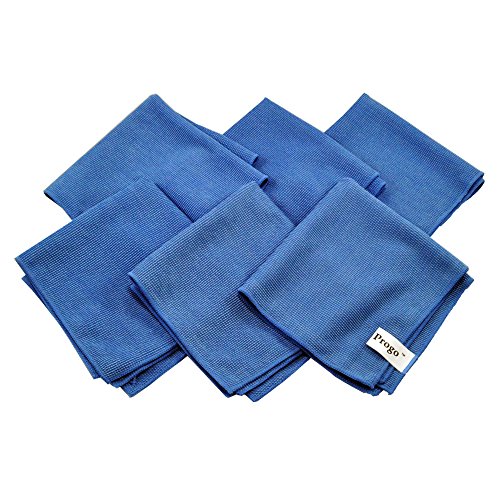
Perfect for Flat Panel TV's, Monitors and other Household, Auto and Marine Surfaces
Step 3: Use Effective Drying Methods for 24-48 Hours
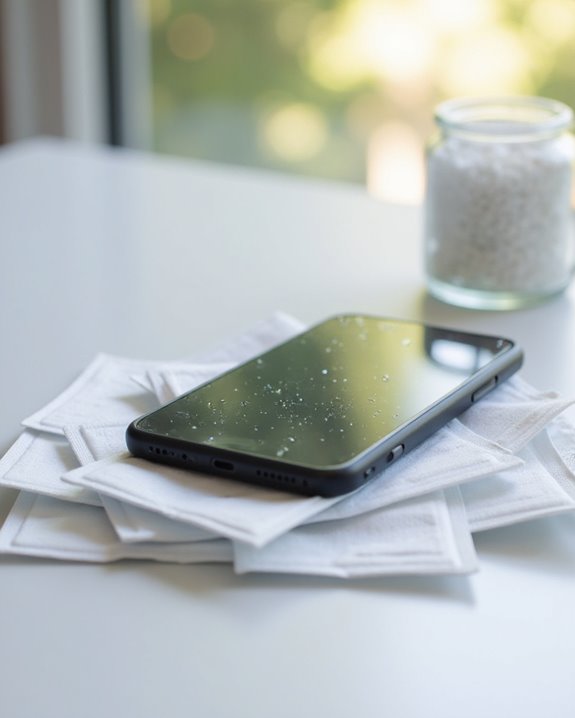
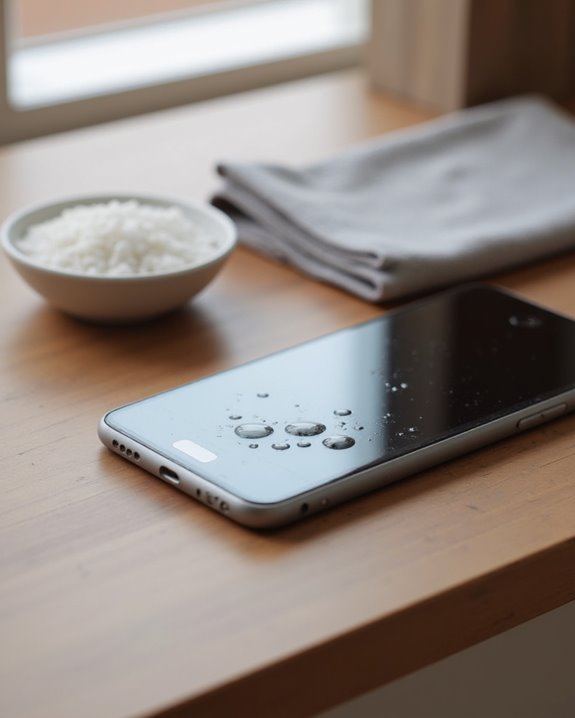
Proper drying techniques during the critical 24-48 hour period greatly increase the chances of successfully reviving a water-damaged phone. After removing excess water, place the device in a container with silica gel packets, which effectively absorb internal water without introducing harmful particles. Unlike rice, silica is the recommended desiccant for the drying process.
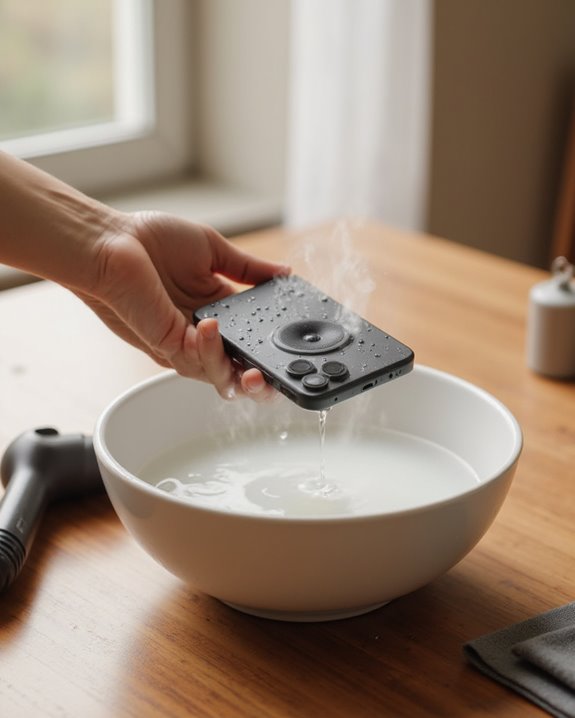
Position the phone flat on an absorbent towel with ports facing downward, allowing gravity to assist in draining remaining moisture. The device should air dry in a cool, well-ventilated area with low humidity, away from heat sources that could cause additional damage. This effective method requires patience—maintain a completely dry environment for the full 24-48 hours, keeping the phone powered off throughout to prevent short-circuiting while internal components thoroughly dry. If the speaker still sounds muffled after drying, follow the steps to get water out of your phone speaker using sound-wave ejection to clear any remaining moisture from the grille.
Recommended Products

100% FOOD SAFE & NON-TOXIC: Keep your snacks crispy and medications potent by keeping ambient moisture at bay; Made from premium, odorless, and non-toxic silica gel, Vbeijll Desiccants ensure your family's health [Note: Packs ≤ 5g feature food-grade wrapping for direct contact with food & medicine; Packs > 5g are recommended for placement alongside items rather than direct mixing, without affecting absorption]

Excellent Moisture Absorption: Our silica gel packets has transparent silica gel beads inside, decassant packs has high moisture absorption, which can effectively absorb the humidity in the air, keep the items in a dry state, and prevent the moisture from damaging the items

Premium Quality & Reliable Performance Proudly produced with high-grade materials and strict quality standards, these silica gel packets deliver dependable moisture control in various environments. Perfect for home, vehicle, pantry, and filament storage bags, helping maintain a dry and clean space.
Frequently Asked Questions
How to Quickly Get Water Out of Phone?
Water removal requires immediate action. Users encountering this symptom should power off devices, utilize sound frequencies via specialized apps, and position speakers downward. Water resistance varies by brand. Prevention tips and data backup reduce future repair costs.
How to Get Moisture Out of a Phone?
For moisture removal, one should power off the device, employ silica gel packets for absorption, and utilize sound-based tools to eject water from speakers. Environmental factors and humidity risks necessitate prompt action to prevent corrosion effects and guarantee battery protection.
What Can I Put My Phone in to Absorb Water?
After a tech enthusiast rescued their device, water absorber options for a phone enclosure include silica gel packets in an airtight bag choice or crystal kitty litter in a sealed container type—both superior absorbent material selections to rice.
How to Dry an Iphone Quickly?
To dry an iPhone quickly, users should power off immediately, use Water Eject shortcut or Sonic app, and place it speaker-down. Expert advice warns against rice, as improper drying can void warranty and cause long-term damage.