As an Amazon Associate, we earn from qualifying purchases. Some links may be affiliate links at no extra cost to you. Although our opinions are based on curated research, we haven't used these products. Articles generated with AI.

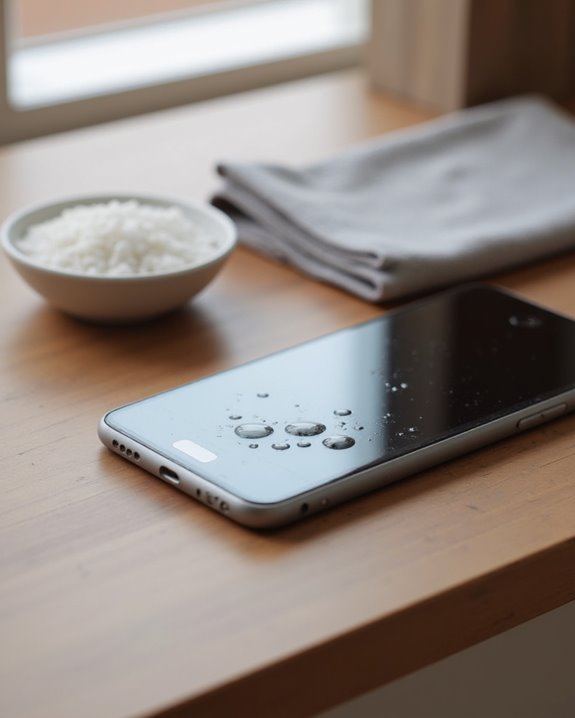
How Do I Get Water Out of My Phone in 5 Simple Steps

To remove water from a phone, immediately power it off to prevent short circuits. Next, remove case, SIM cards, and any detachable components, then wipe exterior surfaces dry. Position the device at a 45-degree angle with ports facing downward to facilitate drainage. Place the phone in a sealed container with silica gel packets (not rice) for 24-48 hours to absorb internal moisture. Allow complete drying before attempting to power on, as premature testing risks permanent damage to internal circuitry.
Key Takeaways
- Power off your phone immediately to prevent short circuits and permanent internal damage.
- Remove case, SIM card, memory card, and removable battery, then gently wipe exterior surfaces dry.
- Position phone at a 45-degree angle with charging port facing downward for 24 hours to drain water.
- Place phone in an airtight container with silica gel packets for 24-48 hours to absorb internal moisture.
- Wait at least 24-48 hours before powering on to ensure complete drying and prevent permanent damage.
Power Off Your Phone Immediately to Prevent Short Circuits
Shutting down your phone immediately after water exposure represents the most essential first step in preventing potential damage to the device. When a phone gets wet, the presence of water can create electrical pathways between components that normally remain isolated, resulting in short circuits that may permanently damage internal components. Users should turn off the phone right away, even if it appears to function normally after being exposed to water.
This critical action applies to all devices, including those marketed as water resistant or waterproof phones, as no device offers complete protection against water intrusion. Powering down prevents electrical current from flowing through the battery and circuitry, greatly reducing the risk of short circuits. Experts consistently emphasize that maintaining the device in a powered-off state maximizes recovery chances. iPhone users looking for device-specific guidance can also refer to this detailed walkthrough on how to remove water from an iPhone for model-specific steps.
Recommended Products

Moisture Wicking Patented Technology - For small electronics (like cell phones, AirPods, key fobs, hearing aids, remote controls, GPS devices, etc.), the Absorbits Small Electronics Rescue Pouch is an absolute lifesaver. Crafted from durable nylon, it features our patented moisture-removal technology to keep your prized possessions safe and dry after exposure to water, sweat, or humidity by wicking away moisture in as little as 4 hours.

DRY OUT YOUR PHONE OVER NIGHT Our dryer bag is equipped with patented Bone-Dri Technology that removes moisture from your mobile device in a matter of hours.

PERMANENT PROTECTION FOR WET DEVICES: Rescue phones, earbuds, and hearing aids instantly! redux hearing aid dryer's heat-free drying system uses "Electronic Rice" beads to safely absorb moisture, no risky rice or hairdryers. Reusable for years; just reactivate with the included sleeve. Your go-to solution for water accidents
Remove External Components and Wipe Surface Moisture
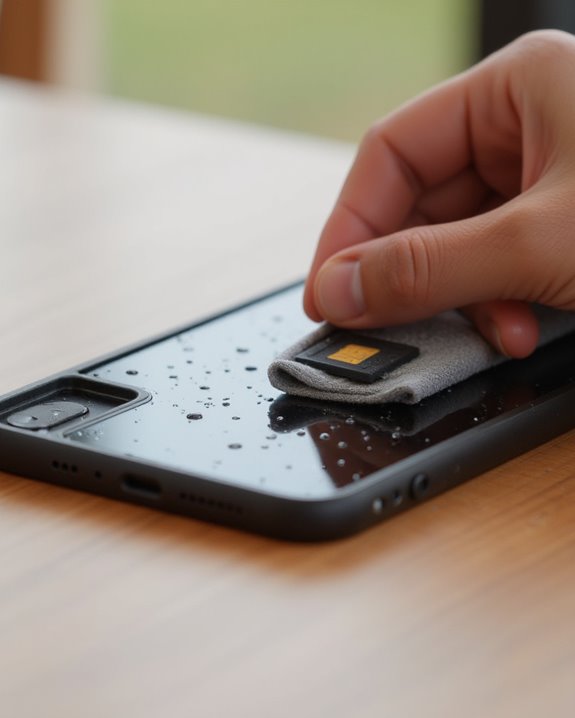
Once the phone is safely powered off, users must immediately begin the careful process of removing external components and eliminating surface moisture. First, remove the phone case to prevent water from becoming trapped between the device and its protective covering. Next, remove the SIM card and memory card from their respective slots, as these small components can be particularly vulnerable to water damage.
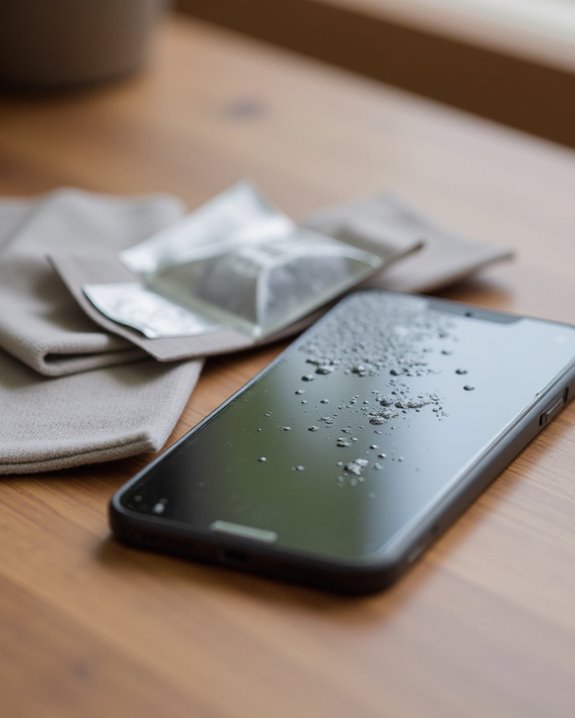
For phones with removable batteries, users should carefully remove the battery to prevent potential short circuits and improve airflow to internal components. Using a soft cloth or paper towel, gently dry the exterior of the device, paying special attention to ports, buttons, and speaker openings where excess water tends to accumulate. After wiping away external moisture, position the phone flat on an absorbent surface to facilitate continued evaporation of remaining water.
Recommended Products
One microfiber dish dry Mat XL measuring 18 in. x 24 in.; kitchen mat for countertop absorbs up to 4 times its weight in water to keep your countertop dry, unlike a silicone dish drying mat
DRYING MAT: Dish drying mat provides a soft cushion for dishes and stemware on kitchen countertop. Ideal for drying glassware, mugs, plates, bowls, silverware, pots, pans, spatulas, cutlery, and more

One microfiber dish dry mat XL measuring 18 in. x 24 in.; kitchen mat for countertop absorbs up to 4 times its weight in water to keep your countertop dry, unlike a silicone dish drying mat
Position Your Phone for Maximum Water Drainage
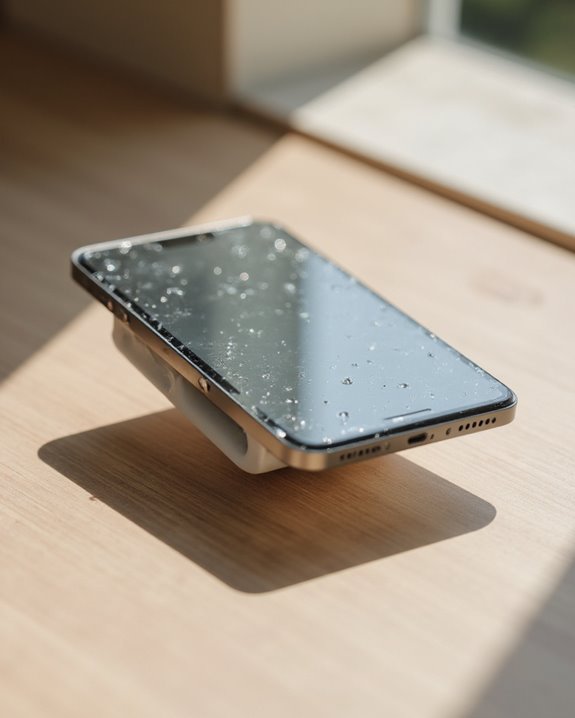
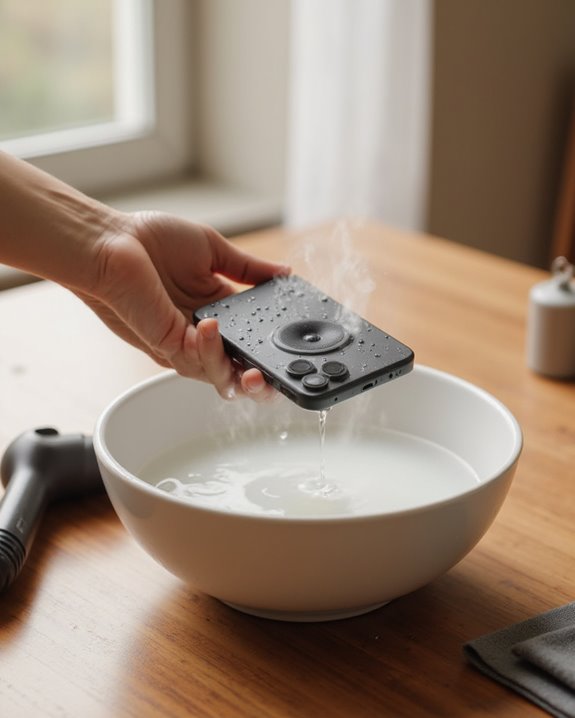
Proper positioning of the wet phone dramatically improves water drainage and minimizes potential damage to internal components. Place the device with the charging port facing downward at approximately a 45-degree angle, allowing gravity to pull moisture out of vulnerable areas like ports and speakers. This orientation facilitates the natural flow of water from internal components to exterior surfaces, where it can evaporate more readily.
The phone should remain in this downward position for at least 24 hours in a well-ventilated area, which enhances airflow and accelerates the drying process. Additionally, position the device on an absorbent surface such as a microfiber cloth or paper towel to capture expelled moisture. This combination of strategic positioning, adequate time, and proper environmental conditions maximizes the chances of successful water removal, greatly reducing the risk of long-term damage to sensitive electronics. If your iPhone’s speaker is also affected, a targeted approach to get water out of your iPhone speaker can help restore audio quality faster. In case of salt water exposure, rinse the phone with fresh water to maintain its seals, similar to recommendations for waterproof speakers.
Recommended Products

Excellent Cleaning Performance: Our cloths are made of microfiber material, which has outstanding water absorption and oil absorption abilities; whether it's for household cleaning or car care, our towels can easily remove dirt, dust, and stains

Premium Materials: Extremely high-quality, soft, microfiber material absorbs and removes dust, oil, smudges, fingerprints, and dirt. Leaves no scratches, streaks, marks, or lint. Makes the perfect stocking stuffers for adults, men, women, him, her, teens, and more.
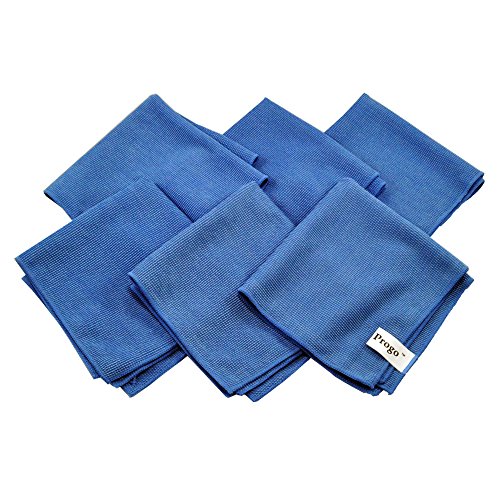
Perfect for Flat Panel TV's, Monitors and other Household, Auto and Marine Surfaces
Use Silica Gel Packets for Internal Moisture Absorption

Silica gel packets represent a superior solution for extracting internal moisture from water-damaged phones, outperforming traditional methods like rice in both efficiency and safety. Unlike rice, which can introduce harmful starch particles or dust into device components, silica gel packets focus exclusively on moisture absorption, potentially removing up to 40% of their weight in water from internal circuitry.
To implement this effective method, users should place their phone in an airtight container surrounded by silica gel packets, positioning them both underneath and on top of the device to guarantee thorough moisture extraction from all angles. The drying process requires patience, with ideal results achieved after 24-48 hours in a well-ventilated environment. This technique helps prevent short circuits by thoroughly absorbing internal water, making it greatly more reliable than rice for getting a phone completely dry after water damage.
Recommended Products

Excellent Moisture Absorption: Our silica gel packets has transparent silica gel beads inside, decassant packs has high moisture absorption, which can effectively absorb the humidity in the air, keep the items in a dry state, and prevent the moisture from damaging the items
![Dry & Dry 5 Gram [50 Packets] Silica Gel Packets Silica Gel Desiccants, Silica Gel Packs - Rechargeable Moisture Absorbers for Food Storage, Electronics, 3D Filament & Safes](https://m.media-amazon.com/images/I/51ioFKpJqOL._SL500_.jpg)
[Packet Specification] (Packet dimension: 2 inch x 2.7 inch); 5 gram desiccant packets can cover approximately 600 cubic inch volume containers; We recommend placing more packets than recommended for extra protection

100% FOOD SAFE & NON-TOXIC: Keep your snacks crispy and medications potent by keeping ambient moisture at bay; Made from premium, odorless, and non-toxic silica gel, Vbeijll Desiccants ensure your family's health [Note: Packs ≤ 5g feature food-grade wrapping for direct contact with food & medicine; Packs > 5g are recommended for placement alongside items rather than direct mixing, without affecting absorption]
Allow Complete Drying Before Testing Your Device
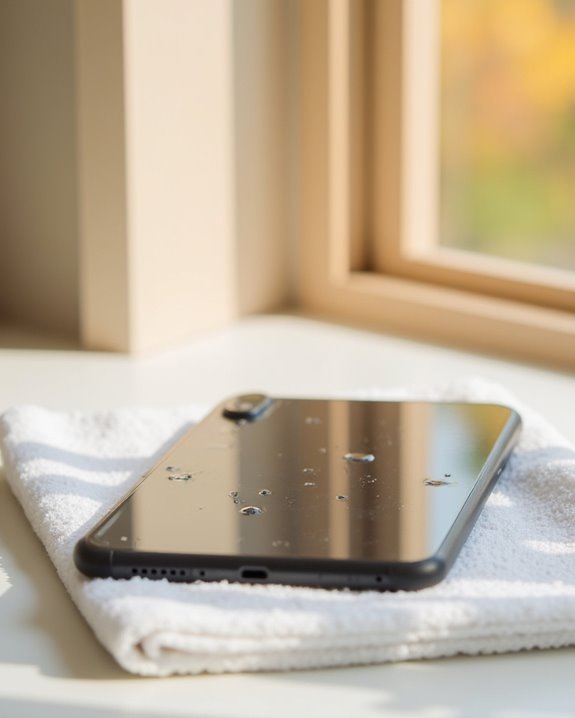
Patience during the complete drying phase represents perhaps the most critical step in recovering a water-damaged phone, requiring users to resist the temptation to power on their devices prematurely. Experts consistently recommend allowing phones to dry completely for a minimum of 24 to 48 hours, with silica gel packets strategically placed around the device to speed up the drying process and absorb internal moisture. For severely water-damaged phones, users should wait a few days to make sure the device has had long enough to air dry thoroughly, particularly in hard-to-reach internal components. During this waiting period, it remains essential to dry the ports and keep the phone in a well-ventilated area. Powering on a device before it has dried completely greatly increases the risk of permanent damage through short circuits. To enhance device protection against water in the future, consider accessories that feature IPX7 rating for better resistance in various environments.
Frequently Asked Questions
How to Get Water Out of Your Phone Quickly?
Quick extraction of water from phones requires immediate power off, gravity tilt, gentle shake method, thorough cloth wipe, and enhanced air circulation. Fan blowing helps evaporation. Professional advice recommends silica gel over alcohol spray or heat application.
How to Remove Water From Phone Screen?
Like a desert sun claiming back its land from a sudden rain, screen drying begins with gentle moisture wiping. Turn off the device, blot droplets with microfiber cloth, and allow water evaporation naturally without heat sources.
What Can I Put My Phone in to Absorb Water?
For water absorption from phones, silica gel packets are most effective. While the rice method is common, proper desiccant bags or absorbent pouches provide superior results. Moisture aids like silica options outperform cloth wraps or other bag alternatives.
How to Fix Black Screen From Water Damage?
To fix a black screen from water damage, diagnostic steps should begin with drying. Component replacement may be necessary after internal inspection. Professional hardware fixes are recommended, though basic software troubleshooting can precede seeking expert advice for screen repair options.