As an Amazon Associate, we earn from qualifying purchases. Some links may be affiliate links at no extra cost to you. Although our opinions are based on curated research, we haven't used these products. Articles generated with AI.

How to Get Water Out of Iphone Speaker in 5 Simple Steps

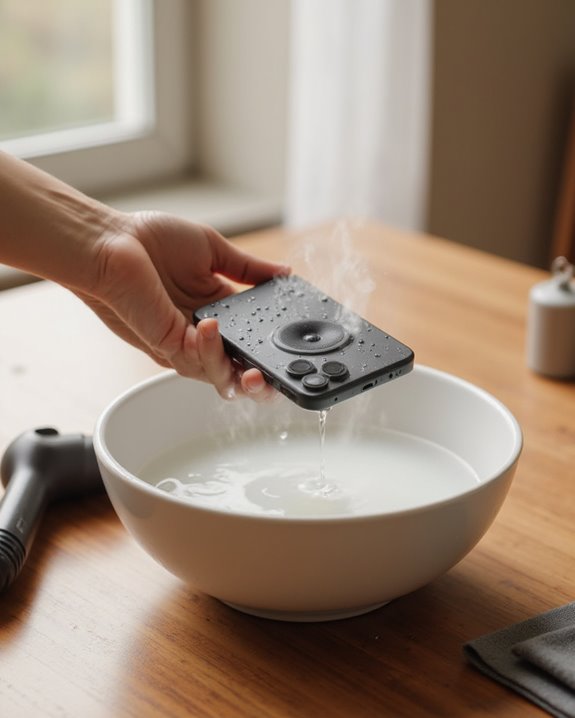
To remove water from an iPhone speaker, first download the Water Eject shortcut through a direct link. Add the shortcut to your Shortcuts library, then open the app and select “Eject Water.” Choose your preferred intensity level when prompted and tap “Begin” to initiate low-frequency vibrations that force water out. Position the iPhone face down on a paper towel afterward for effective drainage. These simple steps can restore sound quality without damaging internal components.
Key Takeaways
- Download the Water Eject Shortcut by opening the provided link directly on your iPhone and tapping “Get Shortcut.”
- Add the shortcut to your Shortcuts library by tapping “Add Shortcut” when prompted after downloading.
- Run the shortcut by opening the Shortcuts app and tapping “Eject Water” or saying “Hey Siri, Water Eject.”
- Select intensity level and tap “Begin” to start low-frequency vibrations that force water out of your iPhone speaker.
- Place your iPhone face down on a paper towel after the process and allow several hours for complete drying.
Understanding Water Resistance in Iphones
While many iPhone users confidently carry their devices near water, understanding the actual limitations of iPhone water resistance is essential for maintaining device performance. Recent iPhone models from the iPhone 12 onward carry an IP68 rating, which allows for submersion in water up to six meters deep for a maximum of 30 minutes under laboratory conditions. However, this rating doesn’t make iPhones completely waterproof, as speakers and ports remain vulnerable to water infiltration.
Unlike the Apple Watch, which features a dedicated Water Lock function to eject water, iPhones lack a built-in mechanism to remove moisture from waterlogged components. Additionally, the water resistance deteriorates over time due to normal wear and tear, potentially leaving devices more susceptible to damage. Users should thus treat their iPhones as water-resistant rather than waterproof to preserve long-term functionality. In contrast, many Bluetooth speakers boast IPX7 rating for reliable performance even after submersion.
Downloading the Water Eject Shortcut
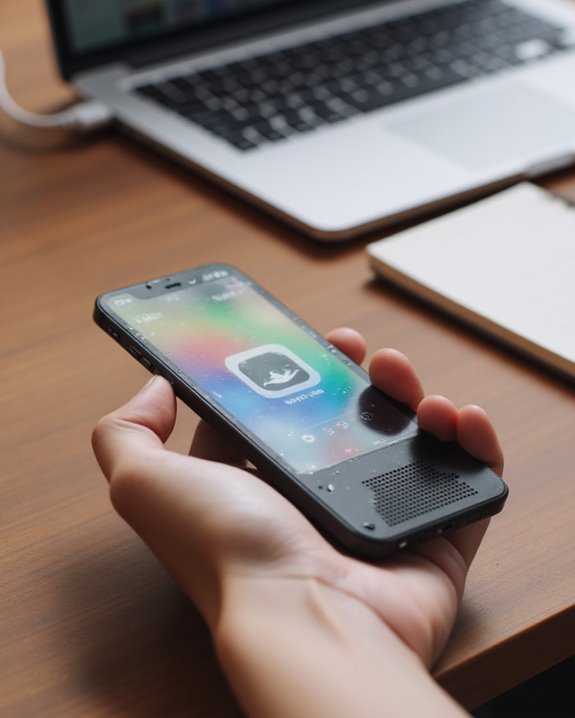
Downloading the Water Eject shortcut represents the first step in effectively removing water from an iPhone speaker. Users need to open the provided link directly on their iPhone, which allows them to access the shortcut outside the native Shortcuts app. Once the webpage loads, tapping “Get Shortcut” initiates the download process necessary for addressing a waterlogged speaker.
After initiating the download, the system will prompt users to add the shortcut to their collection. Tapping “Add Shortcut” integrates the tool into the device’s Shortcuts library, making it ready to activate the shortcut when needed. This process requires no additional tools beyond the iPhone itself and its pre-installed Shortcuts app, making it an accessible solution for anyone experiencing speaker issues after water exposure. For a complete recovery from water damage beyond just the speaker, the full guide on how to remove water from your iPhone covers every step from powering down to backing up your data.
This simple process helps in preserving the waterproof seals of your device for future use.
Setting Up the Water Eject Feature
Setting up the Water Eject feature requires only a few straightforward steps after the initial download process. Users must first access the provided link outside the Shortcuts app on their iPhone, then click “Get Shortcut” to begin the free download. Once the download completes, tapping “Add Shortcut” within the Shortcuts app integrates the water ejection functionality into the system.
The Shortcuts app comes pre-installed on most iPhones, though users can download it from the App Store if necessary. After successful integration, the final configuration step enables Siri activation, allowing users to trigger the feature hands-free by simply saying “Hey Siri, Water Eject.” This voice command setup completes the installation process, making the water removal function readily accessible whenever the iPhone speaker becomes waterlogged.
Running the Water Ejection Process
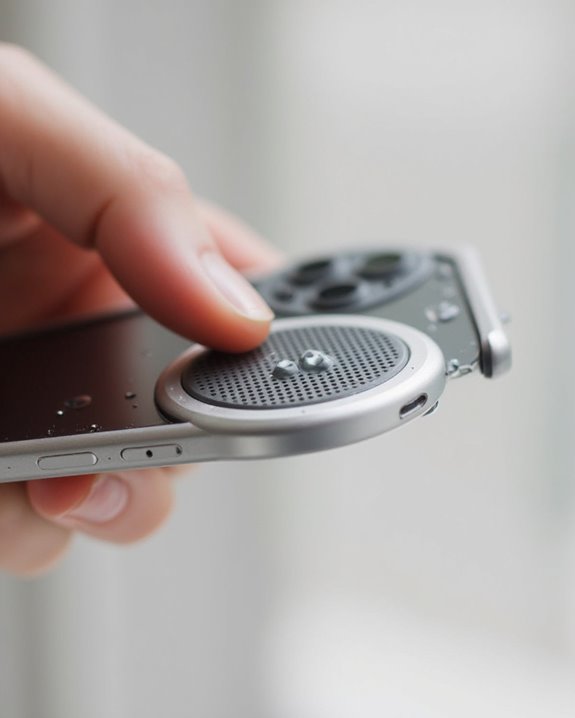
Once the Water Eject feature has been properly installed, users can proceed with the actual water removal process. To fix a waterlogged speaker, they should open the Shortcuts app and tap the “Eject Water” shortcut, or alternatively use the hands-free method by saying “Hey Siri, Water Eject.” After selecting “Begin,” a countdown initiates before the system generates low-frequency vibrations designed to expel water from the device.
Users can select different intensity levels for the procedure, with level 1 providing a single vibration cycle or level 3 delivering three cycles for more thorough water removal. How do you fix an iPhone when water gets trapped in the speaker? Simply wait for water ejection to complete, monitoring the progress as the vibrations work to restore proper speaker functionality. The process can be halted at any time by tapping “Stop.” To prevent similar issues in the future, consider investing in IPX7 protection for your audio devices to enhance water resistance.
Recommended Products

【2 IN 1 Design Function】: Bluetooth Speaker and the design of Shower mobile phone holder make it more convenient for you to use.If you are one who likes to bring your phone in the shower, get this! Enjoy watching movies, listening to music, sending emails etc. while showering after a tiring day of work!The speaker uses a 5.0 Bluetooth chip which is fast connection and has no delay. meeting your needs for meetings, watching movies and listening to music.
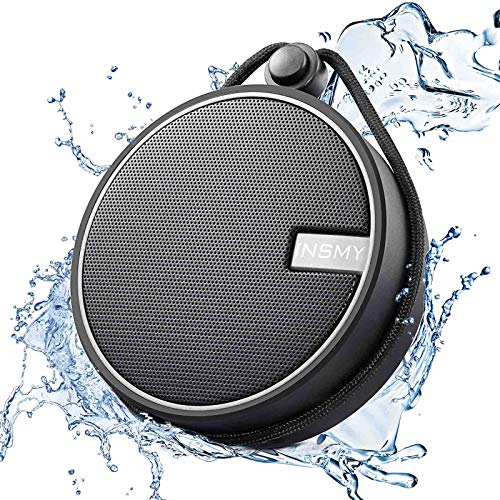
【IP67 Waterproof Even Full Submersion】Can be fully immersed up to 1 meter for about 30 minutes underwater. Featuring shock-absorbent materials, C12 shockproof portable travel speaker is primed for every type of weather and terrain, hiking, camping, running, and more. Perfect for Kayaking, boating, paddle boarding, and fishing. No worries about weather and outdoor condition, making this shower Bluetooth speaker the perfect companion for the pool beach trail, or shower.

Fashionable appearance design,The case specially designed for Ortizan Bluetooth Speaker fits perfectly
Tips for Maximizing Water Removal Results
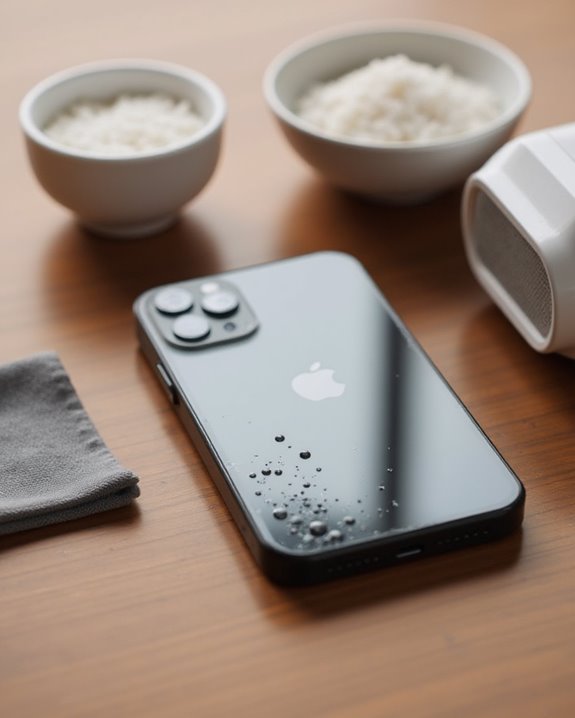
For best results when removing water from an iPhone speaker, users should follow several key optimization strategies. When using the Water Eject shortcut, disconnecting any headphones guarantees vibrations are directed solely to the device’s speakers, greatly improving water expulsion efficiency. Setting the iPhone to maximum volume increases vibration intensity, which helps dislodge trapped moisture more effectively.
Selecting a higher intensity level, particularly level 3 with its three vibration cycles, provides more thorough water removal than lower settings. After running the shortcut, users should position the iPhone face down on a paper towel, allowing gravity to assist with drainage while preventing water reentry. Following these active measures, natural drying for several hours completes the process, as this complementary step guarantees complete evaporation of any remaining moisture. If you notice that your iPhone speaker continues to sound muffled even after water removal, following a guide on how to fix iPhone speakers can help diagnose and resolve any remaining audio issues.
Recommended Products

WHAT YOU CAN GOT: 100 Clean Thin Tip + 1 tweezers + 20 Cleaning Swabs + 8 Wipes + 5 Soft Bristle Brushes + 2 Duluxe Microfiber Cleaning Cloth + 2 Soft Bursh + 1 Air Blower + 1 Storage Bag.

Complete USB C Protection & Cleaning Kit: This set includes 10 Jstincal anti-lost USB C dust plugs, 10 cleaning tools, and 2 cleaning brushes, providing all tools you need to keep your Type C ports clean and protected from dust, lint, dirt, and water damage, no more blocked charging issues
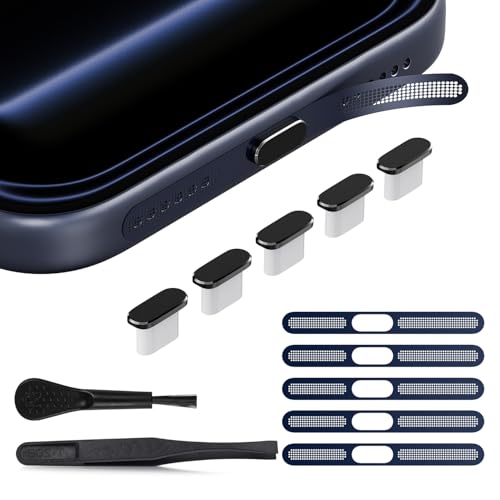
【Compatible Device】 The USB C dust plug and phone speaker cover perfectly fit iPhone 17 Pro Max, iPhone 17 pro max accessories provide full protection for your phone
Frequently Asked Questions
How to Remove Water From Speaker in Iphone?
For iPhone speaker water removal, users can employ Water Protection methods like the Water Eject shortcut. Speaker Prevention requires maximizing volume for effective Audio Maintenance. After treatment, proper Moisture Causes awareness and Case Solutions complete the recovery process.
How Do You Get Water Out of Your Iphone Fast?
Users can employ several Quick Methods to remove water from iPhones, including the Water Eject shortcut for vibrations, Emergency Steps like turning off immediately, DIY Solutions using rice, and various Drying Techniques for faster results.
How Do I Unclog My Iphone Speakers?
To unclog iPhone speakers, users should perform regular debris prevention and maintenance. Dust cleaning and lint removal using soft brushes can alleviate speaker blockage. The Water Eject shortcut’s vibrations can also dislodge stubborn obstructions from speaker ports.
How to Fix Water in Phone Speaker?
While some doubt vibrations alone can help, they’re effective. For water-damaged speakers, use the Water Eject shortcut, maximize volume, and place face-down afterward. Prevention strategies include waterproof cases and regular maintenance tips for future protection.