As an Amazon Associate, we earn from qualifying purchases. Some links may be affiliate links at no extra cost to you. Although our opinions are based on curated research, we haven't used these products. Articles generated with AI.

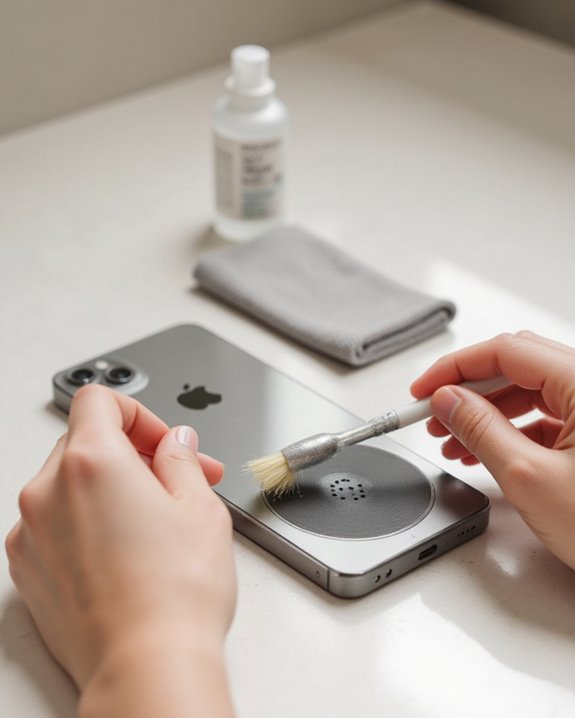
How to Clean Your Phone Speaker in 3 Easy Steps

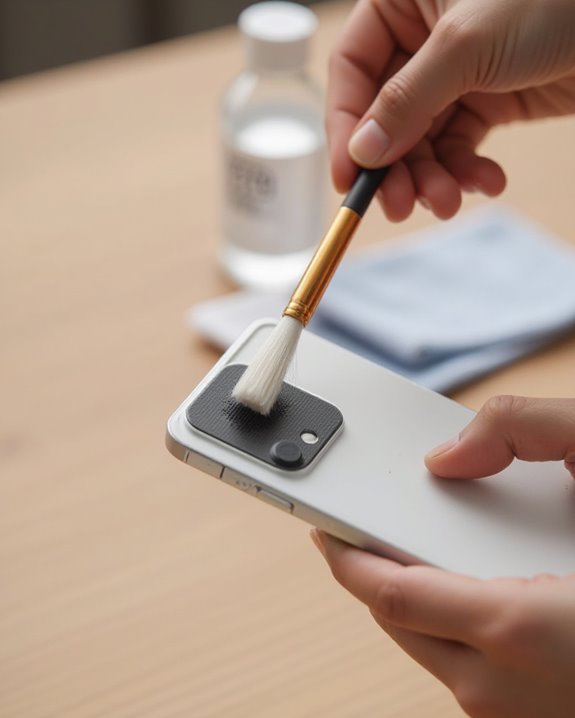
To clean phone speakers in three easy steps, first gather appropriate tools such as a soft-bristled toothbrush, cleaning putty, or an air blower. Next, gently brush the speaker grills at an angle to dislodge visible debris, being careful not to push particles deeper into the device. Finally, apply cleaning putty by pressing it lightly against speaker openings to extract embedded dirt. Regular maintenance prevents buildup and preserves audio quality while extending the life of delicate speaker components.
Key Takeaways
- Tilt a soft-bristled toothbrush against speaker grills and gently brush to dislodge surface debris without pushing it deeper.
- Press cleaning putty like AirSquares lightly against speaker openings to extract embedded dirt and dust.
- Use an air blower to remove remaining particles with controlled, low-pressure streams safer than compressed air.
- Keep all cleaning tools dry to prevent moisture damage and avoid introducing harmful liquids to speaker components.
- Regularly clean phone cases and screen protectors to prevent debris buildup that can affect speaker performance.
Gather the Right Tools for Safe Speaker Cleaning
Selecting appropriate cleaning tools represents the critical first step toward maintaining phone speakers without causing damage to delicate components. Experts recommend using soft-bristled implements such as a clean toothbrush, paintbrush, or makeup brush specifically designed for electronics, which effectively dislodge debris while minimizing potential harm to speaker grills.
For best results, consumers should consider investing in specialized cleaning putties like AirSquares, which adhere to dirt particles without pushing them deeper into the device. Air blowers provide a safer alternative to compressed air, generating sufficient force to remove loose particles without the excessive pressure that might damage internal components. Additionally, car cleaning gel offers exceptional adhesion properties for thorough grime removal, eliminating the need for potentially harmful liquids or sharp objects that could compromise speaker functionality.
Recommended Products
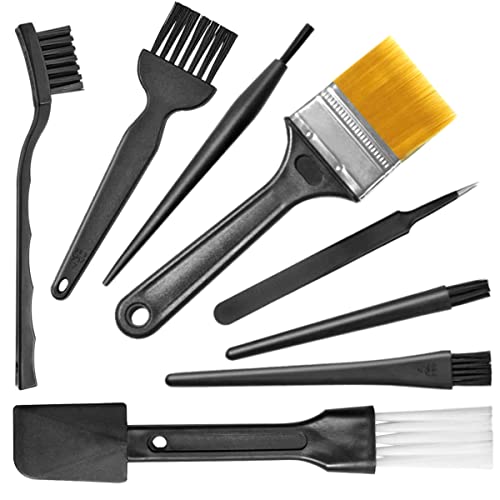
Wide variety of brushes, different bristles hardness & sizes for different tasks all the time.

This set of keyboard cleaning brushes is well made, comes in a variety of shapes and sizes for cleaning deep and hard-to-clean areas, enough to meet your daily needs.

Soft bristles gently brush away dust
Step-by-Step Speaker Cleaning Technique
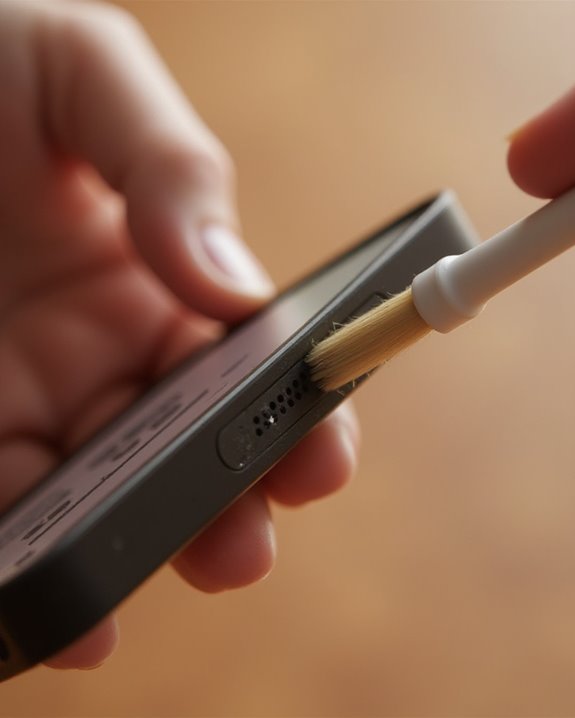
Implementing a methodical, three-step cleaning process guarantees best results when addressing accumulated debris in phone speakers. Begin by tilting a soft-bristled toothbrush at an angle against the speaker grills, gently brushing to dislodge particles without forcing them deeper into the device. Next, apply specialized cleaning putty such as AirSquares to the speaker openings located at the bottom of the iPhone, pressing lightly to maximize adhesion and extract embedded dirt. Finally, use an air blower to remove any remaining dislodged debris with controlled, low-pressure air streams.
Make sure to keep the brush clean and dry throughout the process to prevent introducing additional contaminants. This systematic approach effectively targets both the bottom grills and top ear speaker areas, maintaining maximum audio clarity while protecting delicate internal components from damage. For iPhone users specifically, a dedicated guide on how to clean your iPhone speaker goes into deeper detail on safe techniques for Apple devices.
Recommended Products
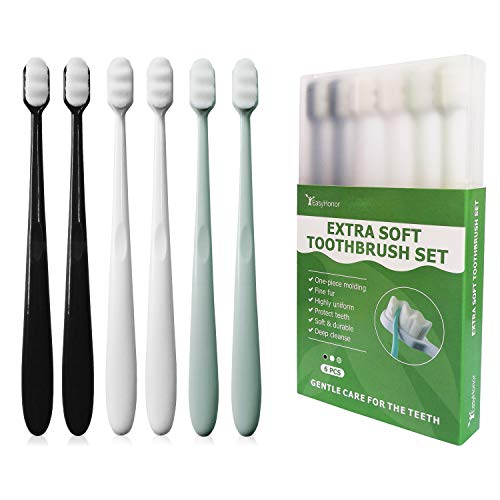
【ULTRA SOFT】Using Japanese soft toothbrush technology, more than 20,000 micro fine bristles are much thinner than other soft bristles which thicknesses at 120μm, fine and soft, deep oral cleaning, designed for sensitive teeth.
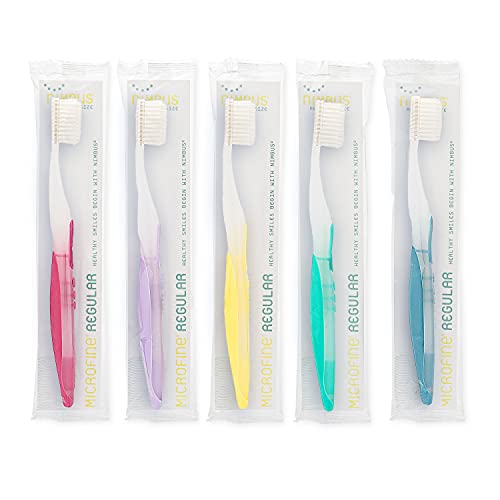
EXTRA SOFT BRISTLES â The Nimbus Toothbrush uses Microfine Technology which utilizes two-levels of bristles to create unique softness and stability. The long single-end tapered fine bristles reach into areas not accessible to conventional bristles while the short end-rounded bristles are used to support and optimize plaque removal.

SUPER SOFT BRISTLES: Polymer nano SPA grade brush head, 20,000+ 80 micron filament diameter fine bristles, wave brush surface, deep into the teeth cleaning, get rid of oral odor, care for gums, say goodbye to bleeding trouble. Small particles on the back to clean the tongue and massage the mouth
Preventing Future Speaker Buildup
Routinely implementing preventive measures greatly reduces the frequency of speaker cleaning requirements and extends the device’s audio performance over time. Owners should regularly clean phone cases and screen protectors with soap and water, ensuring they are completely dry before reattachment to prevent moisture transfer to speaker components.
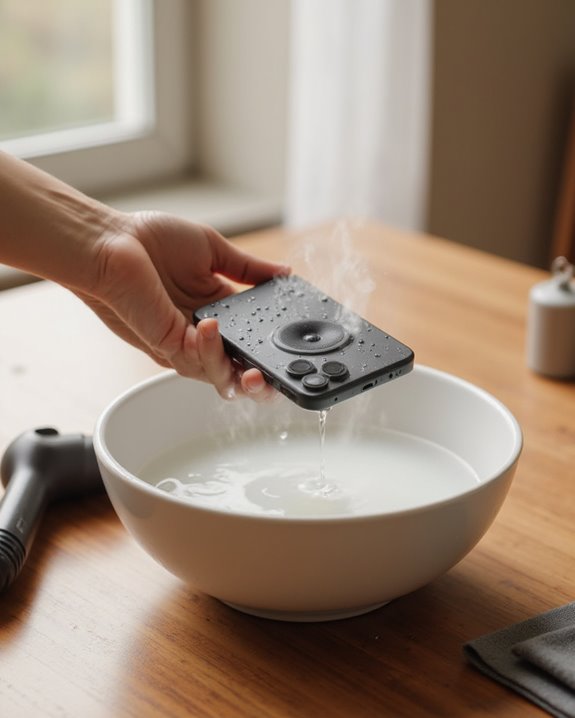
Protecting devices from water exposure is essential, as moisture can cause audio distortion and promote debris accumulation; when accidents occur, follow manufacturer-specific guidance for proper drying procedures. If water does get into your speakers, a step-by-step method for getting water out of your iPhone speaker can help you restore clear audio without causing additional damage. Users should inspect charging accessories for damage that might prevent proper connection, potentially leading to debris buildup around ports and nearby speakers. When cleaning becomes necessary, utilize only soft-bristled brushes or non-metal tools to avoid damaging the protective mesh. Additionally, implementing a routine of powering devices off and on helps identify audio issues early, before they contribute to serious buildup problems. To further safeguard against moisture damage, consider devices equipped with IP67 rating for better resistance to water exposure.
Recommended Products

IP68 Certified Waterproof Protection: A 3.3 feet/1 meter IP68 certified professional floating waterproof phone pouch is perfect for swimming pools, beaches, kayaking, fishing, surfing, sailing, skiing, boating, snorkeling, tubing, rafting, showering, sauna, other water park activities and to store your ID; This waterproof pouch will keep your phone fully functional and 100% protected from the water making it one of the best cruise, vacation, and travel essentials/accessories to have (Best for Phone Screen Sizes Up to 6.1 Inches)

Cruise-Ready IPX8 Waterproof Protection: Fully sealed IPX8 waterproof pouch protects your phone from splashes, rain, pool water and beach sand—perfect for cruises, pool decks, water rides, beach days and tropical excursions.

BEACH ESSENTIALS-SUPERIOR WATERPROOF PROTECTION: Certified IPX8 waterproof with Hiearcool's triple layer lock-down technology provides complete protection against water, snow, dust, and sand. Ensure your cell phone stays dry
Frequently Asked Questions
How Do I Clean Out My Phone Speaker?
While speaker maintenance theories vary, experts recommend using a soft-bristled brush at an angle to dislodge debris, applying sticky cleaning putty for stubborn dirt, and following with an air blower. Always power off the phone beforehand.
How to Remove Dust From Speaker?
One can remove speaker dust by gently brushing at an angle with a soft-bristled brush, applying cleaning putty to extract particles, or using a low-pressure air blower. Regular maintenance aids in dust prevention for best performance.
How Can I Make My Speakers Sound Clear?
The secret to enhanced audio clarity lies within the speakers themselves. To enhance clarity, one should gently brush speaker grills, apply cleaning putty to extract debris, and finish with an air blower—never liquid or sharp tools.
How Do I Fix My Loud Speaker on My Phone?
To fix a phone’s loud speaker, users should check volume control settings first. If issues persist, gentle cleaning with a soft brush, applying cleaning putty, and restarting the device can resolve most audio output problems.